AI Coding Agent vs. AI Code Assistant: What's the Difference?
These two terms get used interchangeably constantly, and that's the source of most confusion in AI coding comparisons. An assistant reacts to you, one suggestion at a time. An agent acts on a goal, planning and executing across your whole repository with minimal input. Here's the real distinction, why the biggest tools in 2026 are increasingly both at once, and how to know which one you're actually using.
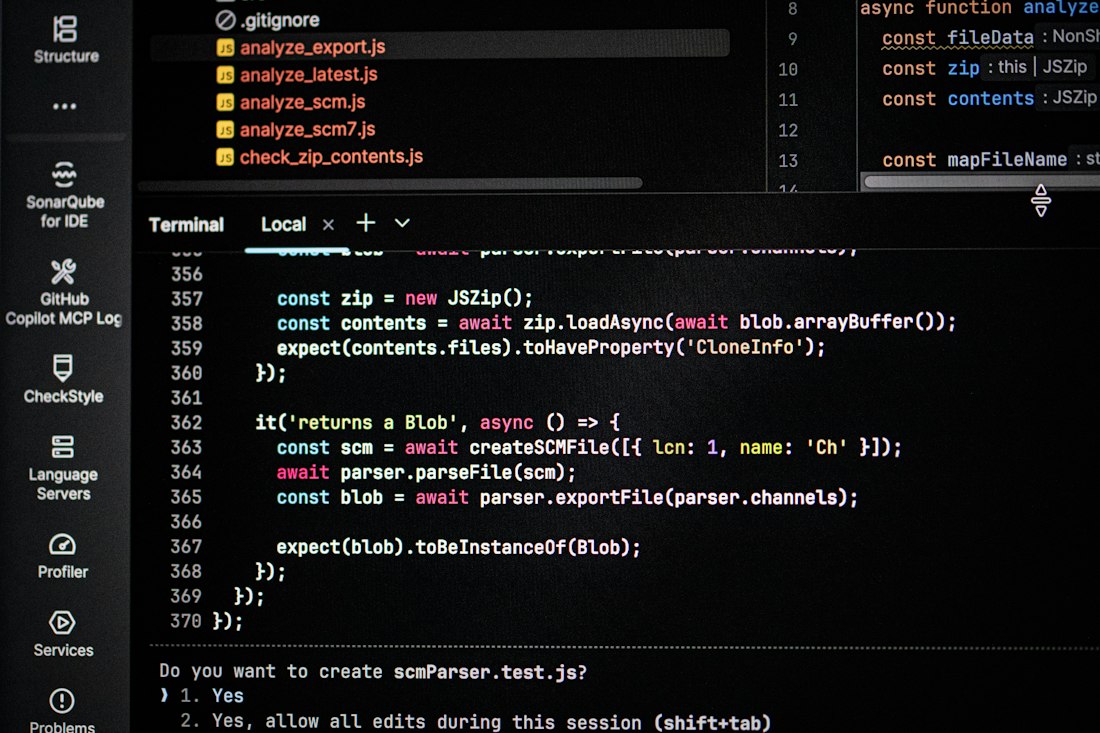
Autonomy, not intelligence, is what separates an AI coding agent from an AI code assistant.
The Short Answer
An AI code assistant reacts — it suggests, completes, or answers when you ask, and waits for your next move. An AI coding agent acts — you hand it a goal, and it plans the work, edits files across your repository, runs your tests, reads the failures, and keeps iterating with minimal input until the task is actually done. The difference is autonomy and scope, not raw intelligence: the same underlying model can power either kind of tool, depending on how much of the loop it's allowed to run without checking in with you.
The Three Tiers, Explained
Most confusion about this terminology comes from treating it as a two-way split when it's really three tiers, and most tools now span more than one of them.
Tier 1: Autocomplete
Predicts the next line or block as you type — ghost text you accept, reject, or modify. You're driving every keystroke. GitHub Copilot's original tab-complete experience is the archetype; Tabnine and Amazon Q inline completions work the same way.
Tier 2: AI Assistant
Chat-first and embedded in your IDE. You ask a question or request a change, it proposes edits, and you accept or reject them one at a time. Cursor's chat panel and Sourcegraph Cody fit here — genuinely useful, but you're still reviewing each suggestion individually.
Tier 3: Autonomous Agent
Accepts a goal and works independently across multiple steps — reading files, writing code, running tests, interpreting errors, and iterating without you touching the keyboard between steps. Claude Code, Devin, and Codex's agent mode belong here.
Autonomy, not intelligence, is what separates an AI coding agent from an AI code assistant.

Most 2026 tools blend both tiers — a chat panel for review-as-you-go work, and an agent mode for handing off the whole task.
Side by Side
| AI code assistant | AI coding agent | |
|---|---|---|
| Who drives | You, at every step | The agent, once you set the goal |
| Scope of a single action | One suggestion, one file | Multiple files, a whole task |
| Verifies its own work | No — you review each change | Often yes — runs tests, reads failures, retries |
| Typical interaction | Chat, ask, accept/reject | Hand off a ticket, come back to a pull request |
| Examples | Copilot autocomplete, Cursor chat, Cody | Claude Code, Devin, Codex agent mode |
How We Got Here
Two years ago, "AI agent for coding" mostly just meant autocomplete with a slightly better memory. That era is genuinely over. In 2026, a coding agent can read your whole repository, plan a change across files, write the code, run the tests, debug the failures, open the pull request, and even answer code review comments — some running in your terminal, some in your IDE, and a growing number running in the background while you're in a meeting or asleep. The terminology hasn't fully caught up with how fast the category moved: plenty of people still say "AI coding assistant" out of habit when describing a tool that's actually operating with full agent autonomy, which is where a lot of the confusion in comparison articles comes from.
The Governance Angle Most Comparisons Skip
The assistant/agent distinction isn't just a workflow preference — it's increasingly a security and compliance decision too. An assistant that only suggests a line of code when asked has a narrow, easy-to-reason-about blast radius. An agent that can read your entire repository, run arbitrary commands, and push changes autonomously has a much bigger one, which is exactly why some companies outright block cloud-based agents over IP or compliance concerns, while others mandate self-hosted or internally-controlled tools as a condition of use. If developers feel uneasy about proprietary logic or client data leaving their control, they simply won't trust the tool regardless of how capable it is — which is a real, practical reason team-wide agent adoption tends to lag individual assistant adoption even when the agent is objectively more powerful.
Why the Same Product Can Be Both
This is where a lot of comparison articles get sloppy: several of the biggest names in this space aren't purely one tier or the other anymore. GitHub Copilot started as the archetypal autocomplete tool and has since become what one analysis calls a hybrid — it works like a pair-programming assistant when you're using autocomplete and chat, and behaves more like a coding agent when you switch on Agent Mode or its cloud workflows. Cursor is similar: fast autocomplete and an assistant-style chat panel for everyday work, with a genuine agent mode available for multi-file changes when a task calls for it. The honest way to think about these tools in 2026 isn't "is this an assistant or an agent" — it's "which mode am I currently using it in, and does that match what this task needs."
Why the Distinction Actually Matters
Reach for an assistant when
- The task is small, well-scoped, and you want to review every change
- You're exploring or learning a codebase, not shipping a feature yet
- You want fast, low-friction help without setting up permissions or hooks
Reach for an agent when
- The task spans multiple files and a clear, well-defined outcome
- You want the tool to run and interpret your test suite, not just write code
- You're comfortable reviewing a finished pull request rather than every step
Picking the wrong tier for the task is a common source of frustration with both categories. Handing a vague, exploratory task to a fully autonomous agent tends to produce confident but wrong work, since there's no clear goal for it to verify against. Conversely, using an assistant for a large, multi-file refactor means you end up doing the coordination work the agent tier was specifically built to automate.
What Actually Makes an Agent an Agent
Underneath the marketing, the technical difference comes down to a loop: an agent reads context, plans a change, executes it, checks the result against something concrete (a test suite, a build, a linter), and repeats until the check passes or it gives up and asks for help. An assistant doesn't run that loop on its own — it produces one output and stops, waiting for you to decide the next step and prompt it again. That loop is also why agents can meaningfully claim to "verify" their own work in a way assistants generally can't: the verification step is baked into the workflow, not something you do afterward.
Common Questions
Is an AI coding agent always better than an assistant?
No — better for a different job, not universally better. Assistants are faster for small, immediate, in-IDE work where you want to review every change. Agents are better for complex, long-running tasks like refactors, migrations, and test generation, where the coordination overhead of doing it manually is the actual bottleneck.
Is GitHub Copilot an assistant or an agent?
Both, depending on which mode you're using. Its original autocomplete and chat features are assistant-tier; its Agent Mode and cloud agent workflows are genuinely autonomous. This dual nature is common among 2026's biggest tools, not unique to Copilot.
Do I need to choose one category and stick with it?
No. Most mature engineering teams in 2026 use both deliberately: an assistant for everyday, in-IDE acceleration, and an agent for background or multi-step work, rather than treating the choice as permanent.
How can I tell which tier a specific feature actually is?
Ask whether it runs a verification step on its own. If a feature produces a suggestion and stops, waiting for you to accept, reject, or ask again, it's assistant-tier regardless of what the marketing page calls it. If it plans a task, edits multiple files, runs your tests or build, reads the result, and keeps going without you prompting each step, it's agent-tier. The name on the button matters less than whether that loop is actually happening.
Our Take
Stop asking which category a tool belongs to and start asking which mode fits the task in front of you. Autocomplete and chat-style assistance are still the fastest way to handle small, well-scoped changes you want to review line by line. Autonomous agent mode earns its keep on multi-file, well-defined work where verification can be automated. The tools that matter most in 2026 increasingly offer both under one roof — the skill worth building isn't picking a side, it's knowing when to switch.
More from the creator
Explore two other projects from the same creator.