Best AI Tools for Transcribing Audio and Video
Transcription looks like a solved problem until you throw a real recording at it — overlapping speakers, background noise, an accent a model wasn't trained on well. Here are the AI transcription tools that actually hold up in 2026, and where each one specifically earns its place.
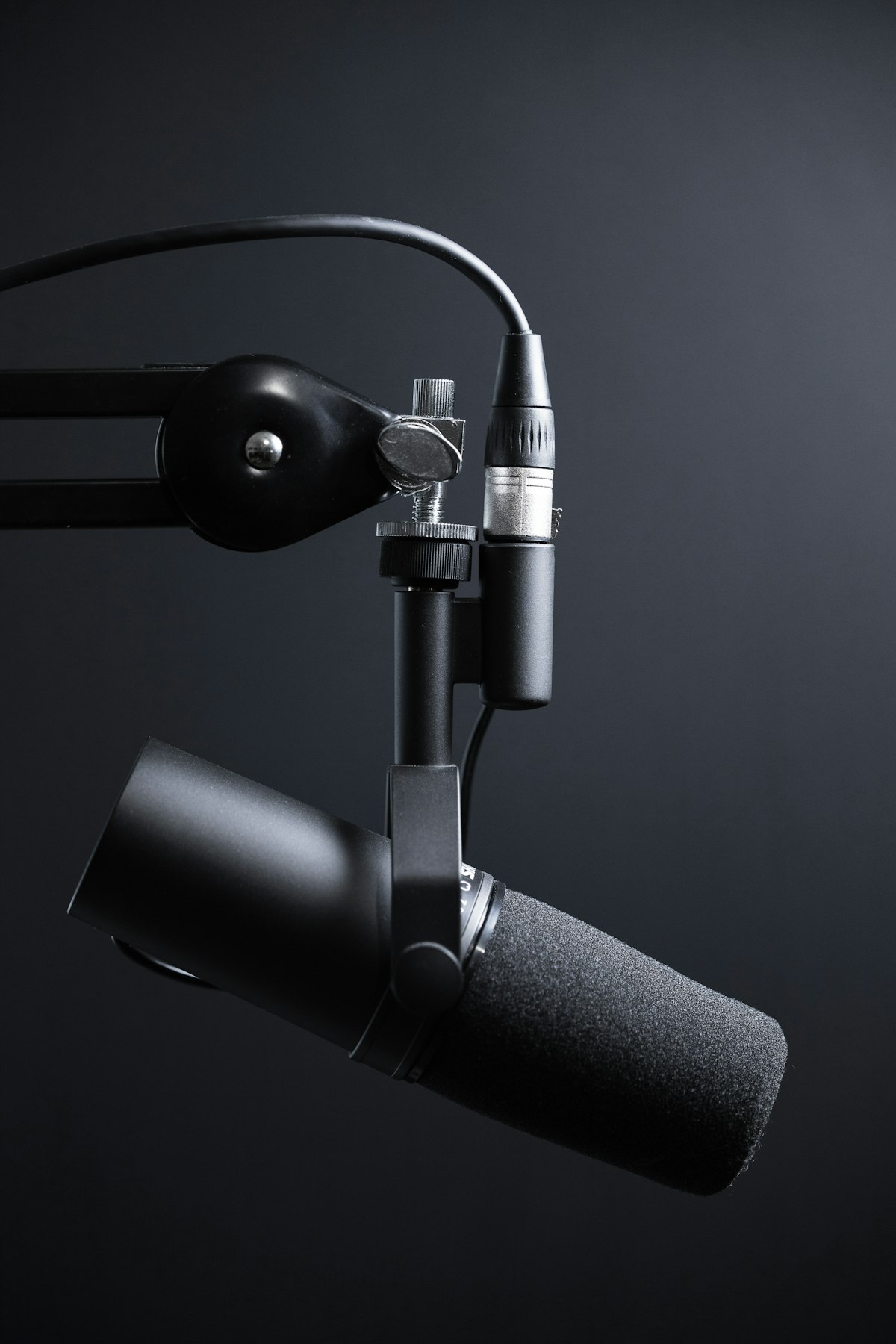
Real-world audio — overlapping speakers, background noise, accents — is where transcription tools actually separate from each other.
Where Transcription Tools Actually Differ
Nearly every transcription tool handles a single clear speaker in a quiet room well. The real differentiator is speaker diarization — correctly labeling who said what when multiple people talk, especially with overlapping speech — along with handling accents, background noise, and specialized vocabulary. Those are the dimensions worth testing with your own actual recordings before picking a tool for ongoing use.
5 AI Transcription Tools Worth Using
Otter.ai
Built specifically around live meeting transcription, with real-time speaker labeling and automatic summary generation. A strong default for recurring meetings where you want a searchable transcript without manually uploading a recording afterward.
OpenAI's Whisper
An open-weight model many other transcription products are built on top of, and a solid free option if you're comfortable running it yourself or through a service that hosts it, with strong accuracy across a wide range of accents and languages.
Descript
Combines transcription directly with text-based video and audio editing — cut a recording by deleting words from the transcript, which is uniquely useful if editing, not just transcribing, is the actual goal.
Rev
A strong choice when very high accuracy matters more than speed, with an option to have a transcript reviewed or completed by a human for content where errors are especially costly, like legal or medical use cases.
AssemblyAI
Aimed more at developers building transcription into their own product via API, with strong support for speaker diarization and custom vocabulary rather than being a consumer-facing app itself.
Matching the Tool to the Job
Live Meetings
Otter.ai's real-time transcription and speaker labeling fit recurring calls and meetings best.
Editing While Transcribing
Descript's text-based editing model is the right fit when the transcript is a means to editing, not the end goal.
Maximum Accuracy
Rev's human-reviewed option matters when errors carry real cost, like legal or medical transcripts.
Building Transcription Into a Product
AssemblyAI's API-first approach fits developers integrating transcription into their own app rather than using a standalone tool.
Bottom Line
Otter.ai is the best starting point for everyday meeting transcription, and Descript is the right choice if you're transcribing specifically to edit audio or video afterward. Reach for Rev when accuracy matters more than speed and cost, and AssemblyAI if you're building transcription into your own product rather than using a standalone app.
What Actually Trips Up Transcription Accuracy
Beyond a clear, single-speaker recording, several conditions reliably degrade transcription accuracy across every tool: overlapping speech where two people talk at once, heavy background noise like a busy cafe or outdoor recording, strong regional accents a model has seen less training data for, and specialized or technical vocabulary the model doesn't recognize. None of the tools in this category fully solve all four at once, so identifying which of these applies most to your typical recordings is a better way to choose a tool than a generic accuracy claim from a vendor's marketing page.
For technical or specialized vocabulary specifically, several tools, including AssemblyAI, support a custom vocabulary list that can be provided ahead of time, meaningfully improving accuracy on jargon or proper nouns a general-purpose model wouldn't otherwise recognize correctly.
The Short Version, All in One Place
To recap: Otter.ai is the strongest default for live meeting transcription with real-time speaker labeling, Descript is the right choice when transcription is a means to editing rather than the end goal, Rev's human-reviewed option matters when accuracy is critical, and AssemblyAI fits developers building transcription into their own product via API. OpenAI's Whisper remains a strong free, open-weight option if you're comfortable running or hosting it yourself. Across every tool, speaker diarization on overlapping or multi-speaker audio remains the hardest problem none of them have fully solved.
More AI Guides, Written Clearly
Browse our full library of AI tool guides, updated regularly as models and features change.
Common Questions
What's the best AI tool for transcribing meetings?
Otter.ai is built specifically for live meeting transcription, with real-time speaker labeling and automatic summaries, making it a strong default for recurring calls.
Is there a free AI transcription tool?
OpenAI's Whisper is an open-weight model available for free if you're comfortable running it yourself or through a service that hosts it, with strong accuracy across many languages and accents.
Which transcription tool also lets me edit the audio or video?
Descript combines transcription with text-based editing, letting you cut a recording by deleting words directly from the transcript, which is unique among the tools on this list.
What's the most accurate option for something like a legal transcript?
Rev offers a human-reviewed transcription option specifically for content where high accuracy matters more than speed, which suits legal, medical, or other high-stakes transcripts.
Why do AI transcription tools struggle with overlapping speakers?
Correctly attributing overlapping speech to the right speaker, known as diarization, remains one of the hardest unsolved problems in transcription, since the audio itself contains genuinely ambiguous, simultaneous information for the model to separate.
Can I improve accuracy for technical or industry-specific vocabulary?
Yes, several tools, including AssemblyAI, support providing a custom vocabulary list ahead of time, which meaningfully improves recognition of jargon, proper nouns, or specialized terms a general-purpose model wouldn't otherwise transcribe correctly.
Can transcription tools identify different speakers automatically?
Yes, this feature is called speaker diarization, and tools like Otter.ai and AssemblyAI both support it, though accuracy can drop with overlapping speech or more than a few speakers in one recording.
Is it possible to transcribe audio in a language other than English?
Most major transcription tools, including Whisper and Otter.ai, support multiple languages, though accuracy can vary depending on how much training data existed for a specific language compared to English.
Do transcription tools work well on recordings with strong regional accents?
Accuracy on accents has improved substantially, particularly with models like Whisper trained on diverse global audio, though accuracy still tends to be somewhat higher for widely represented accents than less common ones.
Can I edit a transcript after it's generated to fix errors?
Yes, every tool in this category allows manual editing of the generated transcript, and tools like Descript specifically build their entire editing workflow around correcting and working with that transcript text directly.
Do transcription tools include timestamps for each part of the text?
Most do, including Otter.ai and AssemblyAI, which is useful for navigating directly to a specific point in the original audio or video rather than only having a flat block of undifferentiated text.
Is there a difference in accuracy between transcribing audio-only versus video files?
Not inherently from the audio processing itself, since most tools extract and process the audio track the same way regardless of source, though a video file's audio quality can sometimes be lower if it wasn't the primary recording focus.
Can I search within a transcript for a specific word or phrase?
Yes, tools like Otter.ai and Descript both support searching directly within a generated transcript, which is especially useful for quickly finding a specific moment in a long recording without listening through it manually.
Do these tools support exporting a transcript in different file formats?
Most support common formats like plain text, SRT, and Word documents, making it straightforward to move a finished transcript into whatever other tool or workflow you need it for next.
More from the creator
Explore two other projects from the same creator.