Nano Banana AI Photo Editing: The Complete Prompt Guide (2026)
Google's Nano Banana is the image model everyone in the Gemini app is suddenly obsessed with — over 5 billion images generated since launch, and the reason your feed is suddenly full of eerily consistent AI photo edits. Here's what it actually is, how Nano Banana Pro and Nano Banana 2 differ, and the exact prompt patterns that get clean results instead of a warped face.
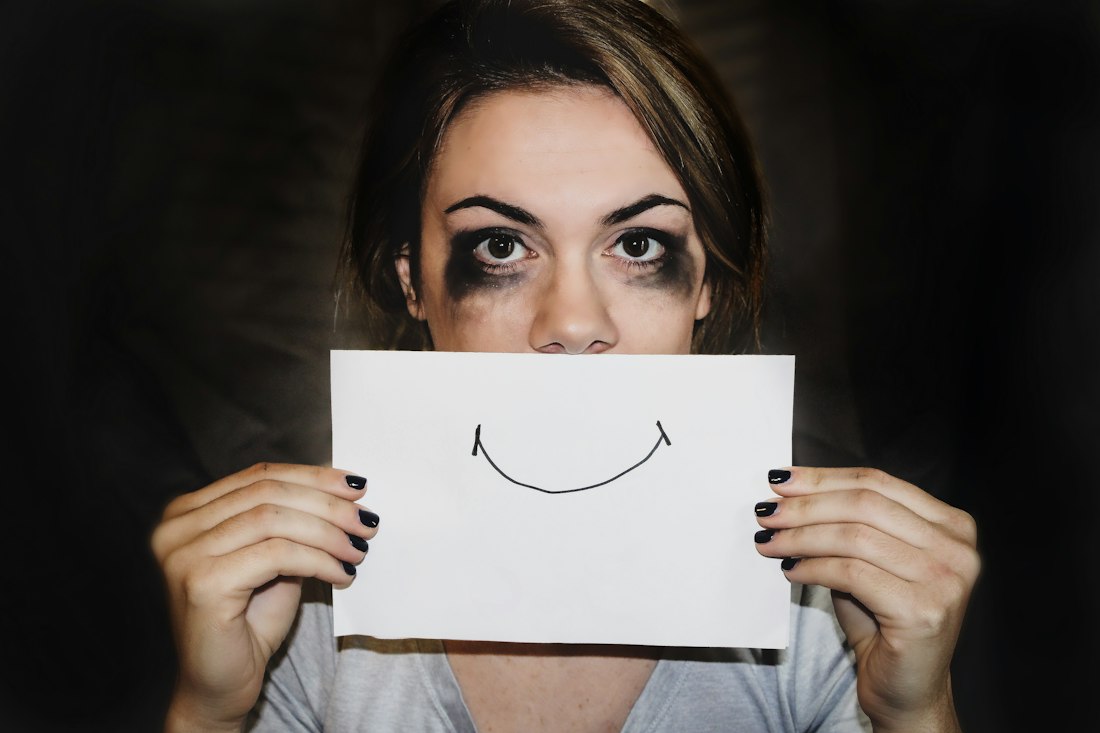
Nano Banana's core trick is keeping a face, pet, or product consistent across edit after edit — something most image models still struggle with.
What Is Nano Banana, Actually?
"Nano Banana" is the nickname that stuck for Google's image generation and editing model built into the Gemini app — officially Gemini 2.5 Flash Image at launch, now succeeded by Nano Banana Pro (built on Gemini 3 Pro) and the faster Nano Banana 2 (Gemini 3.1 Flash Image). Unlike a typical text-to-image generator that starts from scratch every time, Nano Banana is built for iterative editing: give it a photo, tell it what to change in plain language, and it preserves everything else — the same face, the same pet, the same lighting — while applying just the edit you asked for.
That consistency is the entire reason it went viral. Earlier models would subtly redraw a person's face with every new prompt, which made multi-step editing useless for anything involving a specific person, pet, or product. Nano Banana keeps identity locked across edits, blends multiple source photos together, and follows natural-language instructions instead of requiring prompt-engineering tricks.
Identity Consistency
Faces, pets, and products stay recognizable across up to five characters in one generation, instead of drifting with each new edit.
Multi-Image Blending
Combine two or more source photos — put yourself in a new scene, swap a background, or merge a product shot with a lifestyle photo.
Legible Text (Pro)
Nano Banana Pro can render accurate, readable text in multiple languages — useful for infographics, posters, and mockups, a longtime weak spot for image models.
Built Into Search
Available directly through Google Lens' Create mode, NotebookLM, and now the default model behind Google Search's AI Mode image results.
Nano Banana vs. Nano Banana Pro vs. Nano Banana 2
Nano Banana Pro targets precision work: infographics, mockups, and branded visuals.

Nano Banana 2 trades a little of Pro's fidelity for noticeably faster generation.
| Version | Best for | Access |
|---|---|---|
| Nano Banana (original) | Casual photo edits, character/pet consistency | Free in the Gemini app |
| Nano Banana Pro | Infographics, legible text, up to 4K, branded/precise work | Google AI Pro and Ultra plans (regenerate via the three-dot menu) |
| Nano Banana 2 | Faster everyday generation, now the app-wide default | Free tier and paid tiers, default across Fast/Thinking/Pro modes |
Google says Nano Banana 2 keeps most of Pro's high-fidelity character work while generating noticeably faster, and it's now also the default engine behind Flow, Google's AI video editing tool.
Prompts That Actually Work
Nano Banana responds far better to plain, specific instructions than to keyword-stuffed prompts built for older diffusion models. The formula that consistently produces clean results: subject + specific action + scene/context + any lighting or style note.
Example that fails: "make it better, more aesthetic, professional, 4k, trending" — vague adjectives give Nano Banana nothing concrete to act on.
Outfit or style swap
"Change only the jacket to a tan trench coat, keep the face, pose, and background identical."
Background replacement
"Replace the background with a minimalist white studio, keep the subject's lighting and shadow direction unchanged."
Photo restoration
"Restore this old photo: remove scratches and discoloration, keep every facial detail as-is, do not add anything that isn't already in the photo."
Product mockups
"Place this product on a marble kitchen counter with morning light from the left, add a soft shadow beneath it."
Where Nano Banana Excels and Where It Breaks
- Genuinely reliable identity consistency across multi-step edits
- Understands plain-language instructions without prompt-engineering syntax
- Free to use in the Gemini app, Search, and NotebookLM
- Nano Banana Pro renders legible multilingual text, rare among image models
- Weaker than dedicated art generators at stylized, painterly, or surreal output
- Every image carries a visible watermark plus an invisible SynthID marker
- Complex multi-character scenes beyond five subjects start losing fidelity
- Best editing quality (Pro) sits behind Google AI Pro/Ultra subscriptions
Is Nano Banana Worth Using?
Yes — for editing real photos. Look elsewhere for pure stylized art.
If your goal is editing an existing photo — changing a background, restoring an old picture, swapping an outfit, keeping a pet or product recognizable across variations — Nano Banana is currently the strongest free option available. If you want painterly, surreal, or heavily stylized generation from scratch, a tool like Midjourney will still get you closer to that aesthetic.
Start with the free tier in the Gemini app before paying for Pro. Most everyday editing needs — backgrounds, outfits, restorations, product shots — are fully covered by Nano Banana 2's default free tier; Pro mainly earns its keep on text-heavy infographics and 4K output.
Frequently Asked Questions
Is Nano Banana free to use?
Yes. The base Nano Banana 2 model is free in the Gemini app, Google Search's Lens Create mode, and NotebookLM. Nano Banana Pro's higher-fidelity editing is available on Google AI Pro and Ultra subscription plans.
How is Nano Banana different from Nano Banana Pro?
Nano Banana Pro is built on Gemini 3 Pro and adds sharper detail, accurate multilingual text rendering, and up to 4K resolution. Nano Banana 2 (Gemini 3.1 Flash Image) is the newer, faster default model that keeps most of Pro's character consistency at greater speed.
Can people tell if an image was edited with Nano Banana?
Yes, by design. Every output carries a visible Gemini watermark and Google's invisible SynthID watermark, which remains detectable even if the visible mark is cropped out.
More AI Image Guides, Written Clearly
Browse our full library of AI image and video tool guides, updated as new models ship.
More from the creator
Explore two other projects from the same creator.