Gemini 3 Deep Think Explained: Google's Slow-Thinking Mode
Most AI models are optimized to answer fast. Deep Think does the opposite on purpose — it pauses, explores several possible approaches to a problem at once, and only then responds. Google says the result is gold-medal-level performance on the 2025 Physics and Chemistry Olympiads. It's also exclusive to Google's most expensive plan. Here's what it actually does.
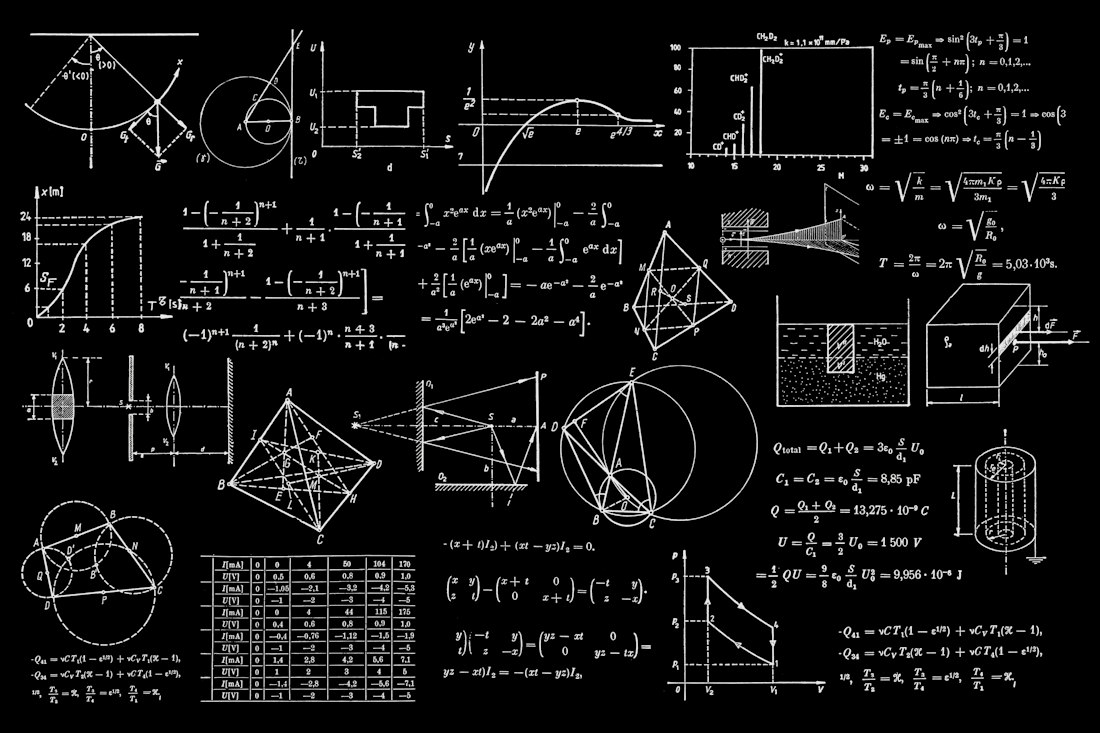
Deep Think explores multiple possible solutions in parallel before committing to a final answer.
A Reasoning Mode Built to Take Its Time
Deep Think is a distinct mode within the Gemini app, separate from the standard Gemini 3 Pro model, and built specifically for problems that reward extended reasoning: complex math, science, logic, and engineering tasks. Google DeepMind's Tulsee Doshi described the February 2026 upgrade as delivering "a meaningful improvement in reasoning capabilities, designed to tackle complex math, science and logic problems that challenge even the most advanced state-of-the-art models."
The technique behind it is what Google calls parallel reasoning — instead of generating one line of thought and running with it, Deep Think explores multiple hypotheses simultaneously, then compares and validates them before settling on a final answer. That takes noticeably longer than a normal response, which is the trade-off: more thinking time in exchange for meaningfully better results on the hardest problems.
Real Reported Use Cases

Google reports Deep Think has been used to identify logical errors in complex mathematics research papers.

DeepMind has cited engineering and rapid prototyping as a real-world Deep Think use case.
Research Verification
Google has demonstrated Deep Think identifying a logical error in a mathematics research paper that human experts had missed.
Materials Science
Duke University's Wang Lab reportedly used Deep Think to optimize fabrication methods for crystal growth in a semiconductor research project.
Engineering & Prototyping
Google cites use in translating engineering logic into executable, physical design solutions for rapid prototyping workflows.
Benchmark Performance
Google reports leading results against Claude Opus 4.6, GPT-5.2, and its own Gemini 3 Pro on logical reasoning and coding benchmarks.
Getting Started With Deep Think
-
Subscribe to Google AI Ultra
Deep Think in the consumer Gemini app is exclusive to Ultra, Google's top-tier and most expensive AI plan. There's no way to access it through Gemini's free tier or the standard paid plan.
-
Open the Gemini app and select the model dropdown
Deep Think appears as a selectable option alongside Gemini 3 Pro once you're on an eligible plan.
-
Use it for problems that actually warrant the wait
Because it deliberately takes longer than a standard response, Deep Think is best saved for genuinely complex problems — not everyday writing or quick questions, where Gemini 3 Pro is faster and just as capable.
-
Consider Vertex AI early access for development use
Developers and enterprises who want API-level access without an Ultra subscription can request entry to Google's early access program through Vertex AI.
What Deep Think Does and Doesn't Solve
- Complex, multi-step math, science, and logic problems that need real deliberation
- Verifying or stress-testing existing research and technical reasoning
- Engineering and prototyping tasks that benefit from exploring several approaches
- Leads several benchmarks against competing flagship models, per Google's own testing
- Locked behind Google AI Ultra, its most expensive consumer plan
- Meaningfully slower than standard Gemini 3 Pro, so it's overkill for everyday tasks
- Benchmark claims come primarily from Google's own reporting
- Gap versus Gemini 3 Pro narrows significantly on multimodal (image/visual) reasoning
Impressive, Narrow, and Priced for Specialists
A genuinely capable reasoning mode, built for a specific kind of user.
Deep Think isn't trying to be a better everyday assistant — it's trying to be the tool researchers, engineers, and technical specialists reach for when a problem is hard enough to justify waiting for a more deliberate answer. That's a legitimate and increasingly common category of AI product, but it also means most people won't get proportional value from paying for Ultra just to access it. If your work regularly runs into genuinely hard technical problems, it's worth the look; if not, Gemini 3 Pro alone likely covers what you need.
Frequently Asked Questions
Do I need Google AI Ultra to use Deep Think?
Yes, for the Gemini app. Deep Think is exclusive to Google AI Ultra subscribers, the company's most expensive consumer AI plan. Developers and enterprises can request separate API access through a Vertex AI early access program, which doesn't require an Ultra subscription but does require approval.
How is Deep Think different from just using Gemini 3 Pro?
Gemini 3 Pro answers relatively quickly with a single reasoning pass. Deep Think deliberately takes longer, exploring multiple possible approaches to a problem in parallel before settling on a response, which Google says produces meaningfully better results on complex math, science, and logic problems, at the cost of speed.
Is Deep Think worth it for everyday tasks like email or writing help?
Probably not. Google positions Deep Think specifically for complex science, research, and engineering-style problems that benefit from extended reasoning time. For everyday writing, summarizing, or quick questions, the standard Gemini 3 Pro model is faster and generally sufficient, making Deep Think's slower, more expensive reasoning unnecessary overhead.
More AI Model Guides, Written Clearly
Browse our full library of AI model explainers, updated as new releases land.
More from the creator
Explore two other projects from the same creator.