Best Free PDF Editors: Real Adobe Acrobat Alternatives for 2026
Adobe Acrobat Pro runs about $20 a month, roughly $240 a year, for tasks most people do a handful of times a month at most. That subscription math rarely holds up unless you're a heavy daily user. Here's what free PDF editors actually cover in 2026 — genuine text editing, not just annotation overlays — and where they still fall short of Acrobat.
Most people don't need a $240-a-year subscription for the handful of PDF edits they actually make each month.
Annotation Tools vs. Real Text Editing
Before comparing tools, it helps to know what you actually need. Adobe Acrobat Reader is already free — for viewing, printing, commenting, filling forms, and basic signing, you don't need anything else. The reason to look at alternatives is genuine editing: rewriting existing paragraphs, moving images, or converting scanned pages into searchable text (OCR). Most free browser tools — Chrome, Firefox, even Acrobat Reader itself — only add overlays and annotations on top of a PDF; they don't rewrite what's already there.
For true text-and-image editing, the field narrows fast: PDFgear, PDF-XChange Editor, and Sejda are the tools that actually pass this test in 2026.
PDFgear
100% free, no watermark — genuine text/image editing, OCR, merging, and splitting with no feature paywall.
PDF-XChange Editor
Windows-only, but covers roughly 70% of Acrobat Pro's feature set free, including annotation, forms, and OCR.
LibreOffice Draw
Open-source and completely free, works well for simple imported documents, though layout precision lags behind dedicated tools.
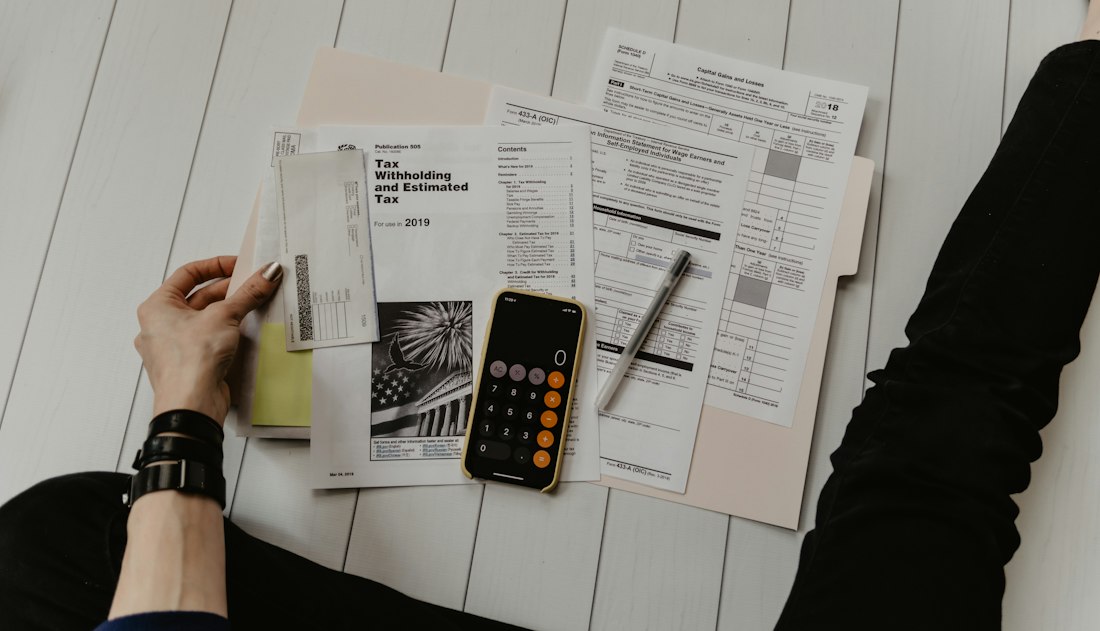
Free OCR — converting a scanned page into searchable, editable text — is a $20/month Acrobat feature several free tools now match.
A typed or drawn signature isn't automatically a legally authenticated digital signature — check what your specific use case requires.
Where Free Tools Actually Fall Short
A few assumptions trip people up. Assuming Acrobat Reader can genuinely edit — it can't; paid editions are needed for real text and image editing. Assuming a typed signature is legally binding — it isn't automatically; authenticated digital signatures typically require identity verification most free tools don't provide. Assuming "unlimited free" web tools have no caps — many, like Sejda's browser version, still limit daily tasks or document size even on the free tier.
2026 Pricing at a Glance
| Tool | Free Plan | Paid Plan |
|---|---|---|
| PDFgear Best Free | 100% free, full editing, OCR, no watermark | None — fully free |
| PDF-XChange Editor | ~70% of Acrobat Pro features, Windows only | License unlocks the rest, one-time cost |
| Adobe Acrobat Pro | Reader only — view, comment, sign | ~$19.99/month for full editing |
Prices as published on each provider's site in August 2026 — always confirm current pricing before subscribing.
Which One Fits What You're Editing
PDFgear
Genuine text and image editing, OCR, merging, and splitting with zero watermark and no feature gate — the strongest all-around free pick for Mac and Windows.
PDF-XChange Editor
Covers the deepest feature set of any free tool, including free OCR, at the cost of being Windows-only.
Sejda / iLovePDF
No install, works in any browser, ideal for a quick one-off edit — just watch the daily task caps on heavier free-tier use.
OCR Accuracy and Where Your File Actually Goes
Two details separate a free PDF tool that quietly wastes your time from one that actually works, and neither shows up in a feature comparison table. The first is OCR accuracy on real-world scans. Every tool on this list advertises OCR, but performance drops sharply on low-resolution scans, skewed pages, or documents with dense tables — the kind of thing a scanner produces far more often than a clean digital export. PDFgear and PDF-XChange Editor both handle straightforward typed documents well, but if you're regularly digitizing handwritten notes, faxed forms, or old scanned contracts, run a real test file through each candidate before picking one; a tool's OCR claim and its OCR performance on your specific document type can be two very different things.
The second detail is where the file actually goes during editing. Browser-based tools like Sejda and iLovePDF process your document by uploading it to their servers, edit it there, and hand back the result — which is fine for a public form or a resume, but worth pausing on if the document contains anything sensitive: contracts, medical records, financial statements, anything under an NDA. Desktop tools like PDFgear and PDF-XChange Editor process files locally on your machine, so nothing leaves your computer during editing. If you're not sure which category a "free" tool falls into, check whether it works without an internet connection — if it doesn't, your file is going somewhere else first.
Most reputable browser-based tools do delete uploaded files from their servers automatically after a set window — often a few hours — but the exact retention policy and whether files are used for any other purpose varies by provider and is worth reading rather than assuming. For anything genuinely sensitive, the safer default is a desktop tool that never uploads the file in the first place, even if it means installing software instead of opening a tab.
The Verdict
Start with Acrobat Reader — it's free and covers viewing, commenting, filling forms, and basic signing, which is genuinely all most people need. If you need to actually rewrite text or run OCR on scanned documents, PDFgear is the strongest free option with no meaningful catch. Acrobat Pro's subscription only earns its cost for redaction, document comparison, or compliance features that free tools genuinely don't replicate — a small minority of use cases.
Frequently Asked Questions
Is there a completely free PDF editor with no watermark?
Yes — PDFgear and LibreOffice Draw are both fully free with no watermark and no feature paywall on core editing, text/image editing, and OCR.
Do I need Adobe Acrobat at all in 2026?
Probably not, unless you need advanced redaction, document comparison, or enterprise compliance features. For merging, editing text, signing, and OCR — the tasks most people actually need — free tools now cover the vast majority of that work.
Can free PDF editors actually edit existing text, not just add annotations?
Some can and some can't. PDFgear, PDF-XChange Editor, and Sejda genuinely rewrite existing paragraphs and images. Adobe Acrobat Reader, Chrome, and Firefox only add overlays and annotations on top of a PDF, not true text editing.
More Software Guides, Written Clearly
Browse our full library of software guides, updated regularly as pricing and features change.
Explore All GuidesMore from the creator
Explore two other projects from the same creator.