What Is Claude Cowork? Anthropic's AI Desktop Agent, Explained
Most AI chat tools answer questions about your files. Claude Cowork actually does the work inside them — reorganizing folders, pulling data out of a pile of screenshots, drafting a report from scattered notes, without you copying and pasting anything yourself. Anthropic calls it "Claude Code for the rest of your work." Here's what that means in practice, what it costs, and where the sandboxing actually protects you.

Cowork lives inside the Claude desktop app as its own tab, next to regular Chat and Claude Code.
"Claude Code for the Rest of Your Work"
Claude Cowork is a mode inside the Claude desktop app, sitting next to regular Chat and Claude Code as its own tab. The difference from a normal conversation is what it's allowed to do: you give it access to a folder on your computer, describe what you want done, and it goes and does it — not just tells you how. Reorganize a downloads folder by file type and date. Pull expense totals out of a pile of receipt screenshots into a spreadsheet. Draft a first-pass report from a stack of scattered meeting notes.
Anthropic built Cowork directly on the same underlying technology as Claude Code, its terminal-based coding agent that had already proven agents could reliably plan and execute multi-step technical tasks with limited supervision. Cowork strips out the terminal interface that intimidated non-developers and wraps the same agentic approach in something anyone comfortable with a normal desktop app can use.
Why It's Safer Than It Sounds

Cowork only reaches folders you explicitly hand it — nothing else on your machine is visible to it.
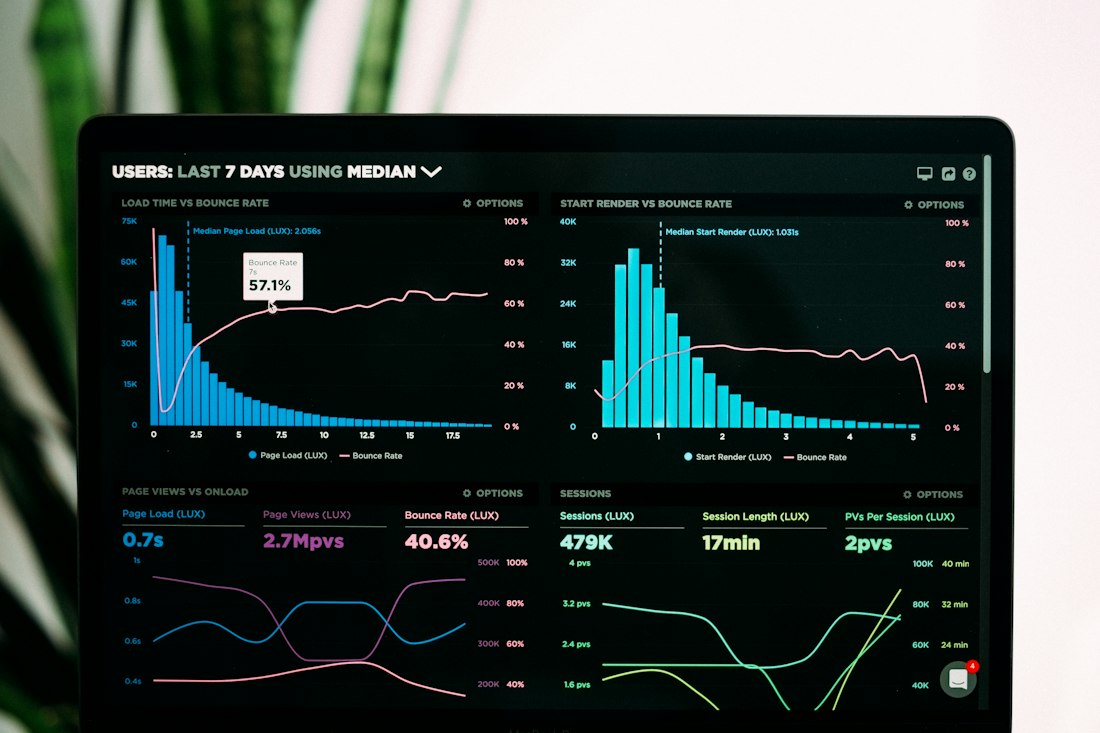
Anthropic's own numbers show most Cowork sessions are reports, spreadsheets, and drafting — not code.
One detail that a lot of the initial coverage missed: Cowork doesn't run directly on your raw file system. According to a technical analysis by independent researcher Simon Willison, it uses Apple's VZVirtualMachine framework to boot a custom, sandboxed Linux environment, and only the specific folders you grant access to get mounted into that sandbox. Practically, that means Claude cannot reach anything you haven't explicitly handed it — there's no scenario where it wanders into an unrelated folder on your drive.
Willison, who also created the open-source tool Datasette, put it bluntly at launch: Cowork is "regular Claude Code wrapped in a less intimidating default interface and with a filesystem sandbox configured for you without you needing to know what a 'filesystem sandbox' is." That framing is a useful way to think about the whole product — the safety mechanism is the same one developers already trusted with Claude Code, just handled automatically instead of requiring setup.
File Organization
Sort, rename, and restructure files and folders based on a description of how you want them arranged.
Document Creation
Draft reports, summaries, or first-pass documents pulled together from scattered source material.
Data Extraction
Pull structured data out of unstructured sources — screenshots, PDFs, notes — into a spreadsheet.
Connected Tools
Reaches beyond local files into Gmail, Google Drive, and Chrome, plus a growing list of enterprise connectors.
Desktop, Now Web and Mobile Too
Cowork launched January 12, 2026 as a macOS-only research preview limited to Claude Max subscribers, then expanded to Pro users four days later and Team and Enterprise plans by January 23. Windows support arrived February 10, 2026 with full feature parity. The biggest structural change came July 7, 2026, when Anthropic moved Cowork to the cloud — web and mobile access followed, letting a task started on a laptop before a meeting get checked from a phone during a commute and finished on a browser tab later that evening.
Cowork tasks are noticeably more compute-intensive than a normal chat, since the agent is taking screenshots and executing multi-step actions rather than just generating text — expect it to burn through your plan's usage allowance considerably faster than plain conversation. If Cowork becomes part of your daily workflow, that's the main reason to consider Max over Pro, not any missing feature on the cheaper tier.
- Sandboxed by design — it can't reach files you haven't explicitly shared
- No technical setup required, unlike the Claude Code interface it's built on
- Now cross-device: start on desktop, check on mobile, finish on web
- Not available on the free Claude plan at any tier
- Burns through usage limits far faster than regular chat
- Remote sessions can't touch local files or control your machine
Is Claude Cowork Worth Turning On?
Worth trying on Pro first. Upgrade to Max only once you hit real limits.
Cowork earns its "Claude Code for everyone else" framing — the sandboxing genuinely removes the scariest part of handing an AI agent access to your files, and the fact that over 90% of real usage is non-coding work confirms it's landing with the audience Anthropic built it for. Start on Pro, run your actual workload for a couple of weeks, and watch where you hit the usage ceiling. If Cowork is genuinely saving five hours a week, the jump to Max prices out at roughly fifty cents per saved hour — a reasonable trade for most professionals, but not worth paying for speculatively before you've confirmed the tool fits your workflow.
Frequently Asked Questions
How much does Claude Cowork cost?
Cowork isn't sold separately. It's included with every paid Claude plan, starting with Pro at roughly $20 a month, up through Max, Team, and Enterprise. There's no Cowork access on the free Claude plan.
Can Claude Cowork access any file on my computer?
No. Cowork runs inside a sandboxed virtual environment, and only folders you explicitly grant it access to are mounted into that sandbox. It cannot reach files or apps you haven't shared with it.
Is Claude Cowork only for developers?
No, the opposite. Anthropic's own usage data shows over 90% of Cowork sessions are non-coding work, like reports, spreadsheets, research, and document drafting. It was built to bring Claude Code's agentic approach to people who don't write code.
More AI Tool Guides, Written Clearly
Browse our full library of AI tool comparisons, updated as the category evolves.
More from the creator
Explore two other projects from the same creator.