Android Motion Assist Explained: Can It Reduce Motion Sickness?
Reading a phone screen in a moving car is one of the most reliable ways to feel queasy, and Google's new Motion Assist feature is a direct attempt to fix that with software rather than asking you to just look up. Here's how it actually works, what motion sickness research says about whether an approach like this should help, and how to turn it on if your phone supports it.
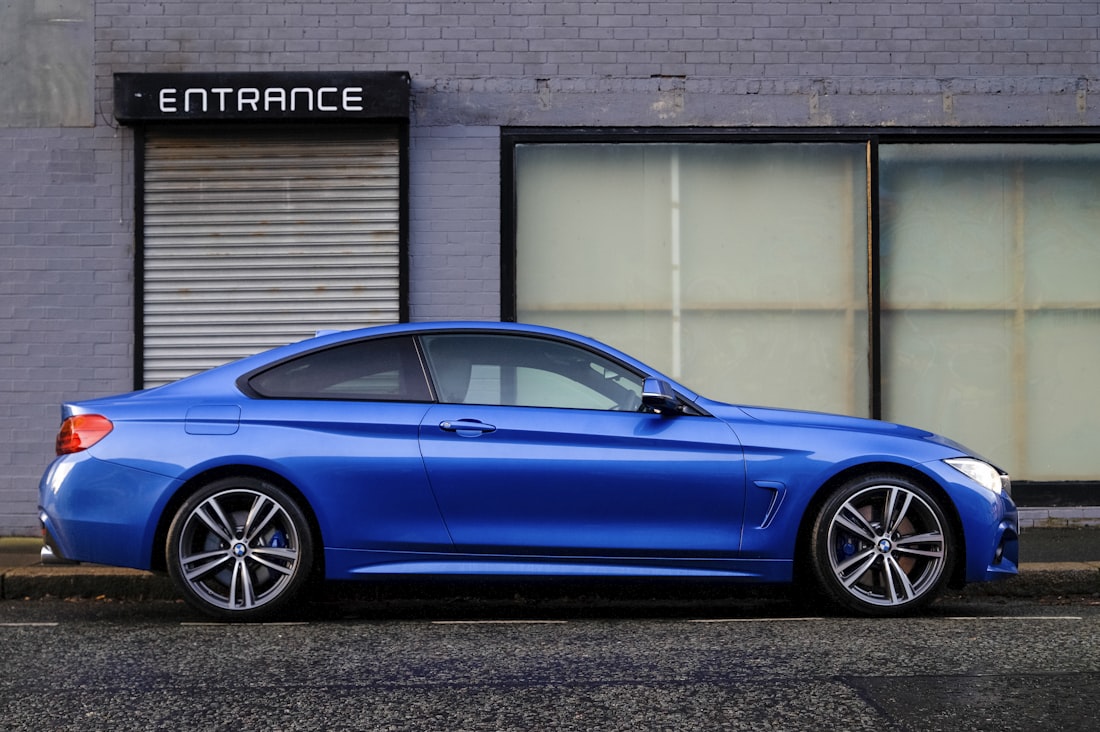
Motion Assist overlays subtle animated bubbles designed to move in sync with the vehicle you're riding in.
How Motion Assist Actually Works
Motion Assist overlays a subtle, animated bubble on your screen that moves in sync with the vehicle you're traveling in, designed to help "bridge the gap between what your eyes see and the movement of your ride." Rather than blocking your view or dimming your screen, it adds a small moving visual cue near the edge of the display that reflects the vehicle's actual motion — accelerating, braking, turning, cornering — without covering or interfering with whatever app you're actually using at the time.
You can customize the bubble's color, shape, and opacity to fit your own preference, turn the feature on automatically when it detects you're in a moving vehicle, or add a fast toggle to your Quick Settings panel for quick manual control whenever you want it.
Why This Kind of Visual Cue Might Actually Help
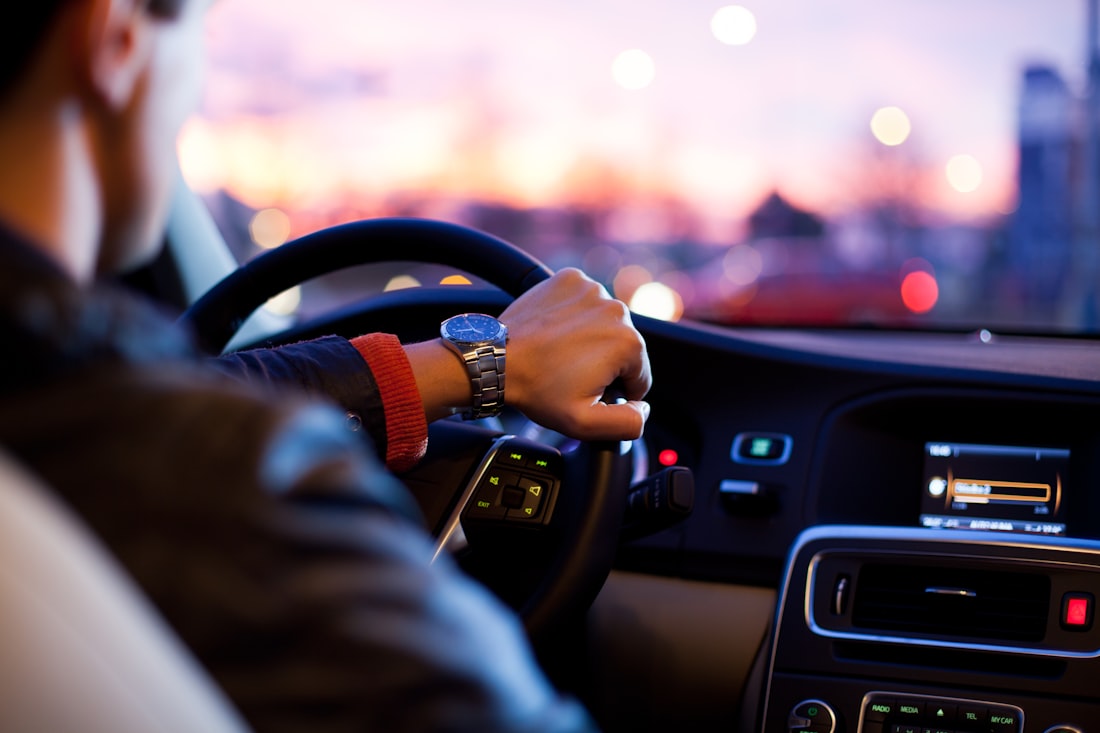
Motion sickness is widely understood to stem from a mismatch between what your eyes and inner ear each report about motion.
Motion sickness is generally understood by researchers as a sensory conflict problem: your inner ear's vestibular system senses the vehicle's real acceleration and turning, while your eyes — focused on a stationary phone screen — report that you aren't moving at all. Your brain, receiving two contradictory signals about whether you're actually in motion, reacts with the nausea and general discomfort commonly known as motion sickness or car sickness. The core idea behind Motion Assist is to give your eyes a visual signal that actually matches what your inner ear is sensing, in theory narrowing that mismatch rather than leaving your eyes reporting stillness while your body feels every bump and turn.
This is conceptually similar to older, non-software recommendations for reducing car sickness, like looking out the window at the horizon instead of down at a book or phone — both approaches try to give your visual system something that agrees with what your vestibular system is already telling you, rather than leaving the two senses reporting flatly contradictory information about your motion.
Setting Up Motion Assist
- Confirm your phone is running Android 17 or later (check Settings > About phone).
- Open Settings and search for "Motion Assist," or add its Quick Settings tile for one-tap access.
- Choose whether you want it to activate automatically or only when you toggle it manually.
- Adjust the bubble's color, shape, and opacity to whatever feels least distracting to you.
Will It Actually Work for You?
Motion sickness susceptibility varies enormously between individuals, and a phone-screen visual cue is working against decades of accumulated personal experience with what does and doesn't help any given person specifically. For some people, a subtle moving overlay may meaningfully reduce discomfort; for others who are more severely prone to motion sickness, it's unlikely to fully replace long-standing, tried-and-true approaches like looking at the horizon, sitting in the front seat, or simply not reading a screen at all during a bumpy or winding ride. It's worth treating Motion Assist as one additional tool to try rather than a guaranteed fix, especially the first few times you use it while you get a feel for whether the visual cue actually helps your particular experience of motion sickness on a real drive rather than in a quick test around the block.
What Motion Assist Costs You to Run
Because Motion Assist needs to continuously track the vehicle's motion to keep its overlay in sync, it does add some background processing and battery usage while active, similar to other continuously-running sensor-based features on a phone. Google has designed it to activate only in relevant, specific contexts — like when you're clearly in a moving vehicle — rather than running constantly in the background regardless of what you're actually doing at any given moment, which limits the battery impact to situations where you're actually likely to want the feature running in the first place, rather than draining your battery throughout an entire day regardless of whether you're traveling.
How This Fits Alongside Other Accessibility-Minded Features
Motion Assist sits in an interesting middle ground between a pure convenience feature and an accessibility one. It's not filed under Android's Accessibility settings the way Guided Vision is, but the underlying goal — reducing physical discomfort for a portion of users while they use their phone in a specific situation — follows a similar logic to accessibility-focused design: identify a friction point that affects a meaningful subset of users, and address it with a targeted, optional feature rather than forcing a one-size-fits-all change onto how the whole operating system behaves for everyone. Whether you personally benefit from it likely depends heavily on how susceptible you are to motion sickness in the first place, which varies enormously from person to person and can even change for the same person depending on factors like fatigue, hunger, or how much reading they're doing on the trip.
Low Risk, Genuinely Optional
Because Motion Assist is entirely opt-in and easy to toggle off from Quick Settings, there's little downside to testing it on your next car ride if your phone supports it, even if you're skeptical it'll help. Unlike remedies that involve medication or require advance planning, this is a zero-cost experiment — turn it on before a drive, see whether the subtle overlay changes how you feel reading your phone, and turn it back off if it doesn't make a noticeable difference or if you simply find the animated bubble distracting rather than helpful, and adjust its shape, color, or opacity before giving up on it entirely, since a less intrusive visual style might work better for you than the default.
Frequently Asked Questions
Do I need to be a passenger for Motion Assist to work, or can drivers use it too?
It's designed with passengers reading or using a screen in mind, since drivers shouldn't be focused on their phone screens while driving. The feature doesn't distinguish who's holding the phone, so it's on the user to apply it appropriately and safely.
Why can't I find the Motion Assist setting on my phone?
Two likely reasons: you're not yet on Android 17, or your specific phone model doesn't yet have the sensor hardware Motion Assist currently requires. It's rolling out gradually to newer flagship devices first.
Does Motion Assist replace medication or other motion sickness remedies?
No, and it isn't positioned as a medical treatment. It's a software-based visual aid that may help some people in some situations -- it isn't a substitute for anti-nausea medication or other remedies if you experience more severe motion sickness.
Can I use Motion Assist on a plane or train instead of a car?
Google's description focuses on vehicle travel like cars, and the feature's motion detection is tuned around that context. It's not clear from available information how well it generalizes to other kinds of transportation with different motion patterns.
More Guides, Written Clearly
Browse our full library of software and troubleshooting explainers, updated as things change.
More from the creator
Explore two other projects from the same creator.