Android September 2026 Update: Every New Feature Explained
Google's September 2026 Android Drop landed on September 1, and unlike Pixel-only Feature Drops, this one rolls out to all Android devices — through Google Play Services and Play Store updates rather than a full OS upgrade. Five features shipped: a way for Gemini to remember where you put things, a motion-sickness aid called Motion Assist, camera-based Guided Vision in Gemini Live, and two Google Messages upgrades. Here's what each one actually does.
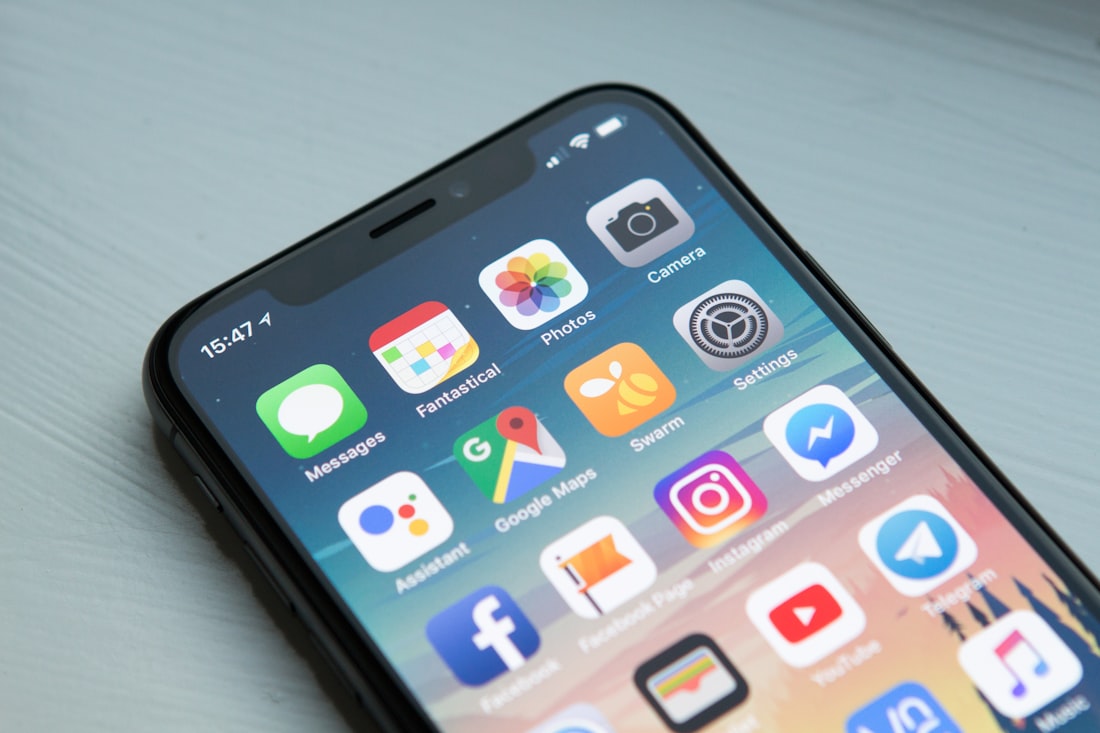
This Android Drop reaches every Android phone, not just Pixel devices, through Play Services updates.
Find Hub Can Now Remember Where You Put Things
You can now tell Gemini where you placed an item that doesn't have a tracker, and Find Hub will remember it. Say something like "Hey Google, remember in Find Hub that I put my passport in my bedroom drawer," optionally attach a photo, and the location saves to a new Remembered tab inside the Find Hub app. Later, you can ask Gemini for the item's location by voice, or check the tab directly.
This is a meaningfully different approach from how Find Hub previously worked. Before this update, Find Hub could only track items that had some form of active connection — a phone, a smartwatch, or a physical tracker tag like a Tile or an official Find My Device tag. Remembered items skip that requirement entirely: there's no hardware involved, just a note Gemini keeps tied to a location you described yourself. It's rolling out on Android 16 and later, in countries where Gemini and Find Hub are supported.
Motion Assist Aims to Reduce Motion Sickness
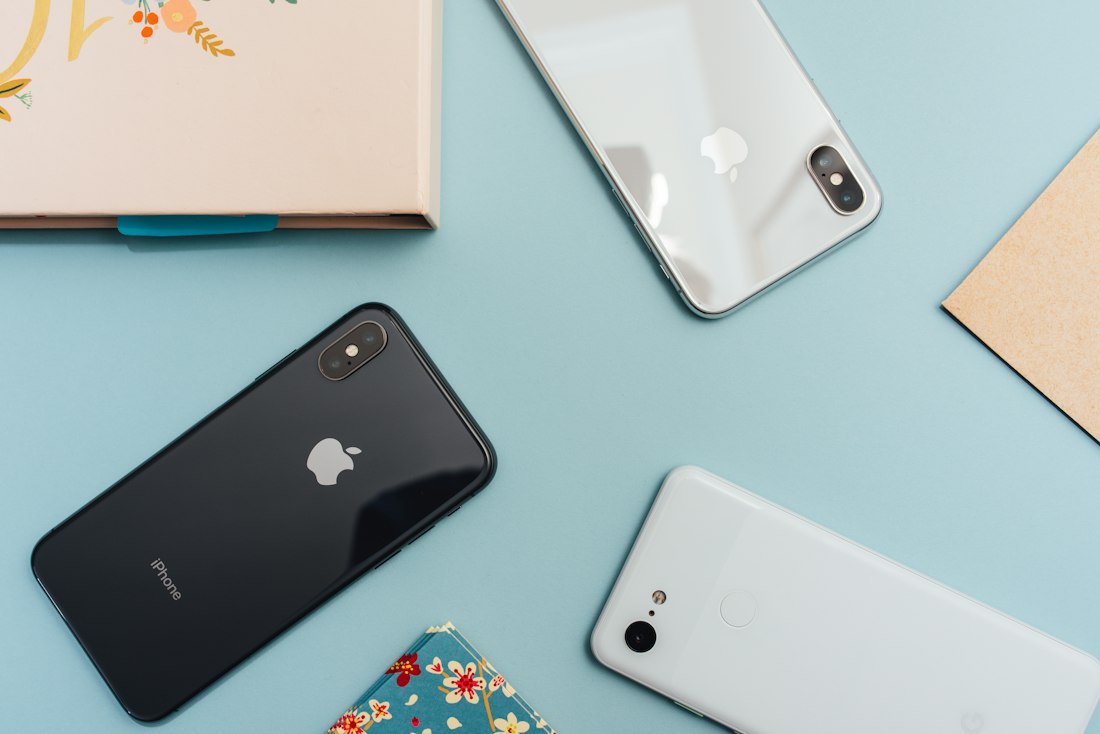
Motion Assist overlays subtle animated bubbles that move with the vehicle, aiming to reduce the mismatch between what your eyes see and what your body feels.
Motion Assist places a subtle animated bubble overlay on your screen that moves in sync with the vehicle you're riding in, designed to help "bridge the gap between what your eyes see and the movement of your ride" — the visual-vestibular mismatch that's widely understood to cause motion sickness when reading or looking at a screen while traveling. You can customize the bubbles' color, shape, and opacity, turn the feature on automatically, or add a quick toggle to Quick Settings. It's available on phones running Android 17 and currently works best on devices with the sensor hardware needed to detect vehicle motion accurately, which in practice means newer flagship phones for now, with broader hardware support expected to expand over time.
Guided Vision Describes What Your Camera Sees
Gemini Live is gaining Guided Vision, which offers spoken descriptions of whatever your phone's camera is pointed at — reading fine print on a food label, describing a menu in a dim restaurant, or helping locate an object in a room. If your camera isn't framed well, voice feedback walks you through reframing, panning across a space, or centering on an object so Gemini can actually answer your question. It's accessible through an Accessibility shortcut or the TalkBack menu, and it's coming to phones running Android 9 and later in countries where Gemini is available — a notably lower version floor than Motion Assist, since it doesn't depend on newer motion-sensing hardware.
Google Messages Gets Keep Integration and Chat Themes
| Feature | What It Does | Availability |
|---|---|---|
| Google Keep in Messages | Share and collaboratively update grocery lists, vacation notes, and other Keep lists directly inside a conversation | Rollout started September 1, 2026 |
| Chat Themes | Custom backgrounds and color schemes for individual conversations, following an earlier wider rollout | Widely available |
The Keep integration is the more functionally significant of the two: a "Create list" suggestion and a shortcut in the message compose menu bring up a sheet where you can start a shared list without leaving the conversation, and everyone in the chat can check items off or add to it in real time — useful for coordinating a shopping trip or planning logistics for a group trip without switching between two separate apps.
Why You Might Not See All Five at Once
Like most Android feature drops, this rollout is staggered — Google typically pushes changes to Pixel phones first before expanding to other manufacturers through carrier and OEM updates, and even within that, individual features activate gradually rather than all appearing the moment you check for updates. The underlying delivery mechanism here is also worth understanding: these features arrive through updated Google Play Services and Google Play Store versions (v26.34/v26.35 and v52.6/v52.7 respectively, as of this drop) rather than a full Android OS update, which is exactly why Google was able to ship this to devices going back several years rather than requiring the very latest hardware for every feature.
Availability Still Varies by Device and Market
Even with a shared minimum Android version listed for each feature, Google has been explicit that actual availability depends on device, language, and market — a feature listed as "Android 16+" doesn't guarantee every Android 16 phone gets it on day one, particularly for features like Guided Vision that depend on Gemini being available in a given country. If a feature listed here isn't showing up on your phone despite meeting the version requirement, checking for a pending Google Play Services or Play Store update is the first thing worth trying before assuming anything is broken.
How This Compares to Past Android Feature Drops
Google has run periodic Android Feature Drops for years, historically split between Pixel-exclusive drops (tied to Pixel hardware and software) and broader Android Drops meant for the wider ecosystem. This September release sits firmly in the latter category — every feature here is designed to reach any sufficiently updated Android phone, not just Google's own hardware, which is a meaningful distinction if you're deciding whether to expect a feature on a Samsung, OnePlus, or other manufacturer's device. The main variable isn't the brand of phone so much as the Android version installed and whether the manufacturer has kept Google Play Services current on that particular device.
A Sign of Where Android Updates Are Headed
Worth noting for anyone frustrated by how long full Android OS updates take to reach non-Pixel phones: this drop is a clear example of Google increasingly shipping meaningful new capabilities through Google Play Services and the Play Store rather than waiting for a full Android version upgrade. That's why features here can reach phones running Android 9 (a version released years before this drop), Android 16, and Android 17 simultaneously, each getting what their hardware and software stack can support, instead of every feature being locked behind the newest OS release across the board, which historically left phones a version or two behind waiting years for capabilities a Play Services update can now deliver in days.
Frequently Asked Questions
Do I need a Pixel phone to get these features?
No. Unlike Pixel Feature Drops, the September 2026 Android Drop rolls out to all Android devices through Google Play Services and Play Store updates, though Pixel phones often receive features first before they expand to other manufacturers.
Does Motion Assist work on every phone?
It requires Android 17 and currently depends on sensor hardware that's mainly present in newer flagship phones, so availability is more limited than some of the other features in this drop.
Is Guided Vision the same as existing accessibility features like TalkBack?
No, though it integrates with them. Guided Vision is a new Gemini Live capability accessible through the Accessibility shortcut or TalkBack menu, adding real-time spoken scene description rather than replacing TalkBack's existing screen-reading functions.
Will this update reach Samsung, OnePlus, and other non-Pixel phones?
Yes -- unlike Pixel-only Feature Drops, this is a broader Android Drop designed to reach any manufacturer's device that meets the version requirements and has current Google Play Services, though Pixel phones often get features first.
More Guides, Written Clearly
Browse our full library of software and troubleshooting explainers, updated as things change.
More from the creator
Explore two other projects from the same creator.