Best AI Interior Design Apps to Preview a Room Before You Renovate
Hiring an interior designer to visualize a single room redesign can run $200 to $500 or more before any work begins. AI interior design apps do the same job — upload a photo, pick a style, see a redesigned version — in under a minute, often for free. The catch is that quality varies wildly between apps on the exact same room, and several "free" apps aren't actually free once you try to use them.
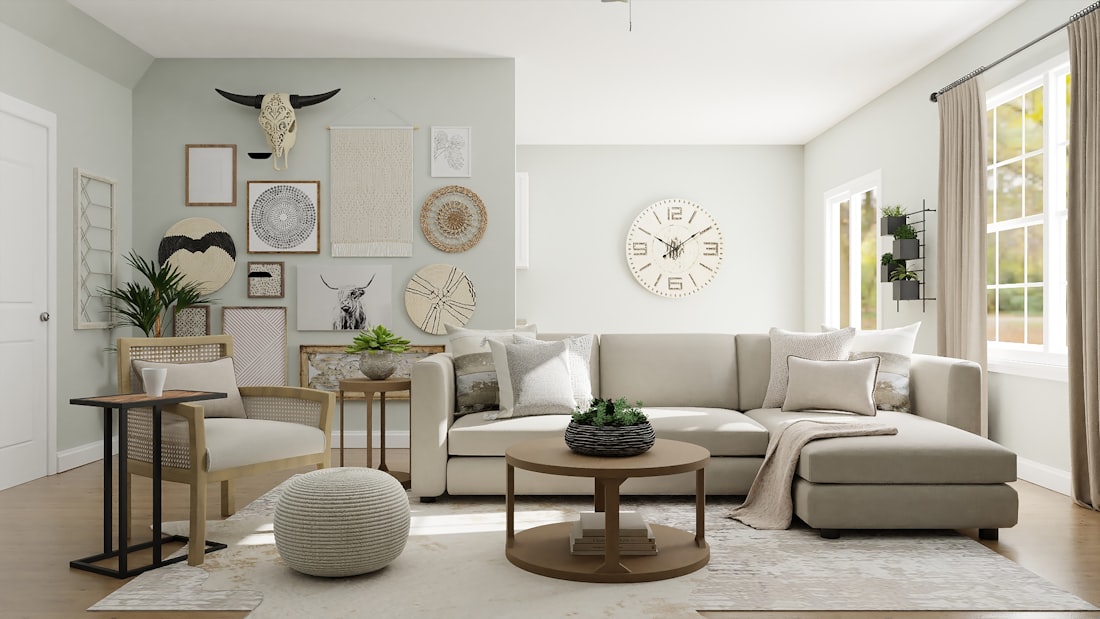
The best test of any AI interior design app is running your own room through its free tier before paying for anything.
Test Your Own Room Before Trusting Any Ranking
Output quality on AI interior design apps varies enormously depending on the specific room photo, lighting, and style requested — a tool that nails a bright, open living room can produce a distorted result on a small, oddly-shaped kitchen. Independent 2026 testing that ran the same room through 6 to 14 different apps consistently found no single universal winner, though a few (Remodel AI, RoomGPT, Interior AI) show up near the top across most comparisons. The free tier is your fastest, cheapest way to check whether a specific app handles your specific room well.
What Actually Separates These Apps
Genuinely free tier
Remodel AI's 3 free full-quality designs (no credit card) was rated the most usable free option in 2026 testing.
Structure preservation
Apps with a "structure-lock" mode keep your real walls and windows instead of inventing a new room layout.
Shoppable furniture
Some tools link generated decor to real, purchasable products; others generate furniture that doesn't exist anywhere.
Professional 3D tools
Homestyler and Planner 5D let you build and manipulate a room manually, useful for serious renovation planning.
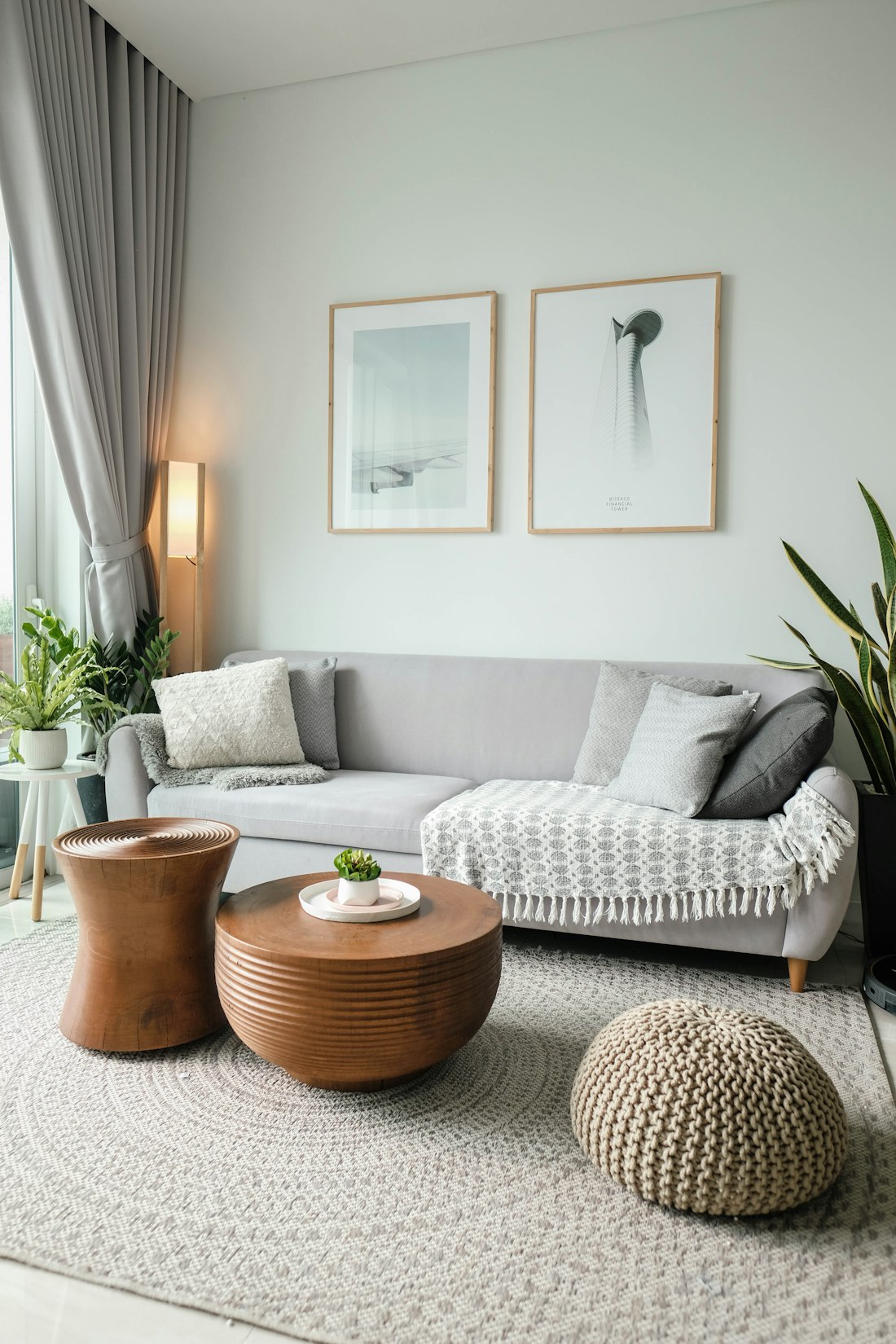
A render is a visual concept, not a construction plan — verify measurements and materials in person before committing to a purchase.
Why Your Photo Matters More Than the App You Pick
Most of the disappointing results people report with AI interior design tools trace back to the input photo, not the tool itself. A room shot at a wide, distorted angle, in dim or mixed lighting, or from a low position near the floor gives the model a warped sense of the space's proportions — and it will happily generate a redesign based on that warped geometry, producing a result that looks impressive but doesn't map back onto your actual room. Shooting straight-on from roughly eye level, with the widest wall centered in the frame and the lights on, consistently produces more usable results across every app tested.
The second big lever is how specific the style prompt is. "Modern living room" is vague enough that the model fills in the gaps with whatever's most common in its training data, which tends toward a generic, catalog-showroom look. A prompt like "Scandinavian-inspired with warm wood tones, a neutral linen sofa, and brass accents, keeping the existing large window" gives the model real constraints to work within, and the difference in output specificity is substantial. Several apps, including Interior AI and RoomGPT, let you upload a reference image of a style you like alongside your room photo — this tends to outperform text descriptions alone, since it removes the ambiguity of describing a look in words.
Structure-lock settings, where available, are worth turning on by default rather than as a fallback. Without it, some models will move or resize windows, add a fireplace that doesn't exist, or reshape the room entirely to fit a "better" composition — visually striking, but useless if you're trying to plan an actual renovation rather than just daydream about a different room altogether.
Where These Tools Still Get It Wrong
Scale and proportion remain the most consistent weak point across every app in 2026 testing. A generated sofa might look perfectly reasonable in the render and turn out, if you tried to buy the closest real match, to be a foot longer than your wall could actually fit. None of the mainstream apps reliably account for real-world measurements unless you manually input them, which most people skip. Treat every render as a style and color direction, not a to-scale floor plan — measure your own space before ordering anything based on what you see.
Material accuracy is the other recurring issue. AI-generated renders are good at suggesting a mood — "warm wood," "cool marble," "matte black hardware" — but the specific material shown in the image often doesn't correspond to any real, purchasable product, even on apps that advertise shoppable furniture links. Those links tend to point to the closest visual match in a retailer's catalog rather than the exact item rendered, so the price and dimensions you see when you click through can differ meaningfully from what's pictured.
Finally, lighting in AI renders is almost always more flattering than a room will look in reality, since the model tends to add soft, even light that a real room's actual windows and fixtures may not provide. If a render looks dramatically better than photos of similar real rooms you've seen, that gap is worth factoring in before assuming the redesign will look the same once it's built.
AI vs. a Human Designer
| AI Interior Design App | Human Designer | |
|---|---|---|
| Cost per room concept | Free – $49/month for unlimited renders | $200–$549+ per room |
| Turnaround | Under a minute | Days to weeks |
| Iteration | Instant, unlimited within plan | Limited by designer's time |
| Personalized expertise | Generic style matching | Tailored professional judgment |
A hybrid approach is common: use a free AI app to explore directions quickly, then bring the strongest concept to a professional (or a design-and-human-review service like Decorilla) for the details AI still gets wrong.
Frequently Asked Questions
Are these free AI interior design apps actually free?
It varies a lot, and marketing pages aren't always accurate. Independent 2026 testing found some apps are genuinely free for several full-quality designs with no credit card, while others require payment details upfront, limit you to one low-resolution generation, or watermark every free output so it can't actually be used. Test the free tier on your own room before assuming any app's advertised price applies to you.
Will the AI redesign keep my room's actual layout and windows?
This varies by app and is worth checking before you rely on a render. Some tools are specifically built to preserve your real walls, windows, and architectural features while only changing furniture, colors, and decor. Others generate a more loosely inspired room that shares only a general style with your original photo. If you're using the render to plan an actual purchase or renovation, prioritize apps that explicitly support this structure-preserving mode.
Can I actually buy the furniture shown in an AI-generated room design?
Some apps link generated furniture to real, purchasable products, while others generate decor that doesn't exist anywhere to buy. If shopping the design matters to you, check specifically for a shoppable-furniture feature before committing to a tool, since it's one of the features that separates apps most in this category.
More Guides, Written Clearly
Browse our full library of AI and software explainers, updated as tools and pricing change.
More from the creator
Explore two other projects from the same creator.