Claude Code vs Codex vs Cursor: Picking Your AI Coding Agent
Ask which AI coding agent is "best" in 2026 and you'll get three confident, contradictory answers depending on who you ask. That's because Claude Code, Codex CLI, and Cursor aren't really competing for the same job. One is a terminal-native agent built for deep, multi-step engineering. One is built for handing off work and walking away. One is an editor people never want to leave. Here's how they actually differ, and which one fits the work you're trying to get done.

Three different philosophies for the same job: getting an AI to actually ship working code.
These Aren't Actually the Same Kind of Tool
The comparison gets confusing fast because Claude Code, Codex CLI, and Cursor take genuinely different approaches to the same broad problem. Claude Code is Anthropic's terminal-native agent: it runs in your existing terminal, reads and edits files across a codebase, executes commands, and iterates by running tests until something passes, all with a 1M-token context window for understanding large, unfamiliar repositories. Codex CLI is OpenAI's answer, built around asynchronous delegation — you queue up a task, it spins up a sandboxed cloud environment, works independently, and comes back with a pull request while you do something else. Cursor is a full fork of VS Code with AI woven into the editing experience itself: inline completions, a Composer mode for multi-file edits, and visual diffs, all without leaving the editor.
None of the three is strictly "better" in the way a benchmark leaderboard implies, because they're optimized for different moments in a developer's day. The honest framing, echoed across independent 2026 comparisons: Claude Code for deep, multi-step engineering; Codex for hand-off-and-review async work; Cursor for staying inside an editor without learning a CLI at all.
Where Each One Actually Wins
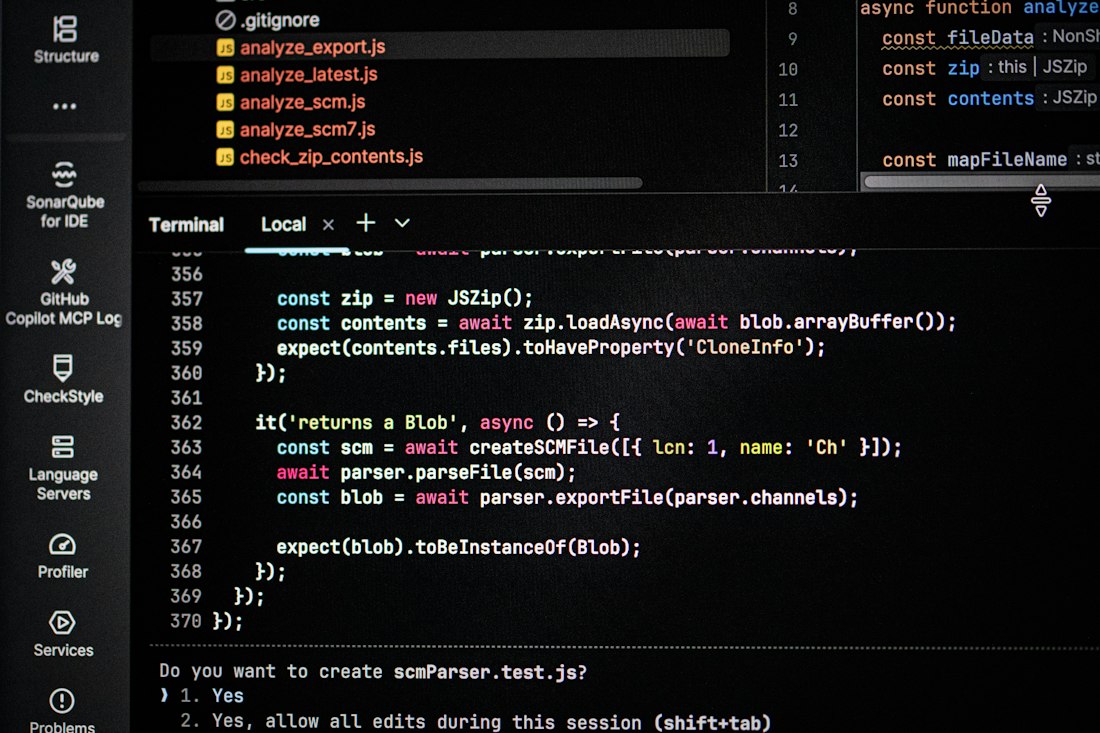
Claude Code and Codex CLI both live in the terminal — the difference is what happens after you hand off a task.
Claude Code — Depth
Best for complex refactors, debugging subtle multi-file issues, and understanding large, unfamiliar codebases. In blind comparisons, developers preferred its output for cleanliness and idiom roughly two-thirds of the time.
Codex CLI — Delegation
Best for queuing routine or well-specified tasks and walking away. Its cloud-sandboxed background execution means you can send off five tasks and come back to five draft pull requests.
Cursor — Daily Driver
Best for staying in one editor all day. Inline completions, Composer's multi-file edits, and visual diff review make it the lowest-friction option for people who don't want a terminal workflow.
Benchmark Split
Claude Code leads SWE-bench Verified in several 2026 comparisons; Codex CLI leads Terminal-Bench in others. Which one "wins" often depends on which harness ran the test, not just the underlying model.
That last point is worth sitting with. A benchmark score belongs either to the underlying model or to the agent harness wrapped around it, and the harness alone can move the number by several points. When a vendor posts a chart showing their tool "winning," check whether the comparison used the same task set, the same tool-calling budget, and the same review process — a surprising number of viral comparisons don't.
Giving an Agent Shell Access Changes Your Threat Model
All three tools, to varying degrees, can execute commands, touch your file system, and interact with your repository, CI pipeline, and credentials. A July 2026 study using a framework called IssueTrojanBench found that 66.5% of maliciously crafted issues penetrated every guardrail tested across modern coding-agent deployments — meaning an agent with broad tool access can be manipulated by content it reads, not just by what you type into it. The practical lesson isn't to avoid these tools; it's that the best coding agent for raw capability isn't automatically the safest environment to run unsupervised.
The 2026 Pattern: Use More Than One
The most common setup among experienced developers in 2026 isn't picking a single winner — it's routing different work to different tools based on shape. A typical split looks like Cursor for interactive feature-building where you want to watch every edit land, Claude Code for terminal-based debugging, CI fixes, and documentation generation, and Codex for side-project or greenfield work where autonomous, unsupervised execution over hours or days is actually the point. Open-weight alternatives like DeepSeek's agent-tuned models are increasingly showing up as a fourth, cost-driven option for high-throughput pipelines where per-task price matters more than squeezing out the last few points of quality.
- You're working across a large, unfamiliar, or legacy codebase
- The task is a subtle bug, not a well-specified feature
- You're comfortable working from a terminal
- You want to watch and approve every edit as it happens
- You'd rather not learn a CLI at all
- Visual diff review matters more than raw autonomy
So Which One Should You Actually Install?
Start with Cursor if you're editor-first. Add Claude Code the day a bug fights back.
If you're new to AI coding agents, Cursor's lower learning curve and visual review make it the safer starting point. Once you hit work that genuinely needs deep, multi-file reasoning — the kind of debugging session that eats an afternoon — Claude Code earns its terminal-native reputation. Codex CLI is worth adding once you have well-specified, repetitive tasks you're comfortable delegating and reviewing later rather than watching live. None of the three replaces the others completely for most working developers in 2026.
Frequently Asked Questions
Is Claude Code better than Cursor?
It depends on the task. Claude Code tends to win on complex, multi-file debugging and large-codebase understanding, while Cursor is generally easier to start with and better for developers who want to watch and approve every edit inside a familiar editor.
Can I use Claude Code, Codex CLI, and Cursor together?
Yes, and many experienced developers do exactly that in 2026 — using Cursor for interactive feature work, Claude Code for deep debugging and terminal-based tasks, and Codex CLI for delegating well-specified tasks that don't need live supervision.
Are AI coding agents safe to give repository access to?
They can be, but a July 2026 security study found the large majority of maliciously crafted issues bypassed guardrails across major coding-agent deployments. Limiting which repos an agent can touch and requiring human review before merges is worth doing regardless of which tool you choose.
More AI Guides, Written Clearly
Browse our full library of AI tool comparisons and explainers, updated as the category evolves.
More from the creator
Explore two other projects from the same creator.