Gemini and Find Hub: How Android Can Remember Where You Put Things
Find Hub has always been able to reliably track a phone, a smartwatch, or a physical tracker tag -- but it couldn't help with your passport, your spare key, or a box of light bulbs, because none of those have a chip inside them. A new feature closes that gap: tell Gemini where you put something, and Find Hub remembers the location for you, no hardware required on your part.
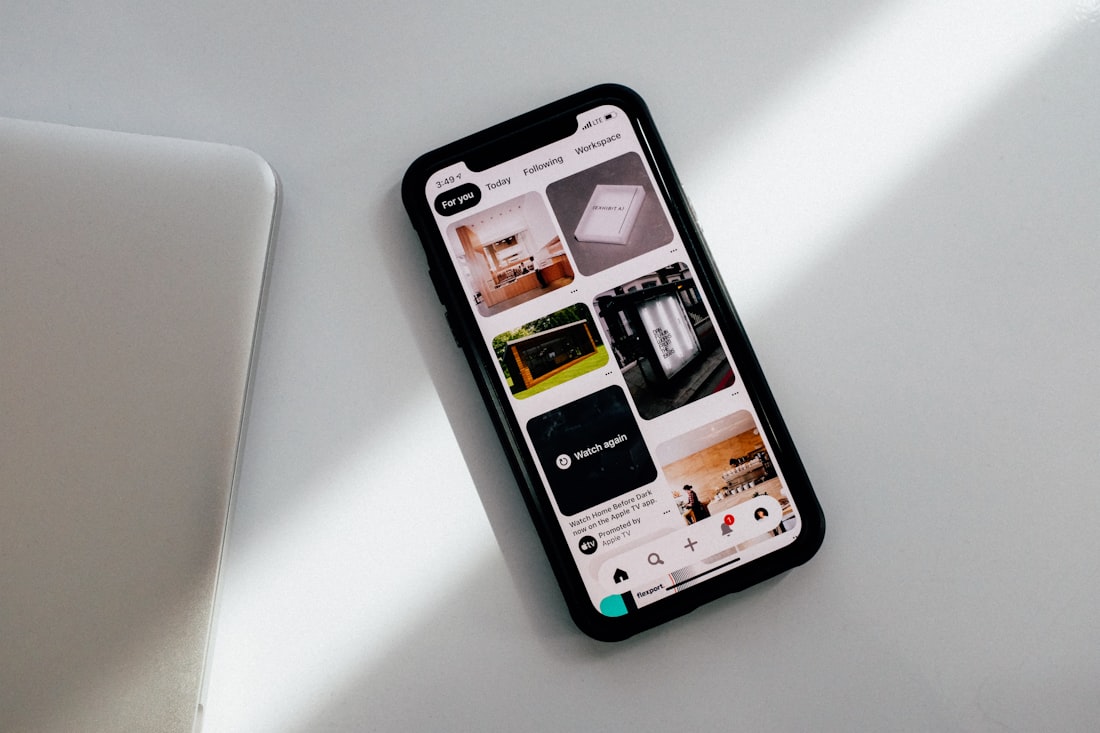
Find Hub can now hold onto the location of an item that never had any tracking hardware to begin with.
Just Tell Gemini Where You Put Something
Say something like "Hey Google, remember in Find Hub that I put my passport in my bedroom drawer," optionally attach a photo, and the location saves to a new Remembered tab inside the Find Hub app. Later, whenever you need to find it again, you can either ask Gemini out loud for the item's location, or open Find Hub and check the Remembered tab directly yourself.
This is a fundamentally different mechanism from how Find Hub previously worked. Tracking a phone, a smartwatch, or a physical tag like a Tile or an official Find My Device tracker relies on the device itself periodically reporting its location. A Remembered item has no such hardware attached to it at all — it's simply a note tied to a location you described yourself, which Gemini stores on your account and can recall on request whenever you ask. There's no ongoing, continuous tracking involved at all; the saved location only updates when you explicitly tell Gemini it's changed.
How to Add a Remembered Item
- Say "Hey Google" or open Gemini directly.
- Say something like "Remember in Find Hub that I put [item] in [location]."
- Optionally, attach or take a photo of the item for easier identification later.
- Open the Find Hub app and check the new Remembered tab to confirm it saved correctly.
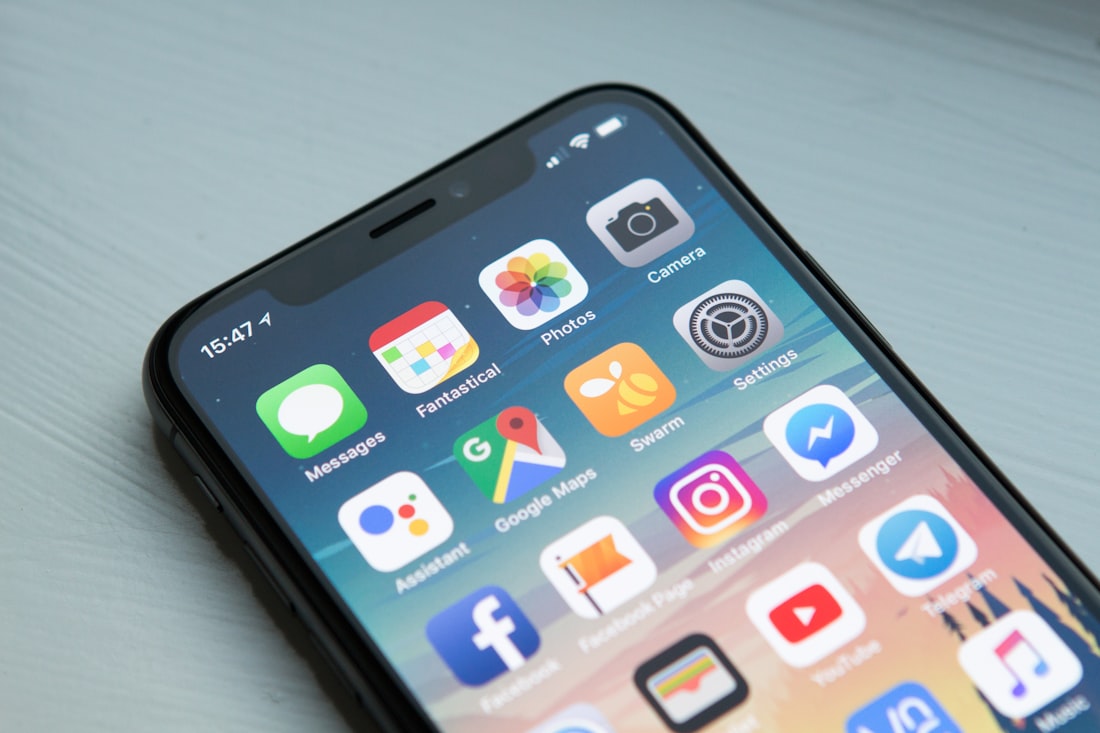
Later, you can either open the Remembered tab directly or simply ask Gemini out loud for an item's location.
Remembered Items vs. Actual Trackers
| Remembered Items | Tracker Tags / Devices | |
|---|---|---|
| Hardware required | None | A physical tag, phone, or watch |
| Location updates | Only when you tell Gemini | Automatically, in real time |
| Best for | Items you place somewhere specific and rarely move, like a passport or spare key | Items you actively carry around and might lose anywhere, like keys or a bag |
| Cost | Free, built into Android | Cost of the tracker hardware itself |
The two are genuinely complementary rather than competing — Remembered items solve the "where did I put my passport six months ago" problem, while physical trackers solve the "I just lost my keys somewhere in the house or car" problem, since a Remembered note won't help at all if an item actually moves and you never got around to telling Gemini about the change.
What This Is Actually Good For
Rarely Used Items
Passports, spare keys, seasonal decorations, or anything you put away and might not think about for months.
Household Inventory
Spare light bulbs, batteries, chargers, or supplies scattered across different rooms or storage spots.
Shared Households
Letting a family member ask Gemini where something is, rather than texting you to ask.
Where it's clearly not a fit: anything that moves unpredictably or frequently, like your actual keys or wallet — a real tracker tag remains the far better tool for those specific cases, since Remembered items only reflect what you told Gemini at the time, not where the item actually is right now if it's since been moved without an update.
Who Can Use This Right Now
Remembered items is rolling out on Android 16 and later, in countries where Gemini and Find Hub are both supported — a narrower availability window than some other September 2026 Android Drop features, since it depends on both services being available in your specific market. If you don't see the Remembered tab in Find Hub yet despite meeting the Android version requirement, it's worth checking that both Gemini and Find Hub individually show as supported in your specific country before assuming something's wrong with your device or account setup.
What Data This Feature Actually Stores
Because Remembered items are voice notes tied to a described location, it's worth understanding what's actually being stored: the text description you gave Gemini (like "bedroom drawer"), any photo you chose to attach, and the association between that description and the item name — not a live GPS location, since there's no tracking hardware involved. This is stored as part of your Google account activity, similar to how other Gemini conversations and Google Assistant requests are handled, so it's worth being mindful about attaching photos or detailed descriptions of sensitive items if you'd rather that specific information not exist as saved account data somewhere.
Being Specific Pays Off Later
Since Remembered items rely entirely on the description you gave at the time, being specific when you first set one up makes it far more useful months later when you've genuinely forgotten. "Passport in the drawer" is less helpful after moving furniture around than "passport in the top-left drawer of the bedroom dresser, under the scarves" — the more detail you give Gemini up front, the less ambiguous the eventual answer will be when you actually need it, especially for items you might genuinely not think about again for the better part of a year, by which point the small details are exactly what you'll have forgotten.
Handling Gift Hiding and Seasonal Storage
One use case worth calling out specifically: hiding gifts or seasonal items well ahead of time. Anyone who's ever stashed a holiday present in a closet in October and genuinely forgotten where by December will recognize the value here — telling Gemini "remember in Find Hub that I put Sam's birthday gift on the top shelf of the hall closet, behind the winter coats" turns what would otherwise be a months-long memory gamble into a single quick voice query when the date actually arrives. The same logic extends naturally to holiday decorations, off-season clothing, or camping gear that only comes out once or twice a year and is genuinely easy to misplace somewhere across a garage or storage unit in the meantime.
Frequently Asked Questions
Does a Remembered item update its location automatically if I move it?
No. Remembered items are static notes based on what you told Gemini -- they don't update automatically. If you move the item, you'd need to tell Gemini its new location for Find Hub to reflect the change.
Can I add a photo to a Remembered item after I've already saved it?
Google's description covers attaching a photo at the time you tell Gemini to remember an item's location. For editing an existing entry, checking the Remembered tab directly in the Find Hub app is the most reliable way to manage saved items.
Is this the same as Google's existing Find My Device tracking?
No. Find My Device and physical tracker tags rely on hardware actively reporting location. Remembered items have no hardware involved at all -- they're simply a note Gemini keeps tied to a location you described.
Does saving a Remembered item use my phone's location or GPS?
No. The feature stores the description you gave Gemini, not a live GPS coordinate, since there's no tracking hardware attached to the item -- it's closer to a voice-recorded sticky note than a live location signal.
Can other people in my household see items I've told Gemini to remember?
This depends on account and sharing settings rather than being automatically shared. Google hasn't detailed granular household-sharing controls for this specific feature, so treat entries as tied to your own Google account unless you've explicitly set up shared access.
More Guides, Written Clearly
Browse our full library of software and troubleshooting explainers, updated as things change.
More from the creator
Explore two other projects from the same creator.