How to Make AI Videos for Free in 2026: A Real Walkthrough
You don't need a paid subscription to generate a genuinely good AI video right now. Google Flow hands every free account 50 credits a day and full access to Veo 3.1 — the same video model behind Flow's paid tiers — with no credit card required. This walks through the actual process of turning a text prompt into a finished, downloadable clip, what the free tier can't do, and which other free tools fill the gaps.
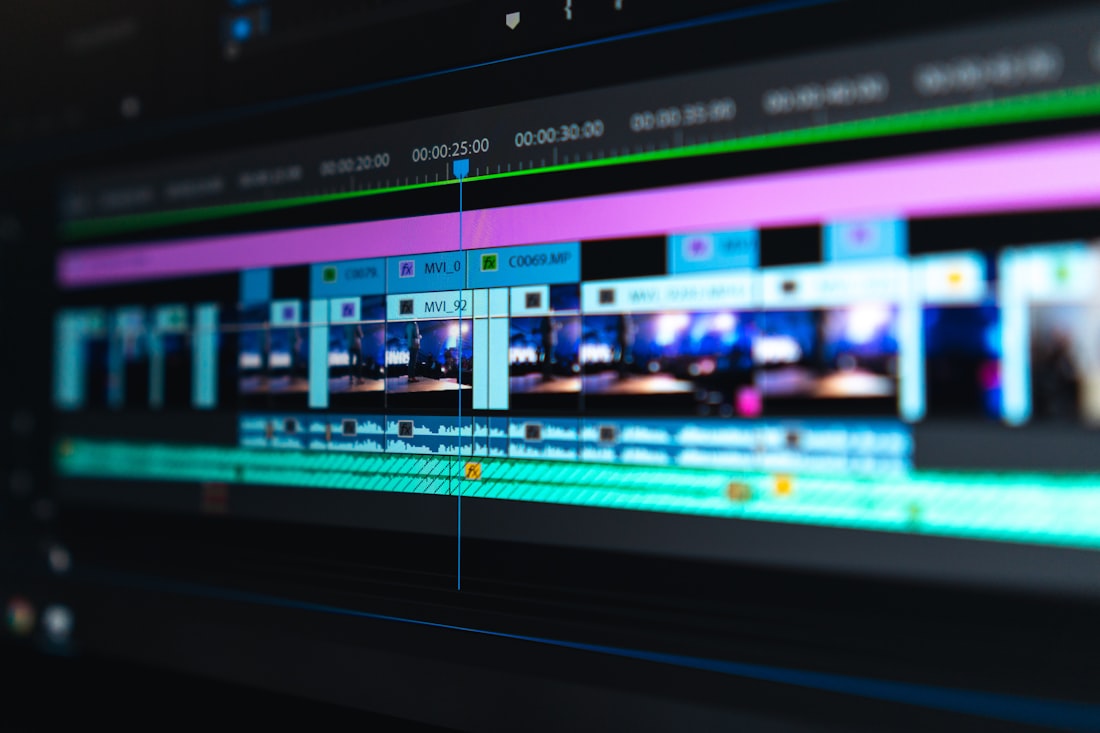
Free AI video tools in 2026 can produce clips with real motion, lighting, and sound — the trade-off is length and volume, not quality.
Google Flow Is the Best Free Option Right Now
Flow is Google's AI creative studio, built around three models — Gemini for prompting, Nano Banana for images, and Veo 3.1 for video — and its free tier isn't a stripped-down demo. You get the actual Veo 3.1 model, native audio generation, text-to-video, image-to-video, and a scene editor, all without paying anything. The two real limits are an 8-second cap per generation and a visible watermark on exported clips, both of which only go away on a paid plan.
That's genuinely more generous than most competitors. Runway's free credits are a one-time allotment, not a daily refresh, and Kling and Pika both gate their strongest models behind a subscription. If you're making occasional short clips — a product demo, a social short, a concept test — Flow's free tier is enough to build a real habit around, not just try once and hit a wall.
How to Generate Your First Free AI Video
-
Go to labs.google/fx/tools/flow and sign in
Any Google account works — no separate signup, no payment method requested. You land straight in the Flow workspace on the free tier automatically.
-
Choose Text to Video or Frames to Video
Text to Video generates a clip from a written prompt alone. Frames to Video lets you upload a starting image (or an image you generated with Nano Banana inside Flow) and animates it — this gives you noticeably more control over composition than starting from text.
-
Write a specific, concrete prompt
Vague prompts produce generic motion. Describe the subject, the setting, the camera behavior, and the lighting as if you were briefing a cinematographer — for example, "a slow dolly-in on a steaming coffee cup on a wooden table, morning light through a window, shallow depth of field" beats "coffee cup video."
-
Generate and review multiple takes
Flow typically returns more than one variation per generation. Pick the one that best matches your intent rather than settling for the first result — this is where most of your daily credits are actually spent, so review before regenerating from scratch.
-
Extend or chain clips for anything longer than 8 seconds
Use the Extend feature to continue a clip's motion into a new 8-second segment, or generate several clips and stitch them together in a free editor like CapCut or DaVinci Resolve. Chaining is how most free-tier creators build anything resembling a full short.
-
Download and, if needed, remove the watermark manually
Free-tier exports carry a visible Flow watermark. There's no built-in way to remove it without upgrading — if the watermark is a dealbreaker for a specific project, that's the point where paying for a month of Google AI Plus (currently $4.99/mo) becomes worth considering, rather than a requirement to start.
What You Actually Lose by Staying Free

The core generation quality is identical between free and paid Flow accounts — what changes is volume, resolution ceiling, and watermarking.

Chaining several free 8-second clips is the standard workaround for anything longer than a single generation.
| Plan | Monthly Credits | Watermark | Upscaling |
|---|---|---|---|
| Free | 50/day (no card) | Yes | Not available |
| Google AI Plus — $4.99/mo | 200 | Yes | 1080p |
| Google AI Pro — $19.99/mo | 1,000 + top-ups | No | 1080p |
| Google AI Ultra — $99.99/mo | 10,000 | No | 4K |
The jump from free to Plus mainly buys you more daily volume, not better output — the underlying Veo 3.1 model is the same across every tier. Watermark-free exports only start at the Pro tier.
Other Free Tools Worth Knowing About
ElevenLabs
The free tier includes a monthly character allowance for text-to-speech, useful for narrating a video you generated visually in Flow without needing to record your own voice.
CapCut
Free desktop and mobile editor for combining multiple 8-second AI clips into one longer video, adding captions, music, and basic color correction — no watermark on exports.
Runway
Not a daily refresh like Flow, but the one-time free credit allotment is worth trying for its distinct visual style, especially for stylized or artistic clips rather than realism.
ChatGPT or Claude
Neither generates video, but both are free to draft a shot list or scene-by-scene prompt sequence before you touch Flow — planning the sequence first saves credits you'd otherwise burn on regenerations.
What Free AI Video Generation Does and Doesn't Solve
- Short-form content for social platforms where 8-15 second clips are the norm anyway
- Concept testing and storyboarding before committing to a full production
- B-roll and background footage for a larger video you're editing elsewhere
- Native audio generation, including basic dialogue and ambient sound
- No single free clip runs longer than 8 seconds — anything longer requires chaining
- Free exports carry a visible watermark you can't remove without paying
- Character and scene consistency across separately generated clips is inconsistent
- Daily credits reset once every 24 hours, so heavy production days aren't realistic on free
Start on Flow's Free Tier — Upgrade Only If You Outgrow It
For most people experimenting with AI video, free is genuinely enough.
Flow's free tier isn't a crippled preview built to push you toward a subscription — it's the same Veo 3.1 model paid users get, with a daily credit limit and a watermark as the only real constraints. If you're making occasional short clips, testing concepts, or building a habit before committing money, there's no reason to pay yet. The moment you need longer, watermark-free, or higher-resolution output on a regular schedule is the moment upgrading actually pays for itself — not before.
Frequently Asked Questions
Is Google Flow actually free, or is that just a trial?
It's a genuine free tier, not a time-limited trial. Every Google account gets 50 Flow credits a day, every day, with no card on file and no expiration date. A single Veo 3.1 video generation costs about 20 credits, so you can generate a couple of clips daily indefinitely. The catch is the 8-second clip limit and a visible watermark, not a cutoff date.
How long can a free AI-generated video be?
Each individual generation on Flow's free tier is capped at 8 seconds. You get around a full minute of usable footage per day once you account for the credit cost, but you can chain multiple 8-second clips together using the Extend feature or in a separate video editor to build something longer, like a 60-90 second short.
Can I use free AI-generated videos on YouTube or for a business?
Yes, but check the current terms before publishing anything commercial — Google's consumer AI subscription terms have changed before and can change again. As of 2026, output from Google's AI Pro and Ultra plans carries broader usage rights than the free tier in some regions, so if you're building a monetized channel around this, it's worth reading the terms attached to your specific plan rather than assuming free-tier output carries the same rights.
More AI Tool Guides, Written Clearly
Browse our full library of AI tool explainers and free-tool guides, updated as pricing and features change.
More from the creator
Explore two other projects from the same creator.