How to Spot AI Phishing Scams When the Old Tricks No Longer Work
For years, the advice was simple: watch for bad grammar and generic greetings. That advice is dead. AI can now write a flawless, personalized email in seconds, referencing your real job, a real colleague, and a real project. Here's how these scams actually work now, and what still catches them even when the writing gives you nothing to go on.
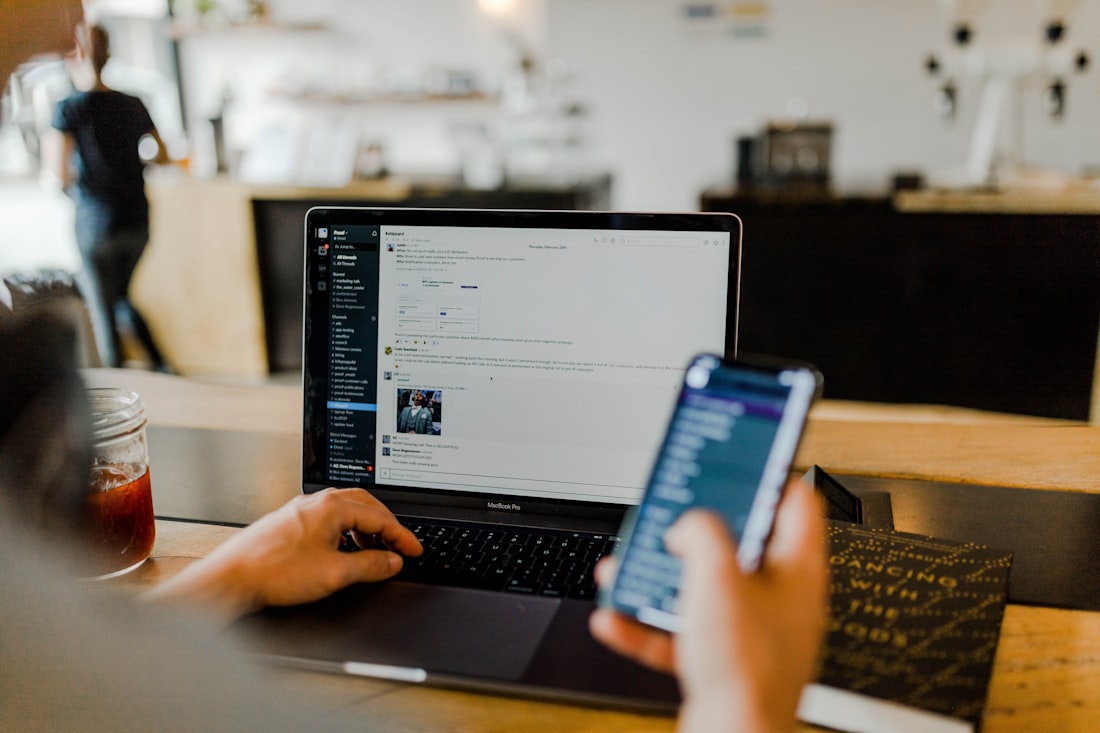
Clean spelling and a familiar tone are no longer signs an email is legitimate — the mechanics behind it are.
The Old "Look for Typos" Advice No Longer Works
Phishing used to have obvious tells: broken English, mismatched logos, "Dear Valued Customer." Generative AI erased almost all of that. A language model can write a fluent, professional email in seconds — one that references a real colleague's name, a real ongoing project, or your actual job title, pulled from a LinkedIn profile or a company website. The polish itself is no longer evidence of anything.
That shift means the defense has to move too. Instead of scanning for sloppy writing, the checks that still work focus on things AI can't fake as easily: where a message actually came from, where its links actually go, and whether the situation it's describing makes sense.
What AI Actually Changes About a Phishing Attack
Personalization at scale
AI tools can scrape a target's public profile — job role, company, recent posts — and generate a message tailored specifically to them, instead of one generic email blasted to thousands of people.
Voice and video, not just text
Voice cloning can recreate a real person's voice from a short clip, and video deepfakes can simulate someone on a call. Both have already been used in real fraud cases involving six- and seven-figure wire transfers.
Constant variation to dodge filters
Attackers can regenerate subject lines, wording, and layout automatically, which makes static, signature-based spam filters far less reliable than they used to be.
Session-hijacking that bypasses MFA
Some advanced kits use real-time relay attacks: you log in and complete multi-factor authentication normally, but the attacker's tool captures your session token in the process and uses it to access your account anyway.
The Checks That Catch AI-Written Scams
Check the real sender address
Not the display name — the actual address behind it. A polished message from "yourbank-support@secure-alerts.net" is still a scam no matter how well it's written.
Hover before you click
On desktop, hovering over a link shows the real destination URL without clicking it. A mismatch between the link text and where it actually goes is still one of the most reliable tells.
Distrust manufactured urgency
"Act within the hour" or a countdown timer is a pressure tactic designed to stop you from thinking it through — a message this generation is built to write convincingly.
Ask if you started this exchange
If you didn't initiate the conversation — a call, a login prompt, a document share — treat any unexpected follow-up asking for credentials or money with real suspicion.
Verify through a separate channel
If a message claims to be from your bank, boss, or a colleague, confirm it by calling a number you already have on file — not one provided in the message itself.
Use phishing-resistant MFA where you can
Hardware security keys (FIDO2) resist the session-hijacking attacks that can defeat SMS or app-based codes. Not every account supports them yet, but enable it wherever it's offered.
What to Do If You Think You Clicked a Phishing Link
Report the incident to your bank if any financial information was involved, and to your company's IT or security team if it happened on a work account — even if you're not sure anything actually went wrong. Catching it early is almost always better than waiting to see if there's a problem.
Bottom Line
AI has removed the old tells — bad grammar, generic greetings, obvious spelling mistakes — that used to make phishing easy to spot. The messages now read clean, and can reference real, specific details about you. What still works is checking the mechanics: the real sender address, where links actually point, whether you started the exchange, and verifying anything urgent or unusual through a channel you already trust, not one the message hands you.
More AI Guides, Written Clearly
Browse our full library of AI tool guides, updated regularly as models and features change.
Common Questions
How do AI phishing emails differ from old-style phishing?
AI-written phishing emails have correct spelling, natural grammar, and can reference real details about you, your job, or a real project — because a language model can generate fluent, personalized text in seconds from scraped public information.
If an email has no typos, is it safe?
No. Clean writing is no longer a sign of legitimacy. Focus on mechanics instead: the sender's actual email address, where links really point, whether you initiated the exchange, and whether there's artificial urgency.
Can AI-generated phishing beat two-factor authentication?
Some advanced phishing kits use real-time relay attacks that capture your session after you complete MFA, effectively stealing your logged-in session rather than just your password. Phishing-resistant methods like FIDO2 security keys are more resistant to this than SMS or app-based codes.
What should I do if I think I clicked a phishing link?
Change the password for that account immediately from a different device, enable multi-factor authentication if it isn't already on, check for unfamiliar login activity or new forwarding rules, and report the incident to your bank or IT team without delay.
More from the creator
Explore two other projects from the same creator.