Best Free AI Grammar Checkers in 2026: Grammarly Alternatives That Actually Work
Grammarly's free plan flags obvious typos and stops there — tone detection, full-sentence rewrites, and its deeper suggestions all sit behind Premium. The good news is you don't need to pay to get real grammar checking. Here's how QuillBot, LanguageTool, Hemingway, and Microsoft Editor actually compare once you strip away the marketing and look at what each free tier genuinely lets you do.
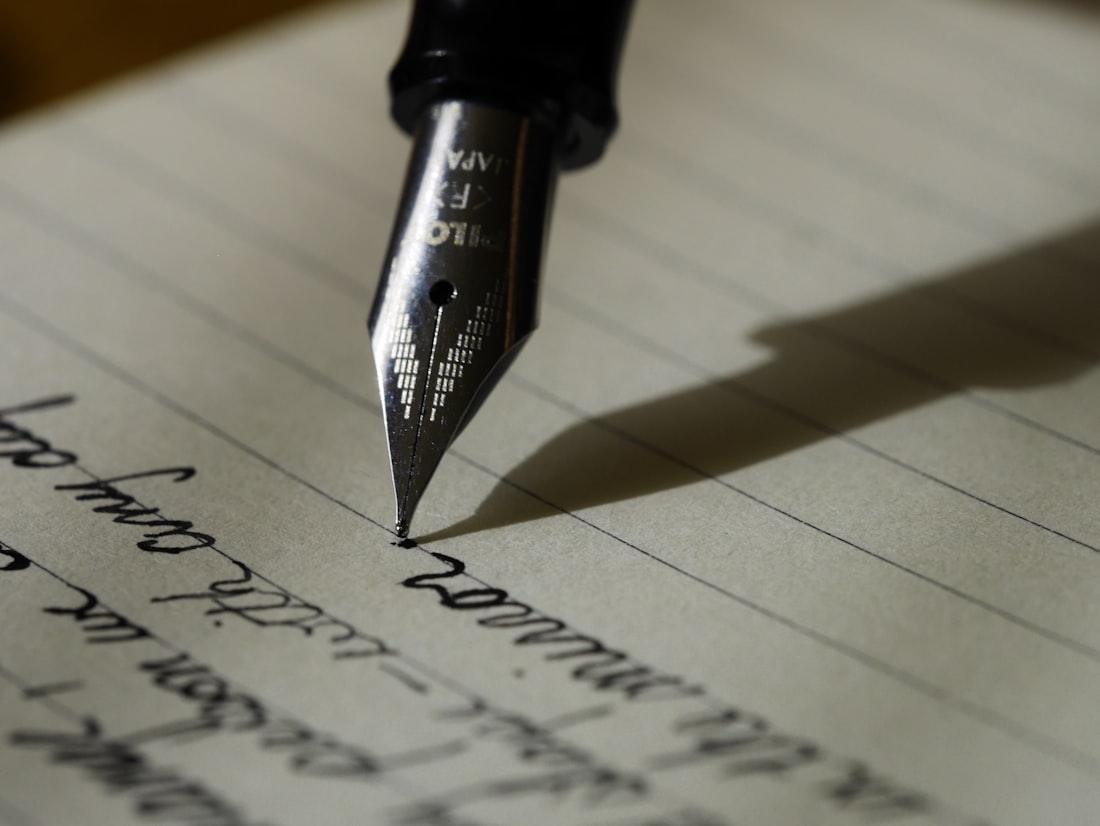
A good free grammar checker should catch real mistakes as you type, not just flag them after you've already sent the email.
QuillBot for English, LanguageTool for Everything Else
If your writing is mostly in English and you want one free tool that catches spelling, grammar, and awkward phrasing without limits, QuillBot's grammar checker is the strongest pick — it's unlimited, requires no account, and consistently performs close to Grammarly's paid tier in independent testing. Its paraphraser is a separate, more limited feature, so don't confuse the two when comparing free allowances.
If you write in more than English, LanguageTool is the better default. It's open-source, covers over 30 languages on its free plan with a generous per-check character limit, and doesn't push you toward a subscription the way Grammarly's free tier does. Pair either one with Hemingway Editor's free web tool if your actual problem is dense, hard-to-read sentences rather than outright errors.
How the Free Tiers Actually Compare
| Tool | Free Tier Limit | Best For | Sign-Up Required |
|---|---|---|---|
| QuillBot | Unlimited grammar check; 125-word paraphrase cap | Everyday English writing, no account hassle | No |
| LanguageTool | ~20,000 characters per check | Multilingual writers, privacy-conscious users | No (extensions need one) |
| Grammarly | Basic spelling/grammar only | Browser-wide coverage across Gmail, Docs, Slack | Yes |
| Hemingway Editor | Unlimited, web-based | Readability and sentence-length issues, not grammar per se | No |
| Microsoft Editor | Free tier via browser extension | Users already living inside Microsoft 365 apps | Yes (Microsoft account) |
Free-tier limits shift often as these companies adjust pricing — treat this as a snapshot of 2026 offerings, and check each tool's current pricing page before committing to a workflow.
Pick Based on What You're Actually Writing
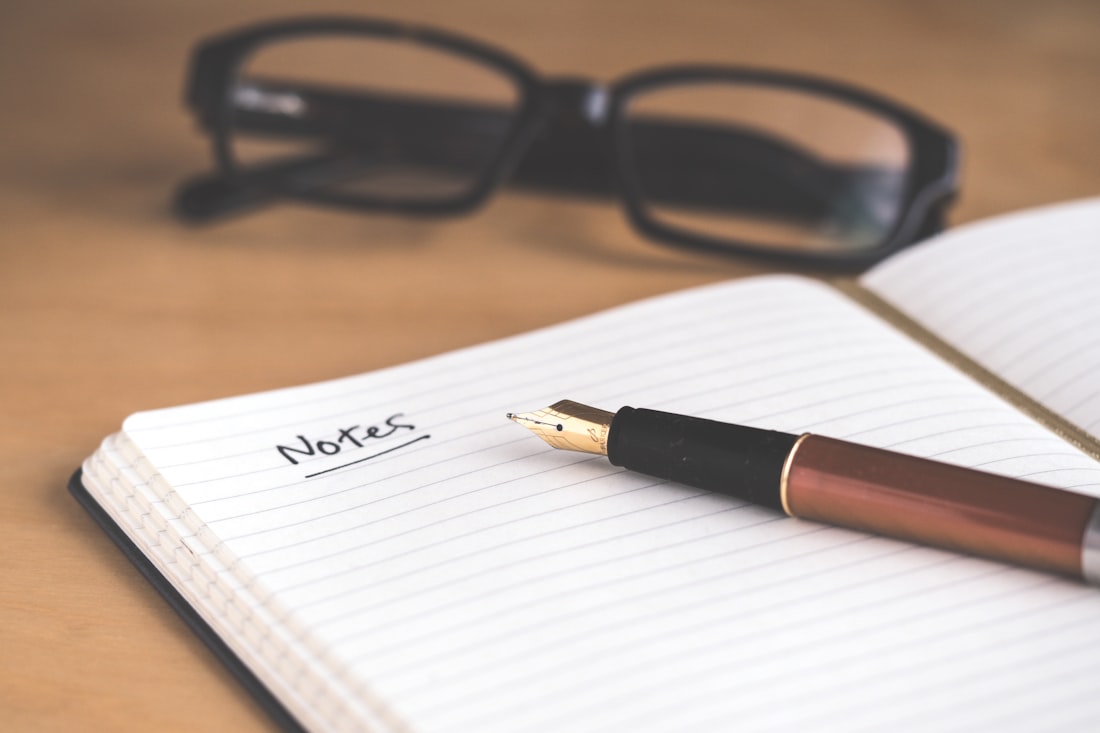
The right free grammar checker depends less on brand recognition and more on what kind of writing you actually do most.
QuillBot
No sign-up, no daily cap on grammar checks, and accuracy that holds up well against Grammarly in side-by-side tests. The best default if you just want fewer errors without managing an account.
LanguageTool
Open-source and built around multilingual rule sets from the ground up, rather than English support with translation bolted on. The free tier's character limit is generous enough for most single documents.
Hemingway Editor
Doesn't check grammar in the traditional sense — it flags passive voice, adverb overload, and sentences dense enough to need a second read. Pair it with a real grammar checker rather than using it alone.
Microsoft Editor
The free browser extension layers grammar suggestions on top of Word, Outlook, and other Microsoft apps you're likely already using daily — less flashy than the others, but zero extra friction if that's your workflow.
What a Free Grammar Checker Won't Catch
- Spelling mistakes, typos, and basic punctuation errors
- Subject-verb agreement and obvious tense inconsistencies
- Overly long or convoluted sentences (with Hemingway specifically)
- Straightforward wording swaps for clarity
- Nuanced tone or register issues — sounding too casual for a formal email
- Domain-specific jargon in technical, legal, or academic writing
- Full-sentence rewrites and structural suggestions (paywalled almost everywhere)
- Deep style consistency checks across a long document
Frequently Asked Questions
What's the best free Grammarly alternative in 2026?
QuillBot's free grammar check is the most usable no-cost option overall — it's unlimited, needs no sign-up, and catches most everyday errors. LanguageTool is the better pick if you write in more than one language, since its free tier covers 30-plus languages where Grammarly is English-only.
Is Grammarly's free plan actually worth using?
For basic spelling and grammar catches, yes — it's reliable and works everywhere via browser extension. But Grammarly gates its most useful AI suggestions, tone detection, and full-sentence rewrites behind Premium, so free users get the entry-level layer only.
Can I just use ChatGPT or Claude instead of a dedicated grammar checker?
For a one-off paste-and-check, yes, and both handle long documents well. What you lose is the real-time, inline underlining as you type in Gmail, Docs, or Slack — a dedicated grammar checker's browser extension catches errors in the moment, while a chatbot only checks text you've already written and pasted in.
More Software Guides, Written Clearly
Browse our full library of software and productivity explainers, updated as tools and pricing change.
More from the creator
Explore two other projects from the same creator.