Best Free Network Monitoring Software in 2026
Every network monitoring vendor advertises a "free" option, but the free tiers land in very different places: some are genuinely unlimited open source tools, others cap out at 100 sensors, and a few well-known names don't have a free plan at all. Here's where six real options actually stand, and how to pick between them based on what you're monitoring.
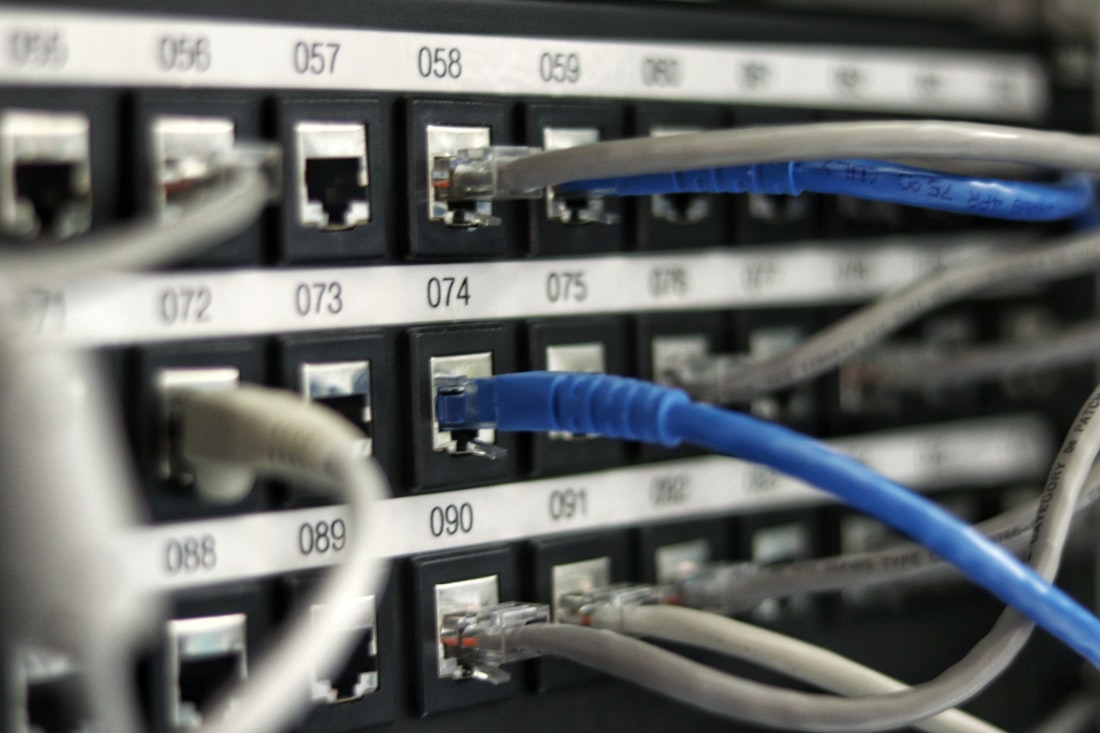
A working monitoring setup should flag a downed device or service before someone has to notice it manually.
Zabbix for Full Control, GlassWire for a One-PC Setup, PRTG for a Small Office
If you're comfortable installing and configuring your own monitoring server, Zabbix is the strongest genuinely free option: it's fully open source with no license fees, no device caps, and no feature gates, and it scales from a handful of devices to a large network without the pricing cliff most "free tier" tools hit. If you just want to see what's eating your bandwidth on a single Windows PC without setting up a server, GlassWire is the easier starting point, with a clean graph of network activity and per-app usage in its free tier. For a small office with a handful of switches, routers, and servers to keep an eye on, PRTG Network Monitor's free plan covers up to 100 "sensors" (each sensor is roughly one measurement on one device), which is often enough for a genuinely small network without paying anything.
Six Free Network Monitoring Tools Worth Knowing
Zabbix — best for full, unlimited monitoring
Open source and free with no device limits, agent-based or agentless monitoring, customizable dashboards, and alerting. The tradeoff is setup: it typically runs on a Linux server and has a real learning curve compared to the plug-and-play tools below.
PRTG Network Monitor — best free tier for small offices
PRTG's free plan supports up to 100 sensors permanently, not just as a trial, with a genuinely usable dashboard, auto-discovery, and alerting out of the box. A small office with a router, a few switches, and a couple of servers can often stay under the 100-sensor ceiling indefinitely.
GlassWire — best for a single home or work PC
Instead of monitoring a whole network, GlassWire watches the traffic on the machine it's installed on, showing which apps are using bandwidth right now, in the last 24 hours, or over a longer window. It's the simplest option here if your actual goal is "why is my one PC using so much data," not full network administration.
Nagios Core — best for a customizable alerting engine
The free, open source foundation of the Nagios monitoring family. It's less visually polished than PRTG out of the box, but its plugin ecosystem is enormous, and it's a common choice for admins who want to build a monitoring setup exactly to their own specification rather than a vendor's defaults.
Wireshark — best for diagnosing a specific problem
Wireshark isn't an ongoing dashboard tool, it's a packet analyzer you run when something's actually wrong and you need to see exactly what traffic is doing on the wire. It's free, extremely detailed, and the closest thing to a universal standard for network troubleshooting.
Fing — best for a quick phone-based device scan
Fing's free mobile app scans your local network and lists every connected device, flagging unfamiliar ones. It's not a dashboard you'd run all day, but it's the fastest way to answer "what's actually connected to my network right now" from a phone.
Where Each Free Tier Actually Stops
Sensor and device caps are the most common ceiling
PRTG caps its free tier at 100 sensors; once you're monitoring enough switches, interfaces, and services, you'll hit that limit and either pay or trim what's being watched.
Open source tools trade licensing cost for setup time
Zabbix and Nagios Core are free indefinitely with no device caps, but "free" here means free of license fees, not free of the time it takes to install, configure, and maintain a monitoring server yourself.
Some well-known names, like Auvik, simply don't have a free tier
Auvik consistently ranks among the highest-rated network monitoring tools, but it's quote-only pricing with no free plan at all, which is worth knowing before you spend time evaluating it against genuinely free options.
Cloud-hosted "free" tiers often limit history and retention
Tools like Datadog offer a free tier, but typically with shorter data retention windows and fewer hosts than their paid plans, which matters if you need to look back weeks, not just hours, when diagnosing a recurring issue.
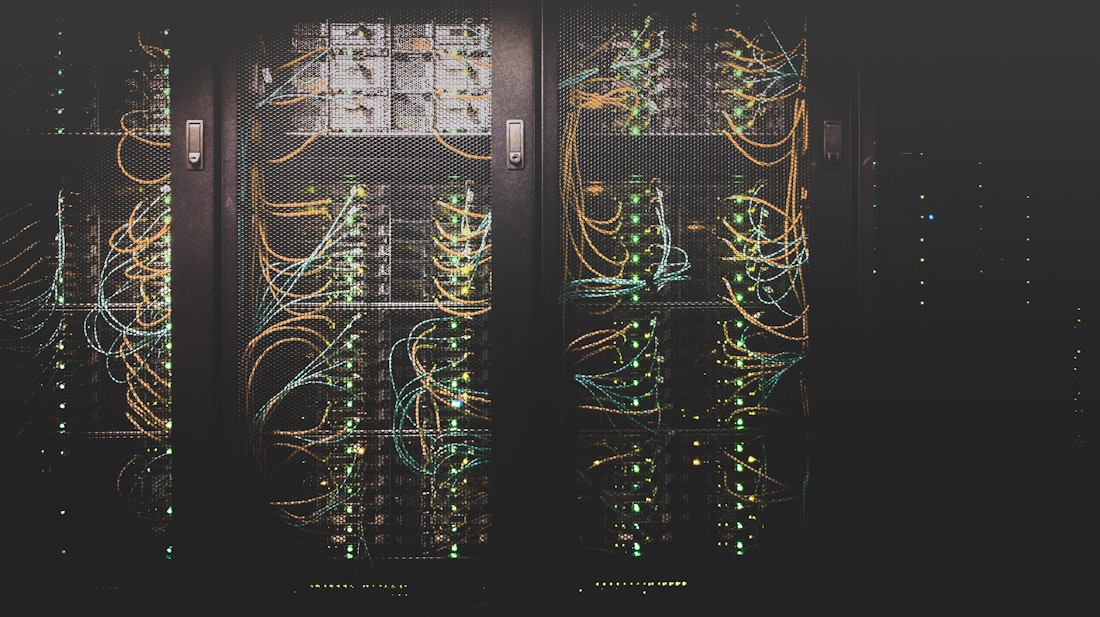
Even a small office network, a router, a switch, a couple of servers, benefits from free alerting the moment something goes down outside business hours.
Match the Tool to What You're Actually Trying to See
The honest starting question isn't "which tool is best," it's "what am I actually trying to find out." If the goal is uptime alerting for a small number of business-critical devices, a router, a NAS, a couple of servers, PRTG's 100 free sensors will likely never fill up, and its setup wizard gets you a working dashboard in under an hour. If you're managing something larger, or you expect the network to keep growing, the upfront setup cost of Zabbix or Nagios Core pays off because there's no ceiling to eventually hit and pay to remove.
For personal or single-PC use, skip the enterprise tools entirely. GlassWire answers "what's using my bandwidth" without any server setup, and Fing answers "what's on my network" from a phone in under a minute. Neither replaces a real monitoring stack for a business network, but for the question most home users are actually asking, they're a better fit than installing something built for IT departments.
One more practical note: free monitoring software is only as useful as the alerts you actually see. A tool logging outages to a dashboard nobody checks is barely better than no monitoring at all. Before choosing based on features alone, confirm each option's free tier actually supports the alert channel you'll realistically watch, email, Slack, or a push notification, since some free tiers restrict alerting to in-app notifications only.
It's also worth deciding upfront whether you need historical trend data or just live status. Live-only monitoring tells you a device is down right now; historical graphs let you spot a pattern, like a switch that quietly drops packets every afternoon, that a single snapshot would never reveal. Free tiers vary widely here: some open source tools store history indefinitely on your own server, while free cloud tiers often cap retention at a week or two before older data rolls off.
Even a small office network, a router, a switch, a couple of servers, benefits from free alerting the moment something goes down outside business hours.
Bottom Line
There's no single best free network monitoring tool, only a best fit for what you're watching. Zabbix and Nagios Core are the right call if you're willing to spend setup time in exchange for zero device caps ever. PRTG is the fastest path to a working small-office dashboard, as long as you stay under 100 sensors. GlassWire and Fing solve a different, smaller problem well: understanding a single PC's traffic or scanning who's on your home network, without any of the enterprise setup overhead.
More Guides, Written Clearly
Browse our full library of guides, updated regularly as tools and information change.
Common Questions
What is the best completely free network monitoring software?
Zabbix is the strongest fully free option with no device or sensor limits, since it's open source software rather than a capped free tier of a paid product. The tradeoff is that it requires installing and configuring your own monitoring server, unlike plug-and-play paid tools.
Does PRTG Network Monitor have a permanent free plan?
Yes. PRTG's free tier includes up to 100 sensors indefinitely, not just during a trial period, which is often enough to monitor a small office's core devices without ever needing to upgrade.
What's the difference between GlassWire and a network monitoring tool like Zabbix?
GlassWire monitors traffic on the single PC it's installed on, showing which apps are using bandwidth. Zabbix and similar tools monitor an entire network of devices from a central server. They solve different problems and aren't really substitutes for each other.
Is Wireshark a network monitoring tool?
Not in the dashboard sense. Wireshark is a packet analyzer used to inspect traffic in detail when diagnosing a specific problem, rather than an always-on monitoring tool you'd check daily like PRTG or Zabbix.
More from the creator
Explore two other projects from the same creator.