What Is AI Computer Use? AI That Operates a Screen Like a Person
Instead of connecting to a special API, some AI tools can now just look at your screen and use it the way you do: move the mouse, click a button, type into a field, read what happened, and decide what to do next. That's computer use. Here's what it actually is and why it's a meaningfully different approach from a regular AI integration.
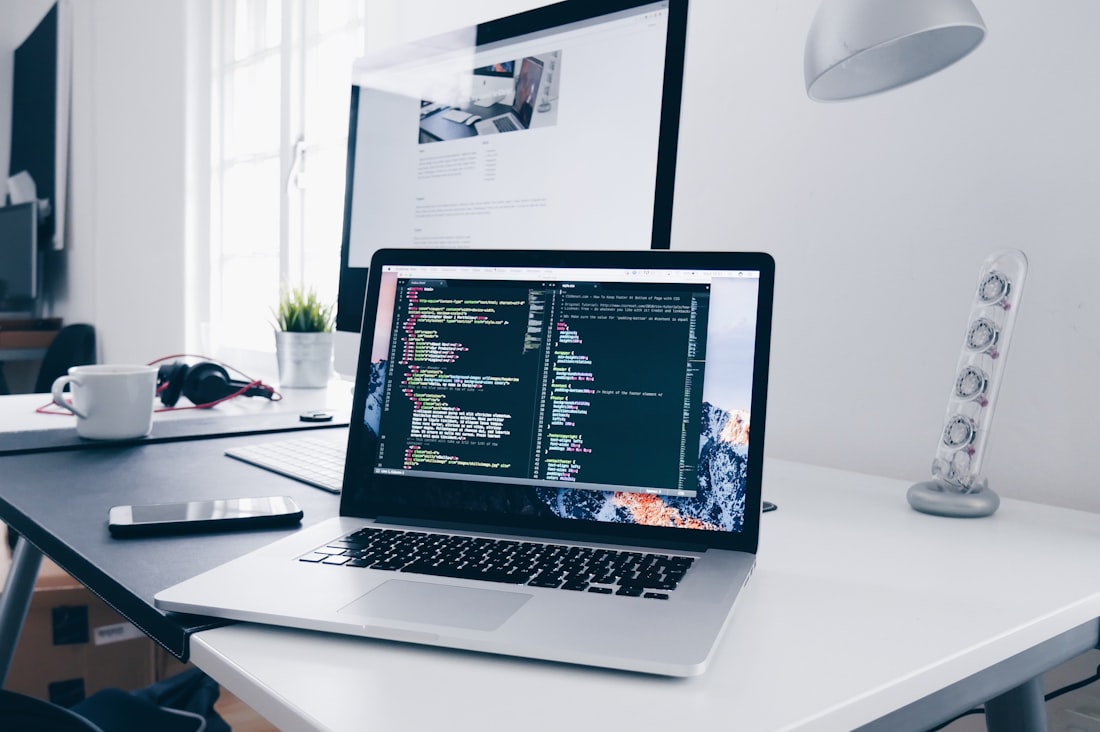
Computer use lets an AI model see a screenshot of your screen and decide where to click, scroll, or type, the same way a person would.
Seeing the Screen Instead of Calling an API
Computer use is an AI capability where the model is given a screenshot of a computer screen, decides on an action — move the mouse to a coordinate, click, type text, press a key, scroll — and that action gets executed, after which the model receives a new screenshot showing the result. It repeats this loop, one action at a time, until the task is done. Rather than needing a purpose-built integration for every app (an API for your email client, another for your spreadsheet, another for your browser), the model interacts with whatever's on screen the same way a person with a mouse and keyboard would.
This is different from the more common way AI tools take action today, called function calling or tool use, where a developer defines a specific set of allowed operations (like “send_email” or “search_database”) that the model can trigger directly. Computer use is more general and more fragile: it works on software that was never built with AI in mind, but it also has to correctly interpret a visual interface instead of calling a clean, predictable function.
Screenshot, Decide, Act, Repeat

Each action — a click, a keystroke, a scroll — is followed by a new screenshot, so the model can check what actually happened before deciding on the next step.
Each step in a computer use session follows the same pattern. The model receives an image of the current screen state, plus the task it's been given and a record of what it's already tried. It responds not with a paragraph, but with a specific instruction — for example, “click at pixel coordinate (412, 88)” or “type the following text.” A separate piece of software actually executes that instruction on a real or virtual computer, takes a fresh screenshot, and sends it back to the model. The model looks at the new screenshot, checks whether the action worked, and decides on the next step.
This requires the model to be reasonably good at two different skills at once: visually parsing an interface (finding the right button among dozens of similar-looking elements) and reasoning about multi-step plans (recognizing that this dialog box needs to be closed before the field underneath becomes clickable). Both skills tie directly back to multimodal AI — computer use is essentially a practical, action-oriented application of a model's image understanding.
This Isn't Just a Research Demo Anymore
Claude's computer use
Anthropic introduced this as a public API capability in October 2024, letting developers build agents that operate a virtual desktop to complete multi-step tasks.
OpenAI's Operator
Launched in January 2025 as a consumer-facing agent focused on browser tasks like filling out forms, booking reservations, and shopping online.
Browser extensions
Tools like Claude for Chrome give a model direct access to your actual browser tabs, rather than an isolated sandboxed environment, to complete tasks on real websites you're logged into.
Enterprise automation
Businesses use computer-use agents to handle legacy software with no API at all — old desktop applications, internal tools, and systems too old or too locked-down to integrate with directly.
Slower, Less Reliable, and Sometimes Wrong in Costly Ways
Computer use is currently slower and less reliable than a purpose-built integration. Clicking the wrong pixel by a few dozen coordinates can miss a small button entirely. Pop-ups, loading spinners, and unexpected dialog boxes — routine annoyances for a person — can derail an agent that wasn't specifically trained to recognize and dismiss them. And because each step depends on correctly interpreting the previous screenshot, small early mistakes can compound into a task that goes fully off the rails several steps later, well before anyone notices.
There's also a real safety dimension unique to this capability: a model that can click and type on a real computer can, in principle, take real-world actions with real consequences — sending an email, making a purchase, deleting a file — which is why providers offering computer use publicly have added extra safeguards, like requiring confirmation before consequential actions, running the agent in an isolated sandboxed environment rather than a person's actual desktop, and limiting what domains or applications an agent can act on. Anthropic's own guidance to developers, for example, explicitly recommends against giving a computer-use agent access to sensitive accounts without a human checking in periodically.
The Case for a Messier, More General Approach
The appeal of computer use over building a custom integration for every app is coverage: the vast majority of business software, especially older internal tools, has no public API at all, and even software that does have an API often doesn't expose every feature through it. A visual, click-and-type approach can in principle operate any application a human employee can, without waiting for that specific software vendor to build and maintain an AI integration.
The trade-off is reliability versus generality — a hand-built integration for a specific task, like sending a Slack message through Slack's own API, will almost always be faster and more dependable than asking a computer-use agent to open Slack, find the right channel, and type the message by clicking around the interface. Most production systems in 2026 use computer use as a fallback for the long tail of tasks that don't have a clean API, not as the default way to do everything. Expect that mix to keep shifting as models get more accurate at reading interfaces and providers get more comfortable extending longer, less-supervised runs.
Frequently Asked Questions
Is computer use the same as an AI agent?
Computer use is one specific capability an AI agent can have — the ability to see a screen and control a mouse and keyboard. An AI agent more broadly refers to any AI system that takes multi-step actions toward a goal, which can include computer use, API-based tool calling, or both.
Can AI computer use see my actual screen and files?
It depends on the setup. Some computer-use products operate in an isolated virtual sandbox with no access to your real desktop; others, like browser extensions, can act on your actual browser tabs and whatever you're logged into there. Always check what environment a specific tool is running in before granting it access.
Why is computer use slower than a normal AI chat response?
Because it involves a loop of screenshot, decision, action, and a new screenshot, repeated for every single step of a task — a multi-step process like filling out a form can take dozens of individual round trips, each with its own processing time.
Is it safe to let an AI agent control my computer?
It carries real risk if given broad, unsupervised access, since mistakes can have real consequences like unintended purchases or deleted files. Reputable providers add safeguards like sandboxing and confirmation steps for consequential actions — check what protections a specific tool offers before granting it control.
Does computer use work on mobile apps, or just desktop software?
Most computer-use products launched with a desktop or browser focus, since screenshots and coordinate-based clicks map cleanly onto a mouse-and-keyboard interface. Mobile-specific computer use, controlling a phone's touchscreen, is a newer and less mature extension of the same idea.
More AI Guides, Written Clearly
Browse our full library of AI explainers and how-tos, updated as the tools change.
More from the creator
Explore two other projects from the same creator.