What Is Multimodal AI? One Model, Several Senses
Ask ChatGPT to describe a photo you upload, or ask it to read a chart out loud, and it just does it, in the same conversation, without switching tools. That's multimodal AI: one model working across more than one kind of content instead of being limited to just text. Here's what actually changed to make that possible.

A multimodal model can take a photo, a paragraph, or a voice clip as input, and respond in whichever format fits the question.
More Than One Kind of Input or Output
“Modality” just means a type of data — text, image, audio, video. A multimodal AI system can accept more than one of those as input, produce more than one as output, or both, within a single model rather than stitching together several separate specialized tools. Upload a photo of a broken appliance and ask what's wrong with it in a text message: that's text and image going in, text coming out, handled by one system that understands both at once.
This is different from older setups where you'd need one tool to transcribe audio to text, a separate tool to analyze that text, and a third tool to generate a response — each trained independently, each unaware of what the others were doing. A genuinely multimodal model learns relationships across modalities directly, which is why it can, for example, connect the word “red” in your question to the actual red object in a photo you shared.
Different Senses, One Shared Language
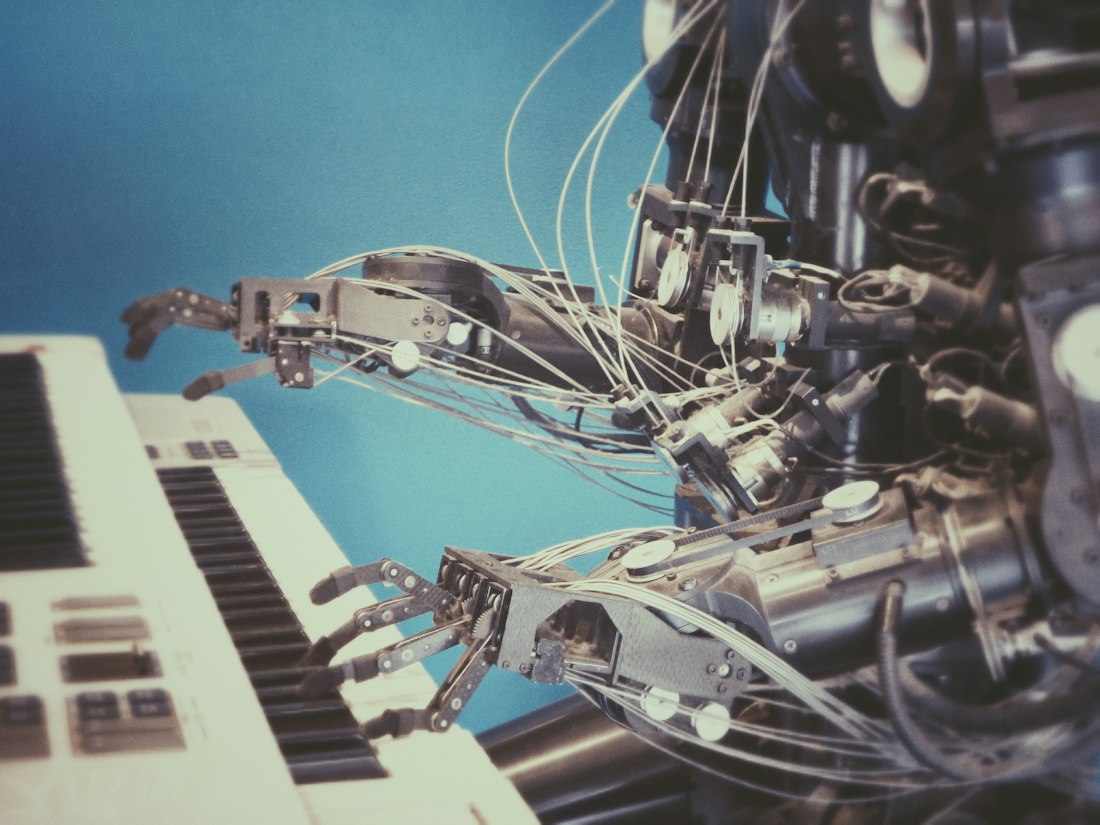
Text, images, and audio all get converted into the same underlying numerical format before a multimodal model processes them.
The technical trick is converting every modality into the same underlying format — essentially long lists of numbers called embeddings — so a single model architecture can process them together. Text gets broken into tokens and converted to numbers. Images get split into patches and converted to numbers. Audio gets sliced into short time windows and converted to numbers. Once everything is in that shared numerical space, the model can find relationships across modalities the same way it finds relationships between words in a sentence.
This is why a multimodal model can do things like describe what's happening in a video, answer a spoken question with a spoken answer, or generate an image from a text prompt — the boundary between “text model” and “image model” has effectively dissolved inside these systems, even though the products built on top of them (a chatbot, an image generator) may still look separate to you as a user.
It's Already the Default, Not a Feature
Vision + text
Uploading a photo to ChatGPT, Claude, or Gemini and asking a question about what's in it — a menu, a math problem, a screenshot of an error.
Voice mode
Talking to ChatGPT's Advanced Voice Mode or Gemini Live and getting a spoken reply in real time, without a separate transcription step you notice.
Text-to-image
Midjourney, DALL-E, and Nano Banana taking a written description and producing a picture — text in, image out.
Document understanding
Uploading a PDF or spreadsheet and asking questions about tables and charts inside it, which mixes text and visual layout understanding.
Why This Took Until the Early 2020s
Separate models for vision, language, and audio existed for years before multimodal models became mainstream — image classifiers date back to the 2010s, and speech recognition has been commercially useful since well before that. What was missing was a practical way to train one model on all of them together at scale. Early attempts often “glued” specialized components together with a translation layer between them, which worked but lost information at each handoff, the same way a game of telephone degrades a message.
The shift came with architectures that could represent every modality inside the same transformer-based system, plus a large enough supply of paired data — images with captions, videos with transcripts — to train on. OpenAI's GPT-4 (with vision added in 2023) and Google's Gemini, built multimodal from the ground up rather than bolted together, were the first widely used products to make this the default rather than a specialized add-on.
Not Just a Convenience Feature
Multimodality isn't just about saving you the step of switching apps. Models that understand multiple modalities together tend to reason better even on text-only tasks, because visual and spatial concepts (what “above,” “behind,” or “larger than” actually mean) get reinforced by seeing real images during training rather than only reading descriptions of them. It's part of why the jump from text-only to multimodal training pipelines coincided with broader capability improvements, not just new tricks.
It also opens up entirely new use cases: AI agents that can look at a screenshot and click the right button (see our guide on AI computer use), assistive tools that describe a room to someone with low vision, and real-time translation that combines what's being said with what's on a menu or sign in the camera view.
Where Multimodal AI Still Struggles
Multimodal doesn't mean flawless. Image understanding is still noticeably weaker than text understanding for fine detail — models can misread small text in a photo, miscount objects in a crowded scene, or misjudge spatial relationships that would be obvious to a person glancing at the same image for half a second. Audio understanding can struggle with heavy accents, overlapping speakers, or background noise. And because each modality adds computational cost, multimodal requests are typically slower and more expensive to run than a plain text-only exchange, which is why some products still offer a lighter, text-only mode.
There's also a genuine question of how deeply a model “understands” an image versus pattern-matching against similar images it saw in training — the same open question that applies to text generation, just harder to verify because there's no simple way to check whether a described scene is accurate without looking at the image yourself.
A practical habit worth building: treat a multimodal model's reading of an image or audio clip the way you'd treat a first-pass description from someone glancing quickly, not a certified transcript. It's usually right, often impressively so, but for anything where being wrong has real consequences — reading a medication label, verifying a legal document, counting inventory — double-check the specific detail rather than trusting the summary wholesale.
Frequently Asked Questions
Is multimodal AI the same as generative AI?
No, they describe different things. Generative AI refers to producing new content. Multimodal AI refers to handling more than one type of data. A model can be both, one, or neither — a photo classifier is multimodal-adjacent but not generative, for example.
Which AI chatbots are multimodal in 2026?
ChatGPT, Claude, and Gemini all accept images, documents, and in most tiers, voice input, alongside text, and can respond in more than one format depending on the request.
Can multimodal AI understand video, not just still images?
Yes, though video support is newer and more limited than image support. Leading models can process video by sampling frames and audio together, but long or high-detail video is still costly and less reliable than a single still image.
Do I need a special app to use multimodal features?
Usually not. The upload button, microphone icon, or camera icon inside your existing chatbot app is typically all it takes — the multimodal handling happens behind the scenes in the same conversation.
Does multimodal AI cost more to use than a text-only model?
Often yes. Processing an image or a minute of audio typically consumes more of a model's compute budget than the equivalent amount of text, so some pricing tiers charge more per request, or limit how many images or audio minutes are included, once you go beyond text-only use.
More AI Guides, Written Clearly
Browse our full library of AI explainers and how-tos, updated as the tools change.
More from the creator
Explore two other projects from the same creator.