Turn Any Document Into an AI Podcast, Free
Google's NotebookLM has a feature called Audio Overviews that turns whatever you feed it — a PDF, a set of notes, a research paper, even a YouTube video — into a natural-sounding, two-host podcast conversation about the material. It's free, requires no editing skill, and takes a few minutes. Here's exactly how to make one.
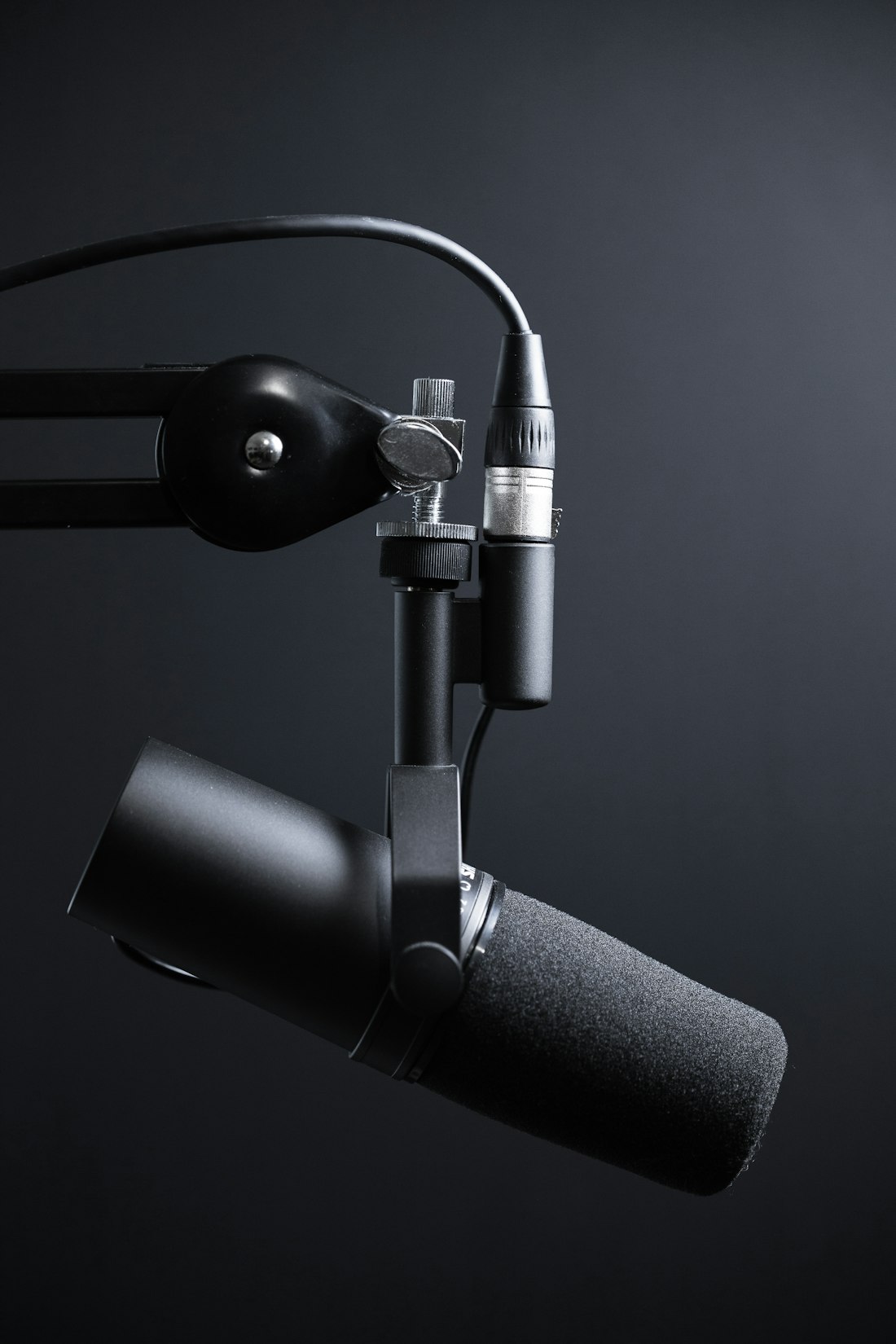
Audio Overviews turns written source material into a natural two-host conversation you can listen to instead of read.
Free, No Editing, and Surprisingly Natural-Sounding
NotebookLM's Audio Overview feature generates a podcast-style conversation between two AI hosts who discuss whatever source material you've uploaded — summarizing key points, asking each other questions, and reacting naturally, the way real podcast hosts do. It launched in September 2024 and has since become one of NotebookLM's most talked-about features, popular enough that other companies including ElevenLabs and Meta reportedly built similar tools afterward.
The free tier includes 3 audio overview generations a day, along with 100 notebooks, 50 sources per notebook, and 50 daily chat queries — enough for most people to genuinely use the feature regularly without hitting a paywall. You can also join the conversation with your voice in Interactive Mode, asking the AI hosts to go deeper on a point or explain something differently.
How to Generate Your First AI Podcast
-
Go to notebooklm.google.com and sign in
Any Google account works. No separate signup or payment method is required for the free tier.
-
Create a new notebook and add your sources
Upload PDFs, Google Docs, Slides, or plain text, or paste in a public website or YouTube URL. You can mix source types within a single notebook, up to 50 sources on the free tier.
-
Open the Studio panel and select Audio Overview
NotebookLM's interface is organized into three panels: Sources, Chat, and Studio. Audio Overview lives in Studio, alongside other outputs like video overviews and slide decks.
-
Add a custom prompt to guide the conversation (optional)
You can specify a focus, tone, or target audience — for example, asking the hosts to focus on beginner-friendly explanations, or to emphasize a specific chapter or theme in the source material.
-
Generate and wait a few minutes
Generation typically takes a few minutes depending on how much source material you've provided. Longer or more complex sources take longer to process.
-
Listen, download, or share
Once it's ready, you can play the audio directly in NotebookLM, download the file, or create a shareable public link so someone else can listen without needing their own NotebookLM account.
Beyond Just "Making a Podcast"

Students commonly use Audio Overviews to turn lecture notes and readings into study material they can listen to on the go.

Turning a dense document into audio makes it possible to review material during a commute instead of at a desk.
Studying
Turn lecture notes, textbook chapters, or class recordings into a conversational review you can listen to while commuting or exercising.
Research Review
Condense long or dense academic papers into an accessible discussion, helpful for getting oriented before doing a closer read.
Team Briefings
Summarize a report or set of documents into something a colleague can listen to in a few minutes instead of reading in full.
Personal Projects
Some people have generated podcasts from personal collections, like diary entries or a LinkedIn profile, purely as an experiment.
How Far the Free Tier Actually Gets You
| Plan | Audio Generations/Day | Notebooks | Sources per Notebook |
|---|---|---|---|
| Free | 3 | 100 | 50 |
| NotebookLM Plus (Google AI Pro, $20/mo) | 20 | 500 | 300 |
For most casual or personal use — studying, reviewing a report, catching up on a long article — 3 free generations a day is plenty. The upgrade mainly matters if you're producing audio overviews regularly as part of a job or a content workflow, where hitting that daily cap becomes a real bottleneck.
What This Feature Does and Doesn't Solve
- Turning dense material into something you can absorb passively, while doing something else
- Free, no editing skill required, and ready in a few minutes
- Grounded in your actual source material, with citations available in the companion chat
- Interactive Mode lets you ask follow-up questions mid-playback, like a real conversation
- English-only for now, due to current voice-model limitations
- No hard control over exact length — runtime depends on your source material
- Can occasionally include small inaccuracies, so it isn't a substitute for reading the original for anything high-stakes
- 3 free generations a day is a real ceiling if you're producing these regularly
One of the More Genuinely Useful Free AI Features Available
Free, well-built, and useful for more than just novelty.
Audio Overviews earns its reputation — the conversations sound natural rather than robotic, and turning a document into something you can listen to passively is a genuinely different way to absorb information, not just a gimmick. The free tier's 3-generations-a-day limit is generous enough for regular personal use, and there's no reason not to try it on something you're already reading or studying.
Frequently Asked Questions
Is NotebookLM's Audio Overview feature really free?
Yes. The free tier includes 3 audio overview generations per day, along with 100 notebooks, 50 sources per notebook, and 50 daily chat queries. No credit card is required to sign up. The paid Google AI Pro plan raises the daily audio generation limit to 20 and adds other increased limits, but it isn't required to try the feature.
How long is a typical NotebookLM podcast?
Most Audio Overviews run somewhere between 7 and 20 minutes, depending on how much source material you provide. A short document might produce a 3-minute summary, while a dense, lengthy source can generate a 20-minute conversation. You can nudge the length using a custom prompt, though there's no hard control that guarantees an exact runtime.
Can I download the podcast or only listen inside NotebookLM?
You can download the generated audio file directly from NotebookLM once it finishes generating, and you can also create a shareable public link if you want to send it to someone without them needing a Google account or NotebookLM access of their own.
More AI Tool Guides, Written Clearly
Browse our full library of AI tool explainers and free-tool guides, updated as features change.
More from the creator
Explore two other projects from the same creator.