Best Free Software for Managing Digital Documents
Most "document management software" articles are written for businesses evaluating enterprise systems, not for someone trying to organize tax records, medical paperwork, and scanned receipts at home. Here's what actually covers personal document management for free, from cloud storage with real OCR search to a fully local, no-account option, plus what to check for if you're starting from a genuine backlog of paper.
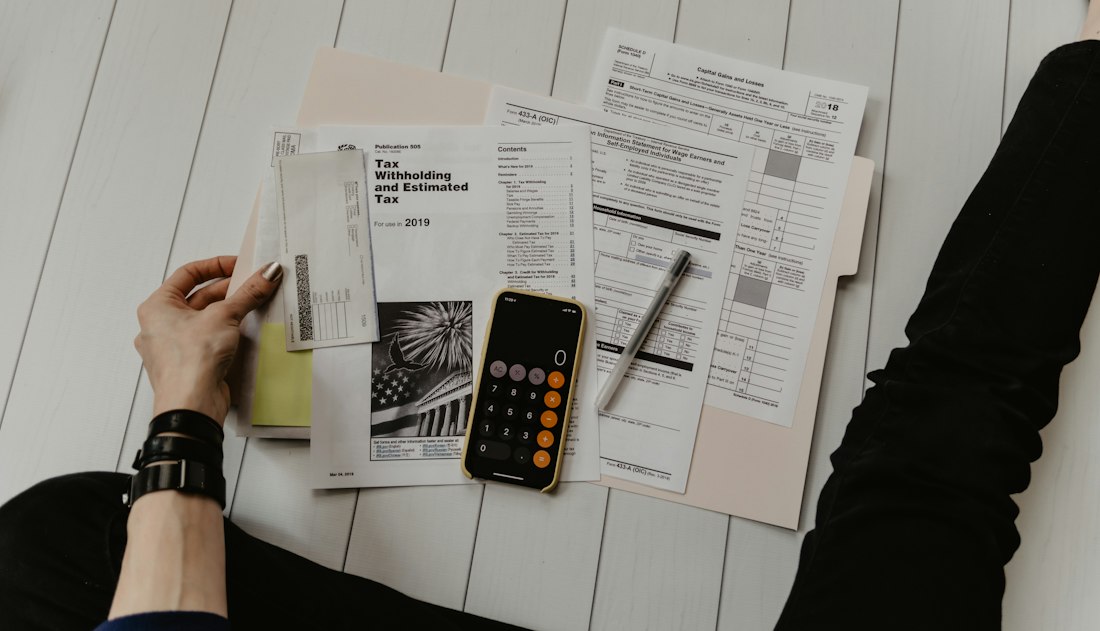
The three things that matter most for personal document management, backup, search, and basic organization, are already covered by free cloud storage tiers.
Google Drive or OneDrive for Most People, TagSpaces for Local-Only, NAPS2 for Scanning
For most individuals and small households, Google Drive or Microsoft OneDrive already cover the core of digital document management for free: automatic sync, a searchable interface, and a free storage tier (15GB and 5GB respectively) that's enough for years of typical paperwork. If you specifically want to keep documents off the cloud entirely, TagSpaces is a genuinely capable free, open source option that organizes and tags files locally on your own computer without any account. And if your bottleneck is actually getting paper documents into digital form in the first place, NAPS2 is a free, open source scanning tool that turns a stack of paper into searchable, organized PDFs.
Five Free Tools and What Each One Actually Solves
Google Drive — best all-around free option
15GB of free storage shared across your Google account, strong built-in search that can read text inside scanned PDFs, and access from any device. The tradeoff is that your documents live on Google's servers, which some people specifically want to avoid for sensitive paperwork.
Microsoft OneDrive — best if you're already in the Windows/Office ecosystem
5GB free, with tight integration into Windows File Explorer and Microsoft Office, making it a natural fit if you're already creating documents in Word or Excel and want them backed up and organized without extra setup.
TagSpaces — best for keeping everything local
A free, open source file organizer that lets you tag, categorize, and search documents directly on your own drive, with no account, no cloud upload, and no subscription. The tradeoff is you're responsible for your own backup.
NAPS2 — best for scanning paper into organized PDFs
Free, open source scanning software that works with most scanners and turns physical documents into searchable, taggable PDFs, with batch scanning support for digitizing a large backlog of paper in one sitting.
OpenDocMan — best for a self-hosted small business system
A free, open source document management system written in PHP, aimed at small offices that want version control, access permissions, and structured document storage without paying for a commercial DMS license.
Most Free "Document Management Software" Lists Are Written for Businesses
"Document management system" usually means enterprise software
Most search results for free document management software point to business-focused platforms built around access controls, approval workflows, and compliance, features an individual organizing tax records or medical paperwork doesn't need.
For personal use, cloud storage plus good search covers most needs
The three things that actually matter for personal document management, backup, search, and basic organization by folder or tag, are already handled well by Google Drive or OneDrive's free tiers without needing dedicated DMS software.
OCR search is the feature worth checking for specifically
Both Google Drive and OneDrive can search text inside scanned PDFs and images, not just filenames, which is the single most useful feature for finding one specific document buried in years of scanned receipts and statements.
A consistent folder and naming structure matters more than any tool
No document management software fixes a genuinely disorganized filing habit. A simple, consistent structure, by year and category, for example, makes any of these tools, cloud or local, dramatically more useful.

Getting paper documents into digital form is often the actual bottleneck, not organizing the digital files afterward.
A Simple System That Actually Sticks
Start with a small number of top-level folders, tax documents, medical records, home and vehicle, financial statements, and so on, rather than an elaborate nested structure you won't maintain. Scan or photograph paper as it arrives rather than letting it pile up, since a small, steady habit is far more sustainable than an occasional big digitizing project. If you're using Google Drive or OneDrive, take a few minutes to confirm text search is actually working on your scanned documents; if a scan comes through as a flat image rather than searchable text, running it through a free OCR tool first will make it findable later.
What Happens If You Change Providers Later
One thing worth thinking about before committing entirely to a single cloud provider is portability. Both Google Drive and OneDrive make it straightforward to export your files in bulk if you ever switch services, but a well-organized folder structure survives that move far better than one built around a specific app's tagging or search features that don't transfer with you. This is another point in favor of relying primarily on simple folders and clear file names rather than a provider's proprietary organizational features, since folders and filenames work identically no matter where the files end up living.
For anyone managing documents for aging parents or in a caregiving role, it's also worth setting up shared folder access early, before it's urgently needed, since most cloud storage services support sharing specific folders with another account without giving that person access to your entire drive. This is a low-effort setup step that pays off considerably compared to trying to locate and share individual documents during an actual emergency.
Getting paper documents into digital form is often the actual bottleneck, not organizing the digital files afterward.
Bottom Line
For personal document management, you likely don't need dedicated "DMS" software at all: Google Drive or OneDrive's free tiers already handle backup, OCR search, and basic organization for most people. TagSpaces is the right call if keeping documents entirely off the cloud matters to you, and NAPS2 solves the more common real bottleneck, getting paper into searchable digital form in the first place. Whatever tool you pick, a simple, consistent folder structure you'll actually maintain matters more than any feature list.
More Guides, Written Clearly
Browse our full library of guides, updated regularly as tools and information change.
Common Questions
Do I need special software to manage my digital documents?
For most personal use, no. Google Drive or Microsoft OneDrive's free tiers already provide backup, text search inside scanned documents, and basic folder organization, which covers what most people need without a dedicated document management system.
What's the best free way to organize documents without using the cloud?
TagSpaces is a free, open source option that tags and organizes files directly on your own computer, with no account or cloud upload required, making it the strongest choice if you specifically want to avoid cloud storage.
How do I turn paper documents into searchable digital files for free?
NAPS2 is a free, open source scanning tool that works with most scanners and produces searchable PDFs, including batch scanning support for digitizing a larger backlog of paper documents in one session.
Can Google Drive and OneDrive search text inside scanned PDFs?
Yes, both services can search text within scanned PDFs and images, not just filenames, which is one of the most useful features for finding a specific document within a large personal archive.
More from the creator
Explore two other projects from the same creator.