Snap Specs vs Camera AI Glasses: How the New Wearable Designs Differ
Smart glasses are splitting into camera-first frames that look like normal eyewear and full augmented reality headsets that put a computer in front of your eyes. Snap’s new Specs sit firmly in the second camp, while Ray-Ban Meta and its rivals are the standard bearers for the first. They look similar on a shelf and behave nothing alike. This guide explains the design differences and who each suits.

Camera AI glasses aim to look like the eyewear people already buy.
What Is the Difference Between Snap Specs and Camera AI Glasses?
Snap Specs are standalone augmented reality glasses with a wide display and their own processors, built to overlay digital content on your world. Camera AI glasses, such as Ray-Ban Meta, are lightweight frames with cameras, microphones, and speakers that work as a hands-free extension of your phone, usually without a display. Specs are a wearable computer. Camera glasses are a wearable sensor and assistant.
Snap unveiled Specs on June 16, 2026 at the AWE conference and priced them at $2,195, with reports that sales began around September 16. That price and the hardware make clear who they are for: developers, early adopters, and people who want to see what augmented reality feels like. Camera glasses start at a few hundred dollars, which is why they dominate sales, a point our existing Meta versus Google versus Samsung comparison covers.
How Do the Designs Compare?
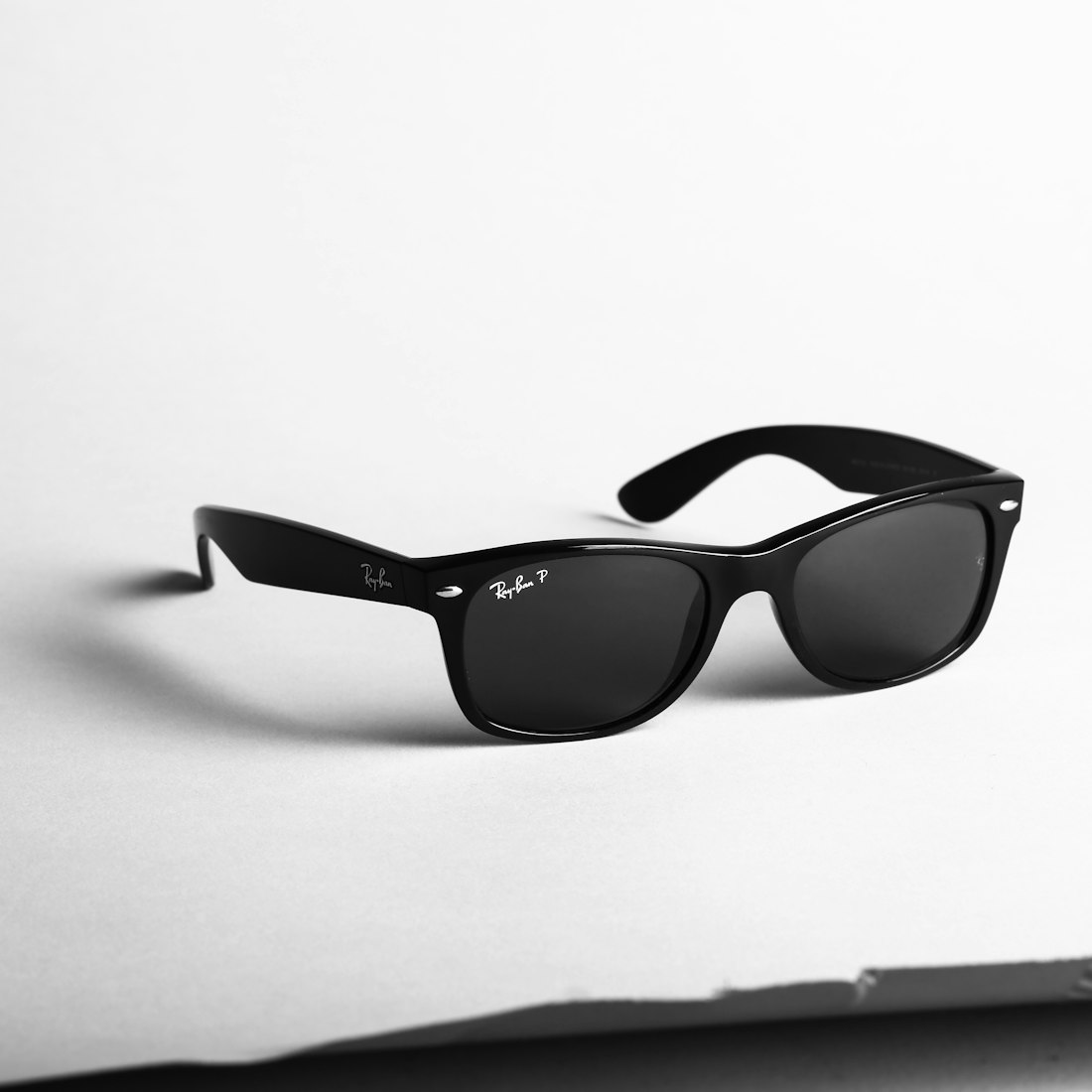
Snap Specs trade discretion for a real display and standalone computing.
| Snap Specs | Camera AI glasses (Ray-Ban Meta style) | |
|---|---|---|
| What it is | Standalone AR glasses with a display | Camera, mics, and speakers in normal-looking frames |
| Display | Wide, about 51° field of view | Usually none, with display models as a premium option |
| Compute | Two Snapdragon processors on board, standalone | Light processing, leans on the paired phone |
| Battery | Around four hours reported | A full day of light use is typical |
| Price | $2,195 | From roughly $300 upward |
| Look and weight | Noticeably chunkier, per hands-on reports | Looks like everyday eyewear |
| Best for | Exploring AR and building apps | Photos, video, calls, and voice assistance |
The takeaway is that the two are not really competitors yet. They are different answers to different questions. One asks what happens if you put a full computer on your face. The other asks what is the smallest amount of hardware that makes an AI assistant useful all day.
Why Are Specs So Much Bulkier and Shorter-Lived?
A display that overlays the world, two processors, and always-available sensors all draw power and produce heat, and both have to be packed into a frame you wear on your face. Batteries do not shrink as fast as chips do, so more capability means a bigger, heavier device with less runtime. That is why Specs report around four hours while camera glasses with no display can last through a day of light use.
It is also why the two categories are unlikely to merge quickly. Making augmented reality glasses light enough to wear all day with a long battery is a hard engineering problem, and each generation gets a little closer without solving it. Camera glasses avoid the problem by leaving the display out, which is exactly why they became the first mass-market product.
What Do Snap Specs Actually Do?
Specs run Snap OS and bring digital objects into your view, with contextual AI that can see what you see through the glasses’ cameras. They are standalone, meaning they do not need a phone tethered to them, and Snap lists a 51-degree field of view, much wider than most smart glasses. Engadget’s hands-on described them as chunkier than everyday frames but capable, which sums up the tradeoff: real augmented reality comes with real bulk and a short battery.
Snap says an LED lights up whenever the glasses record, a nod to bystander concerns. Research on smart glasses notes that indicator lights have limits, since they rely on people noticing them. That is a caution for any camera design, and we discuss it in our always-on microphones guide.
What Do Camera AI Glasses Do Well?

The camera is the sensor that lets AI see what the wearer sees.
Hands-free capture
Take photos and video from your point of view without touching a phone.
Voice assistance
Ask questions and get spoken answers through built-in speakers, and ask the AI about what the camera sees.
All-day wearability
Frames that look like ordinary glasses are comfortable enough to wear for hours.
A lower price
Starting near the price of a good pair of sunglasses makes them a much easier purchase.
A big ecosystem
Meta reportedly sold over seven million pairs in 2025, so apps, accessories, and support are mature.
Their weakness is the absence of a display in the base models. The assistant talks to you, but you cannot glance at directions or a message. Premium versions add a small in-lens display, and Google and Samsung are preparing their own designs. Even Realities takes a third path with display glasses that have no camera, covered in our camera-free guide.
Do Both Designs Raise the Same Bystander Concerns?
Yes, and the concerns are the same for both because both carry cameras. Snap’s LED lights up when Specs record, and Meta’s glasses have a capture light, but academic work on wearer and bystander tensions notes that small lights depend on people noticing them, and that combining visual, audible, and digital signals works better.
Courts and regulators are moving. A class action against Meta now includes a class of bystanders, Paris prosecutors have opened an investigation into filming with smart glasses, and some venues ban them outright. Neither Specs nor camera glasses escapes that scrutiny, and buyers should expect to be asked to remove them in some places. Our guide to always-on microphones covers the details.
Where Do the New Wearable Designs Fit?
| Category | Example | Camera | Display |
|---|---|---|---|
| Camera, no display | Ray-Ban Meta style glasses | Yes | No |
| Camera and display | Snap Specs | Yes | Yes, wide AR |
| Display, no camera | Even Realities G2 | No | Yes, small monochrome |
| Audio only | Older audio-first frames | No | No |
Seen this way, the market is a grid. Each cell trades privacy, price, weight, and capability differently, and no single design wins on all four. The right choice depends on the job you want done, a framing we use across our AI devices guide.
Which Should You Choose?
- You are a developer or enthusiast who wants a real AR platform
- You can afford a $2,195 experiment
- You are happy with a chunkier device and a short battery
- You want a wide display that overlays the world
- You want everyday glasses that add a camera and an assistant
- You care about price, comfort, and battery life
- You mainly want photos, video, calls, and voice help
- You want mature apps and accessories
Whichever you pick, remember that a camera on your face affects the people around you. Consider how you would feel being filmed by a stranger’s glasses, and act accordingly. And if you are deciding between a phone-based assistant and glasses, compare with what Apple is doing in the Camera app, described in our iPhone Camera guide.
Should You Wait for the Next Wave?
If you are considering camera glasses, competition is heating up. Google’s Gemini-based glasses and Samsung’s hardware are aimed at a fall 2026 window, and Apple has not shipped a smart glasses product. Waiting could bring better prices and more choice, and you can compare the current field in our Meta, Google, and Samsung comparison.
If you are considering Specs, the question is different: do you want to explore augmented reality now, at a premium, and accept a first-generation product? For most people the answer is to watch how developers use them and revisit next year. Either way, the smartphone remains the hub. See our agentic phones guide for how phones are evolving alongside these devices.
How Can You Try Smart Glasses Before Buying?
Look for demos
Retail demos and hands-on events tell you more about weight and fit than any spec sheet.
Check the return window
Smart glasses are personal. A generous return policy lets you find out whether you will really wear them.
Ask about prescription support
If you wear glasses, confirm the lens options and cost before you commit.
Test the battery in your routine
A device that runs out at noon is a different product from one that lasts all day.
Above all, decide what you want the glasses to do. A clear use case makes it much easier to choose between a display-first design and a camera-first one, and it protects you from buying a very expensive gadget for one occasional trick.
Frequently Asked Questions
How much do Snap Specs cost?
Snap priced Specs at $2,195 when it unveiled them on June 16, 2026. Reports say sales began around September 16.
Do Snap Specs need a phone?
No. Snap describes Specs as standalone glasses with two Snapdragon processors, so they do not rely on a tethered phone the way most camera glasses do.
Do Snap Specs have cameras?
Yes. Snap says the glasses can see what you see for contextual AI, and an LED lights up when they are recording.
Are camera AI glasses better than Snap Specs?
They serve different needs. Camera glasses are cheaper, lighter, and easier to wear all day. Specs offer a wide augmented reality display and standalone computing at a much higher price.
More AI Tool Guides, Written Clearly
Browse our full library of AI explainers, updated as the tools and hardware change.
More from the creator
Explore two other projects from the same creator.