AI Glasses Without Cameras Explained: What You Gain and Lose
Most smart glasses sell you a camera and hope you forgive the privacy questions. A smaller group of products makes the opposite bet: leave the camera out, and win people over with comfort, discretion, and a display only you can see. It is a real tradeoff, not a gimmick. This guide breaks down what camera-free AI glasses do well, what you give up, and who they suit.
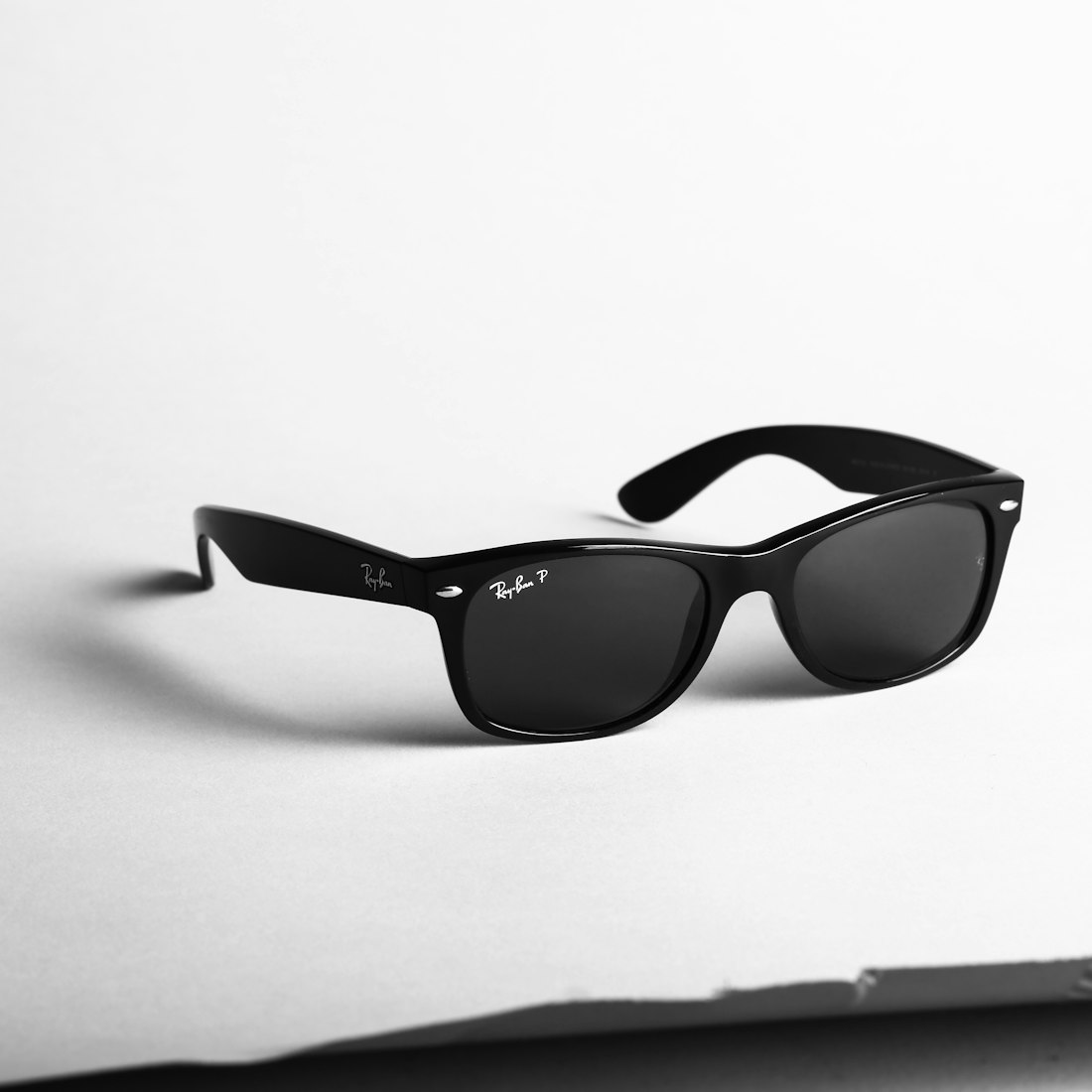
Camera-free frames can look like ordinary prescription glasses, which is much of the appeal.
What Are AI Glasses Without Cameras?
Camera-free AI glasses put a small display or an audio assistant into a pair of frames but deliberately omit the camera. The best-known example is the Even Realities G2, which has four microphones, a discreet monochrome display in each lens, and no camera and no speakers. You talk to it, and the answer appears as text before your eyes.
The pitch is simple. Without a camera you avoid the social awkwardness of pointing a lens at everyone, you cut weight and complexity, and you sidestep a huge chunk of the privacy debate. Tom’s Guide summed it up in its verdict: the approach is less intrusive and brings privacy for you and everyone else. It is also why this category has fans among people who wear glasses all day and do not want to look like tech.
It is not the only option. Reports say Meta is preparing a camera-free pair of its own, though Meta has not confirmed it and details should be treated as rumor. And older audio-only glasses, such as Amazon’s Echo Frames, have existed for years. We compare the camera-based designs in Snap Specs versus camera glasses.
What Do You Actually Gain Without a Camera?

Without a camera or speaker, smart glasses can be lighter and closer to regular eyewear.
Social acceptance
No lens means no reason for the barista or the person across the table to wonder whether they are being recorded. There is no red light or shutter to explain.
A lighter, more normal look
The G2 frames weigh about 36 grams, comparable to regular glasses, and reviewers call them the closest they have come to wearing smart glasses all day.
Fewer places that ban them
Venues that prohibit camera glasses are less likely to object to a device with no camera, though rules that also name microphones may still apply.
Longer battery and simpler design
Skipping a camera and speaker saves power and weight, which is why reviewers report multi-day battery life.
Prescription friendliness
The G2 supports prescription lenses across a wide range, so it can replace your regular glasses rather than sit on top of them.
That last point matters more than it sounds. A pair of glasses you can wear from morning to night gets used. A pair you take out for special moments gets forgotten, which is a quiet reason many first-generation smart glasses ended up in drawers.
What Do You Give Up?
| Feature | Camera glasses | Camera-free glasses |
|---|---|---|
| Photos and video | Yes, first-person capture | No |
| “What am I looking at?” AI | Yes, the camera sees | No, the AI cannot see your surroundings |
| Spoken replies | Yes, built-in speakers | Often no, answers appear as text |
| Music and calls | Yes, via speakers | Needs a phone or earbuds |
| Privacy for bystanders | Depends on LED and policy | Stronger, no camera to worry about |
| Weight and comfort | Heavier | Lighter |
The biggest loss is visual AI. Camera glasses can identify a landmark, read a menu, or answer questions about what is in front of you. Camera-free glasses cannot, because they have no way to see. Apple’s new Camera mode for Siri does that job on the iPhone, which we cover in our Camera guide, so some people will simply use the phone for those moments.
The second loss is polish. TechRadar’s verdict on the G2 was mixed: impressed by the design and features like the teleprompter, but left asking “why do we need these,” with fussy touch controls, thin hooks into the phone, and maps that intentionally skip driving directions. Camera-free does not mean flawless.
What Is It Like to Use the Even G2?
Reviewers describe a quiet, glanceable experience. A monochrome green micro-LED display in each lens shows notifications, reminders, navigation, live translation, and a teleprompter, and it is set up so the people around you cannot see it. You can summon Even AI by voice through the four microphones, and answers appear as text rather than being spoken, because the glasses have no speakers.
Controls are a weak spot in several reviews. Touch operation on the frames can be fiddly, and Even sells an optional smart ring, the R1, that duplicates the controls and adds health tracking. Translation and the AI itself run through the phone app, with the glasses handling audio processing and display work. That means the experience depends on how well the app connects to your phone, and reviewers say the integration with the rest of your phone is thin.
The upshot is that these glasses are better at being quietly useful than at being impressive. If your ideal is a smartwatch for your eyes, that fits. If you want a device that does things for you, it may not.
Are Camera-Free Glasses Really Private?

Camera-free glasses still use microphones, so the audio privacy question does not disappear.
They solve the camera problem, not every privacy problem. The G2 still has four microphones so you can summon its assistant, and any always-listening microphone raises questions about who gets recorded and where the audio goes. In the G2’s case, reviewers note the AI itself lives in a phone app and translation is handled on the phone, with the glasses doing some onboard processing for audio, noise reduction, and the display.
So a camera-free design is better at protecting bystanders from being filmed, and neutral on audio unless the design limits what is captured. It also does not help you if your own data is the concern: the assistant’s answers still come from a service. We look at the microphone side in our always-on microphones guide. Some venue rules also define smart glasses to include anything with a microphone, so check policies before assuming a camera-free pair is allowed everywhere.
Are Camera-Free Glasses Right for You?
- You sit in lots of meetings, travel across languages, or give talks and want glanceable notes
- You wear glasses all day and want tech that hides in plain sight
- Bystander privacy is a priority for you or your workplace
- You do not care about taking first-person photos
- You want a hands-free camera for capturing moments
- You expect the assistant to identify things in the world around you
- You want built-in speakers for music, calls, and spoken replies
- You dislike a premium price for fewer hardware features
At $599 the G2 is not cheap for glasses with no camera and no speaker, and reviewers say the value depends on how much you use its display features. Consider whether your phone already covers your needs. If you are still deciding whether any wearable is worth it, start with our dedicated AI devices versus smartphones guide.
What Other Camera-Free Options Exist?
Camera-free does not mean display-only. Audio-first smart glasses, such as Amazon’s Echo Frames and various AI audio glasses from smaller brands, put microphones and speakers in frames, without cameras or displays, and talk to a voice assistant. They are simpler and often cheaper, but they cannot show you anything and rely entirely on voice.
The interesting question is what mainstream makers do next. Reports say Meta is working on a camera-free model, and the company that dominates camera glasses testing a version without one would tell you a lot about where bystander concerns are pushing the market. Until it ships, treat those reports as rumor and judge products by what they actually do, the same caution we apply to unreleased hardware in our screenless wearables guide.
Will More Companies Go Camera-Free?
Probably yes, because bystander privacy has become a headline issue. Lawsuits and investigations around camera glasses, which we examine in the always-on microphones guide, push makers toward designs that are easy to defend. A camera-free line lets a company sell smart glasses to people and places that reject cameras, and it is cheaper to build.
But the camera is also the feature that lets an AI understand your world, so expect a split market: camera glasses for people who want visual AI, camera-free glasses for people who want privacy and comfort, and display-heavy augmented reality glasses for people who want both and will pay for it. Our existing look at Meta versus Google versus Samsung covers the camera side of that split.
Camera-Free Glasses at a Glance
| Model | Camera | Display | Price |
|---|---|---|---|
| Even Realities G2 | No | Yes, monochrome in-lens | $599 |
| Amazon Echo Frames | No | No | Under $300 |
| Ray-Ban Meta (standard) | Yes | No | From about $300 |
| Snap Specs | Yes | Yes, wide AR | $2,195 |
Seeing the four side by side makes the tradeoff concrete: camera-free glasses sit at the privacy-and-comfort end of the spectrum, while camera and display glasses trade some of both for more capability. Our Snap Specs versus camera glasses guide covers the other end in more depth.
Frequently Asked Questions
Do the Even G2 glasses have a camera?
No. The Even Realities G2 has no camera and no speakers. It has four microphones and a monochrome display in the lenses, and its AI answers appear as text.
How much do the Even G2 glasses cost?
The Even Realities G2 lists at $599. An optional smart ring, the Even R1, adds gesture control and is sold separately.
Are camera-free smart glasses private?
They avoid filming bystanders, which is a big privacy gain, but they still use microphones and connect to a phone and online services, so audio and data privacy questions remain.
Is Meta releasing camera-free glasses?
Reports say Meta is preparing a camera-free pair, but Meta has not confirmed it, so treat details as unconfirmed until the company announces something.
More AI Tool Guides, Written Clearly
Browse our full library of AI explainers, updated as the tools and hardware change.
More from the creator
Explore two other projects from the same creator.