AI NPU Explained: What the Neural Processing Unit Actually Does
Look at the spec sheet of almost any new laptop or phone and you will find an NPU, usually with a number attached and a promise about “AI performance.” The marketing makes it sound like a magic ingredient. It is not, but it is genuinely useful for a specific set of jobs. This guide explains what a neural processing unit does, how it differs from the CPU and GPU, and how much the headline number really tells you.
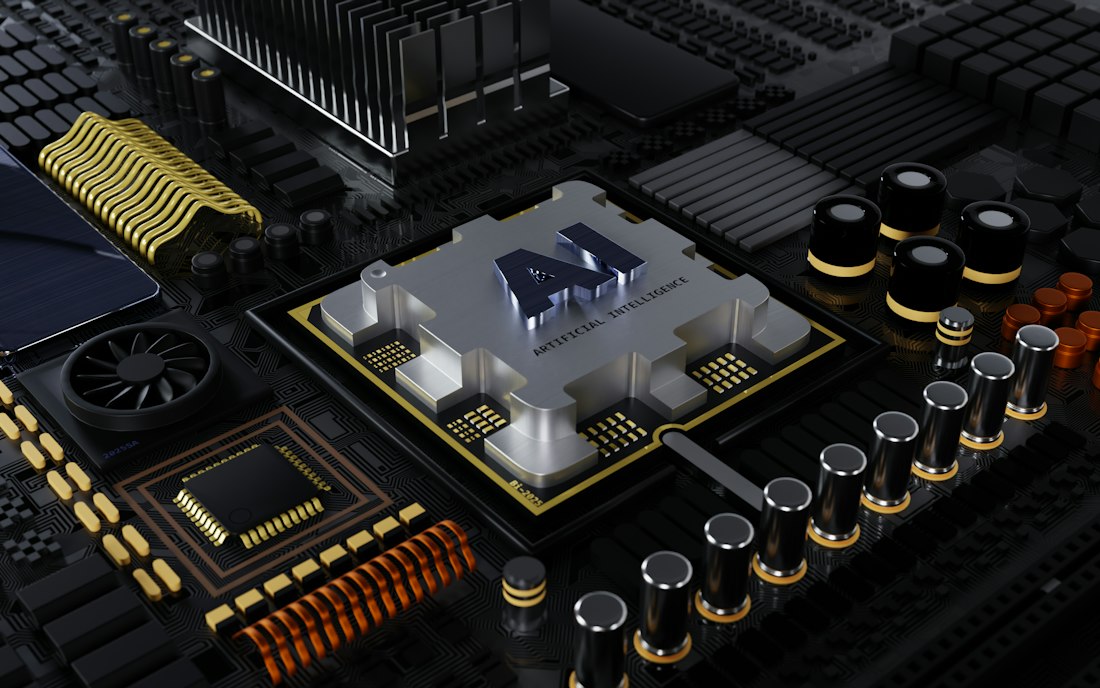
An NPU is a block on the same chip as the CPU and GPU, built for neural network math.
What Is an NPU?
An NPU, or neural processing unit, is a specialized processor built to run neural networks efficiently. Neural networks boil down to enormous amounts of simple math, mostly multiplying and adding grids of numbers. An NPU does that math using little power, which makes it ideal for AI tasks that need to run constantly on a battery-powered device.
It is not a separate chip in most consumer devices. In phones and laptops the NPU is a block on the same system-on-a-chip as the CPU and the graphics processor. Qualcomm calls its version Hexagon, Apple calls its own the Neural Engine, and Intel and AMD have their own. The idea is the same: give AI work a dedicated lane instead of making the CPU or GPU handle it.
If you want to see why this matters for the phones you can buy, read why some iPhones get Siri AI and others do not, where chip and memory generations decide what a phone can run.
How Is an NPU Different From a CPU and a GPU?

NPUs are optimized for the repetitive math that AI models rely on.
| CPU | GPU | NPU | |
|---|---|---|---|
| Design goal | General-purpose, flexible | Massively parallel graphics and compute | Neural network math at low power |
| Best at | Running the operating system and apps | Games, video, heavy AI work | Sustained, small AI tasks |
| Power use | Moderate | High | Low |
| AI role | Handles anything, slowly | Fast, but power-hungry | Fast enough, very efficient |
| Typical task | Opening files, browsing | Rendering, large model inference | Background blur, live captions, voice isolation |
A helpful analogy is a kitchen. The CPU is the head chef who can cook anything. The GPU is a crew that can flip hundreds of burgers at once. The NPU is a specialist station that does one repetitive job very efficiently, so the chef and the crew are free for other things. HP, for example, describes NPUs as handling AI tasks at a few watts where a GPU would draw several times more, a vendor’s claim but a fair summary of the design goal.
Where Did NPUs Come From?
NPUs are older than the “AI PC” label suggests. Apple put a Neural Engine in the A11 chip in 2017 to speed up face recognition and camera effects. Qualcomm’s Hexagon processor grew into a full AI block over several phone generations, and Intel added an NPU to its Core Ultra laptop chips. Microsoft’s 2024 Copilot+ PC program then turned the NPU into a Windows requirement and a marketing headline.
What changed in 2026 is scale. Nearly every mainstream laptop and flagship phone chip now includes an NPU, and vendors are advertising ratings from the mid-40s up to around 80 TOPS on the newest laptop parts. The competition has moved from “does it have one” to “how well does the software use it,” which is where buyers should focus.
Which Everyday Tasks Actually Use the NPU?
Video call effects
Background blur, eye contact correction, and noise suppression run continuously, which is exactly the kind of steady load NPUs handle well.
Live captions and transcription
Turning speech into text locally, without sending audio to a server, is a classic on-device job.
Photo and camera processing
Scene detection, noise reduction, and portrait effects on phones lean on the neural engine.
Voice and dictation
Wake-word detection and on-device speech recognition run at low power so they can stay always ready.
Small on-device language models
Compact assistants and summarizers can run on the NPU, although larger models usually need more memory than an NPU can access.
Notice the pattern: small, repeated, latency-sensitive jobs. NPUs are not usually what runs a giant chatbot. That work belongs to a GPU with lots of memory, which we explain in our high-VRAM GPU guide, or to the cloud.
What Does TOPS Mean, and Can You Trust the Number?
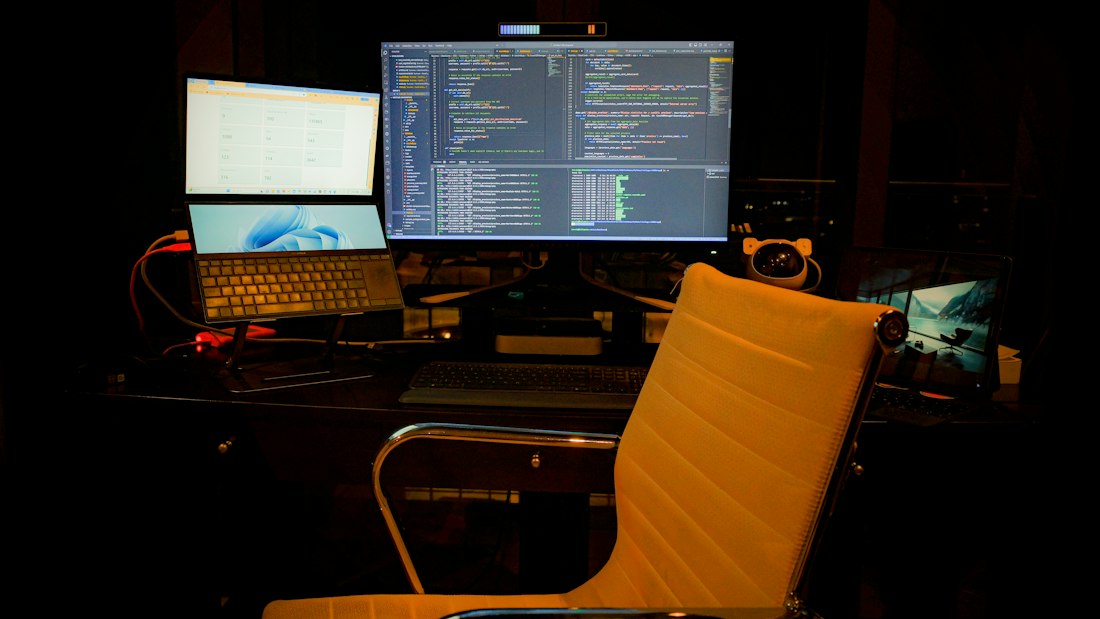
For many everyday AI features, a laptop NPU does the quiet work in the background.
TOPS stands for trillions of operations per second. It is a peak-throughput figure for an NPU, usually measured on 8-bit integer math. Microsoft turned it into a gate: a Copilot+ PC must have an NPU rated at 40 TOPS or more, along with at least 16GB of RAM and 256GB of storage. The first Snapdragon X Elite chips, the launch platform for Copilot+, carried a 45 TOPS NPU. Newer chips advertise higher ratings, with Qualcomm’s latest around 80 TOPS on vendor-published figures.
Treat the number as a rough guide, not a verdict. It is a theoretical peak, vendors do not always measure it the same way, and some marketing quotes a combined total of NPU, GPU, and CPU rather than the NPU alone. A 45 TOPS chip with good software support can beat a higher-rated chip with poor support in real apps.
Why Does Memory Matter More Than TOPS for Chatbots?
When a large language model generates text, the limiting factor is usually how fast the chip can read the model’s weights from memory, not how fast it can multiply. That is memory bandwidth. Analyses of recent AI PCs point out that a chip can nearly double its NPU rating while its memory bandwidth rises only slightly, so real chatbot speed barely improves. For model size, total available memory is the wall, the same wall behind Apple’s decision to reserve its top on-device model for phones and tablets with more memory.
This is why a discrete GPU with fast dedicated memory still beats a laptop NPU for running large local models, and why unified-memory machines are popular for the same job. The NPU’s strength is efficiency, not brute force. If you only remember one thing: an NPU makes small AI features cheap and quiet, while memory decides how big a model you can run.
Should You Care About the NPU When Buying a Device?
- You use video calls, live captions, or dictation daily
- You want Windows Copilot+ features that require the 40 TOPS gate
- You care about battery life during AI-assisted tasks
- You want a phone or laptop that will support future on-device features
- You mostly browse, write, and stream
- You plan to run large local models, where GPU memory matters more
- You already own a capable machine and cloud AI meets your needs
- You are comparing two chips and one simply has better battery life
Practically every mainstream 2026 laptop and phone chip includes an NPU now, so avoiding one is getting hard. The better question is what else differs: memory capacity, battery life, and software support. For the wider tradeoffs of running AI on the device versus in the cloud, see our on-device versus cloud guide.
What Are NPUs Not Good At?
NPUs are not designed for training models, and they are not the best home for the largest inference workloads. Big language models need large amounts of fast memory, which an NPU on a thin laptop does not have to itself. NPUs are also less flexible than GPUs, so software has to be written or converted to run on them, and support varies from app to app.
Some benchmarks show a GPU on the same chip finishing a one-off generative task, like producing an image, faster than the NPU, while the NPU wins on efficiency for sustained background work. That is the right way to think about it: the NPU is a marathon runner, not a sprinter. For the sprint end of the spectrum, see how Perplexity runs a local agent on a big GPU.
How Do You Read an NPU Spec Sheet Without Being Fooled?
Look for NPU-only TOPS
If a number is much higher than 80, it is probably a total across CPU, GPU, and NPU, not the NPU alone.
Check memory
Ask how much RAM or unified memory the device has and how fast it is. That decides which AI features can run.
Check software support
An NPU only helps if the apps and features you use actually target it.
Read independent reviews
Battery tests during AI tasks tell you more than any peak rating.
Also keep perspective: NPU claims are an easy place for marketing to stretch. An NPU in a thin laptop and the chips inside a humanoid robot are very different beasts. XPeng, for instance, says its IRON robot uses three Turing chips delivering up to 2,250 TOPS to run its model on board, a different class of hardware entirely, which we discuss in our robot brains guide.
Frequently Asked Questions
What is an NPU in simple terms?
An NPU is a processor built to run neural network math efficiently. It sits on the same chip as the CPU and GPU and handles steady AI tasks like background blur, captions, and voice recognition at low power.
What does TOPS mean?
TOPS means trillions of operations per second. It is a peak-throughput rating for an NPU. Microsoft requires at least 40 TOPS for a Copilot+ PC, but real-world performance also depends on memory and software.
Is an NPU better than a GPU for AI?
It is more power-efficient for small, steady AI tasks. A GPU with lots of fast memory is usually better for large models and heavy generation.
Do I need an NPU in my next laptop?
Nearly all new laptops include one. It helps with video calls, captions, and Copilot+ features. If you plan to run large local models, GPU memory matters more than the NPU.
More AI Tool Guides, Written Clearly
Browse our full library of AI explainers, updated as the tools and hardware change.
More from the creator
Explore two other projects from the same creator.