Local AI on High-VRAM PCs Explained: Why 24GB GPUs Are Becoming Relevant
If you have tried running an AI model on your own computer, you have met the wall: the model either fits in your graphics card’s memory or it does not, and if it does not, everything slows to a crawl. In September 2026 that wall got a number. NVIDIA and Perplexity both drew their line at 24GB of VRAM. This guide explains why that number matters, using plain arithmetic.
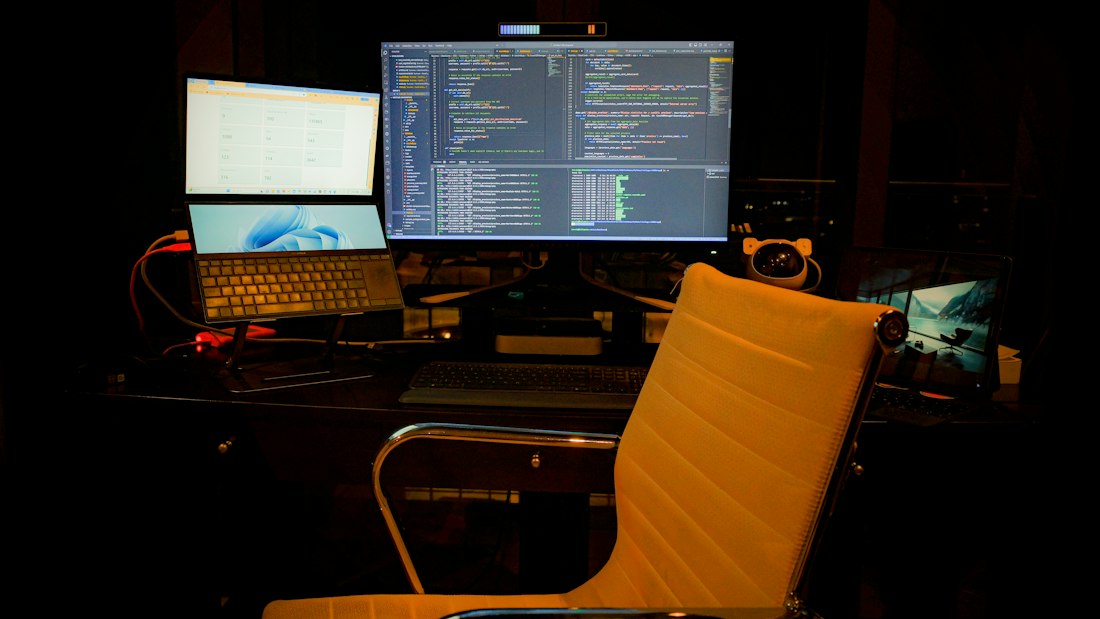
Running a serious local model is a hardware decision before it is a software one.
Why Does VRAM Matter More Than Anything Else for Local AI?
VRAM is the fast memory on your graphics card, and a language model’s weights have to sit in it while the model runs. If the weights fit, you get quick responses. If they spill into slower system memory, generation can drop from dozens of tokens per second to a handful. So VRAM sets the biggest model you can run comfortably, no matter how fast the GPU is.
That is why 24GB keeps appearing. Perplexity’s Portable Computer for Windows requires an NVIDIA RTX or RTX PRO GPU with at least 24GB. NVIDIA’s IFA 2026 announcement made simplified local agent setup available for the same tier. We cover the first in our Portable Computer guide. This article explains the reasoning behind the number.
How Much Memory Does a Model Need?
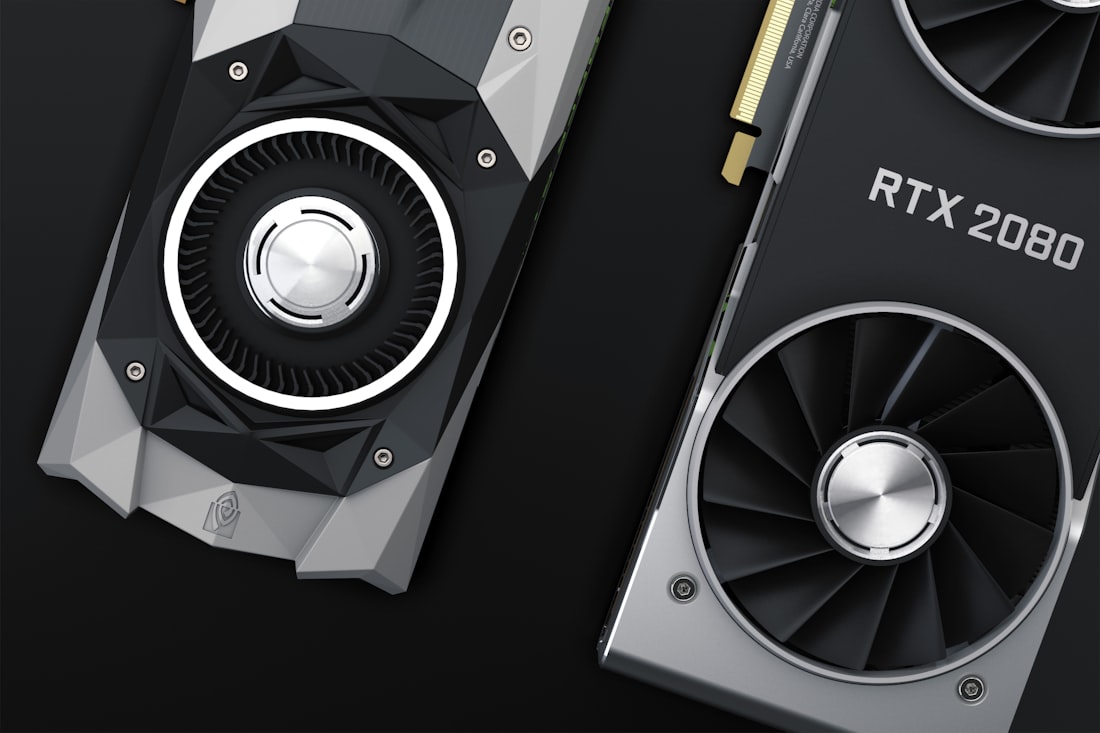
VRAM is the memory that sits next to the GPU, and it decides which models load at all.
A model’s memory footprint is roughly its parameter count times the bytes used per parameter. At full 16-bit precision that is two bytes each, so a 27-billion-parameter model would need around 54GB. Quantization compresses the weights to 8 or 4 bits. At 4 bits, a common choice, the rule of thumb is about 0.6GB per billion parameters once overhead is included, which puts a 27B model near 16GB.
| Model size | FP16 | 8-bit | 4-bit | Fits a 24GB card at 4-bit? |
|---|---|---|---|---|
| 7 to 8B | ~16GB | ~8GB | ~5GB | Easily |
| 13 to 14B | ~28GB | ~14GB | ~8GB | Easily |
| 27 to 32B | ~60GB | ~30GB | ~18 to 20GB | Yes, with limited headroom |
| 70B | ~140GB | ~70GB | ~40GB | No, needs two cards or offloading |
| 100B+ mixture-of-experts | ~220GB | ~110GB | ~60GB | Only with heavy tricks |
These are approximations from published hardware guides, not guarantees, and real usage varies by quantization method. But they explain the market: 24GB is the smallest amount that comfortably holds the 27B to 32B models that today’s local agents use, such as Qwen 3.8 27B. Meta’s open-weight Muse Glimmer, a 30-billion-parameter model, sits in the same class.
Where Else Does 24GB Show Up?
The 24GB line is not unique to Perplexity. It has become a common baseline recommendation across local AI communities for running open 27B to 32B-class models such as Qwen and Mistral variants at usable quality, which is part of why NVIDIA’s IFA 2026 announcements targeted the same tier for its simplified agent setup covered in our Portable Computer guide.
It also lines up with what creative AI tools need. Local image and video generation tools, and coding assistants that keep a large context window open, tend to want similar headroom, which is one reason 24GB cards have become popular with hobbyists well beyond chatbots.
Why Do You Need Headroom Beyond the Model Itself?
A model that barely fits will still stumble, because running it also consumes memory. The main extra cost is the KV cache, a running record of the conversation that grows with context length. Long documents, long chats, and agents that keep track of many steps all inflate it. Add the graphics driver and your desktop, and a model that “fits” at 22GB can run out of room in the middle of a task.
This is why 16GB cards, which nearly hold a 27B model at 4-bit, are treated as falling short. The RTX 5080, 5070 Ti, and 4080 have 16GB, so agent workloads that need long context or a slightly larger model do not fit. A 24GB card leaves a few gigabytes for context, which is enough for the kind of multi-step tasks agents perform. Bandwidth matters too: the RTX 3090 and 4090 both offer roughly 900 to 1,000 gigabytes per second, and generation speed tracks memory bandwidth as much as raw compute.
What Is Quantization, in Plain English?
Quantization is compression for AI models. A model’s weights are numbers, and by default each takes 16 bits. Quantization stores them with fewer bits, such as 8 or 4, which shrinks the model and speeds it up at a small cost in accuracy. Think of saving a photo as a smaller JPEG: you lose a little detail and gain a lot of space.
The tradeoff is not uniform. Four-bit versions of big models usually beat full-precision versions of much smaller ones, which is why people run a heavily quantized 27B model rather than an unquantized 8B one. But very aggressive quantization, down to 2 or 3 bits, starts to hurt quality noticeably. NVIDIA also promotes a newer format called NVFP4 for more memory-efficient local deployment on its latest hardware. The practical rule is simple: 4-bit is the sweet spot for most people, 8-bit if you have room, and anything lower only when you must.
What Can You Run at Each VRAM Tier?

Bigger models need more memory than any single consumer card offers.
| VRAM | Typical cards | Realistic local use |
|---|---|---|
| 8GB | Older mainstream cards | Small models around 7B, light chat and summaries |
| 12GB | RTX 3060 12GB, 4070 | Good 7 to 14B models, coding help |
| 16GB | RTX 4080, 5080, 5070 Ti | 14B comfortably, 27B only in tight configurations |
| 24GB | RTX 3090, 4090, RTX PRO 24GB | 27 to 32B models with room for context, local agents |
| 32GB | RTX 5090 | Larger context and heavier quantization choices |
| 48GB+ | Two 24GB cards, workstation cards | 70B-class models at 4-bit |
Two workarounds exist. You can split a model across two 24GB cards for 48GB total, which is how many enthusiasts run 70B models. Or you can use machines with large unified memory, such as NVIDIA’s DGX Spark with 128GB or Apple’s high-memory Macs, which trade raw speed for capacity. NVIDIA’s new RTX Spark Windows PCs, arriving in October, are advertised as able to run models up to 120 billion parameters locally.
What Did NVIDIA Change to Make Local AI Easier?
Hardware was only half the barrier. Setting up a local model used to mean choosing a model, finding a compatible inference server, tuning quantization, and keeping it all updated. NVIDIA says three agent apps, Hermes Agent, OpenClaw, and Perplexity Portable Computer, will detect your GPU, choose an appropriately sized model, and run it through an integrated llama.cpp backend with NVIDIA’s optimizations.
NVIDIA also cites up to 1.9 times higher throughput on a GeForce RTX 5090 from kernel work and better speculative decoding, and released NVIDIA PAIR, a free tool that routes AI requests across idle PCs on a home network. The pattern is clear: make local AI feel like installing an app. That lowers the skill needed, though it does not lower the price of the card.
Is a 24GB GPU Worth It for Local AI?
- You want private processing of sensitive files
- You run agents or coding assistants for hours a day
- You already play or create on a high-end PC and want AI as a bonus
- You want predictable costs instead of per-request pricing
- You mainly ask occasional questions that a cloud chatbot handles fine
- GPU prices, which reports say have climbed sharply, stretch your budget
- You need the strongest reasoning models, which still live in the cloud
- You are on a laptop without a high-VRAM GPU
The honest summary: local AI is now genuinely useful on a 24GB card, but it is a specialist purchase, not a necessity. If you are curious about the concept before spending, read what is local AI and compare it with on-device versus cloud AI. And for the chip that handles AI on thin laptops instead of big GPUs, see our NPU guide.
What If You Do Not Want to Buy a Big GPU?
Use smaller models
7B to 14B models run on modest cards and handle drafting, summarizing, and light coding well.
Try unified-memory machines
Macs and compact AI boxes share memory between processor and GPU, so they can hold bigger models, though usually at lower speed.
Pool your PCs
NVIDIA PAIR can route requests across idle machines on your network, using capacity you already own.
Use the cloud when it fits
For occasional heavy tasks, a cloud assistant costs less than a new card. Our on-device versus cloud guide helps decide.
Whatever you choose, match the hardware to the work. Buying a 24GB card to run a model you use twice a month is not a good use of money, while a developer running agents all day may find it pays for itself in convenience and privacy, a tradeoff similar to the one we describe for dedicated AI devices versus smartphones.
What Mistakes Do People Make When Buying for Local AI?
Buying for gaming benchmarks
A card that is fast in games but has 12 or 16GB of VRAM will still struggle with 27B-class models.
Ignoring context length
Long documents and long agent runs enlarge the KV cache. Leave several gigabytes of headroom.
Forgetting power and cooling
High-end GPUs draw serious power and need adequate power supplies, airflow, and case space.
Assuming system RAM can substitute
Spilling into system memory works, but speeds can drop dramatically.
Check the exact requirements of the software you plan to run before you buy. Perplexity’s Portable Computer, for instance, names specific NVIDIA card families and a 24GB floor, so a card that is “nearly enough” may simply not qualify.
Frequently Asked Questions
How much VRAM do I need to run AI locally?
It depends on the model. Small 7B to 14B models run on 8 to 12GB, while 27B to 32B models that power local agents fit comfortably on a 24GB card at 4-bit quantization. A 70B model needs about 40GB.
Why is 24GB the new baseline for local AI agents?
It is the smallest common size that holds a 27B-class model plus the memory needed for long context. NVIDIA and Perplexity both use 24GB as the minimum for their local agent setups.
Can a 16GB GPU run local AI?
Yes for smaller models, but 16GB cards like the RTX 5080 and 4080 fall short of the 24GB requirement for Perplexity Portable Computer and NVIDIA’s simplified agent setup.
Is VRAM more important than GPU speed for local AI?
For deciding what you can run at all, yes. The model has to fit in VRAM. After that, memory bandwidth and compute both affect how fast it responds.
More AI Tool Guides, Written Clearly
Browse our full library of AI explainers, updated as the tools and hardware change.
More from the creator
Explore two other projects from the same creator.