Perplexity’s Local AI Computer for Windows Explained
Most AI agents live in the cloud: your files go up, the work happens on someone else’s servers, and the answer comes back. Perplexity’s Portable Computer flips that. On September 14 the company brought it to Windows, where the agent, the model, and the scheduler run on your own graphics card. The catch is a steep hardware bar. Here is what it is, how it works, and who it suits.
Portable Computer moves the agent from Perplexity’s servers onto your own PC.
What Is Perplexity Portable Computer?
Portable Computer is the local edition of Perplexity Computer, the company’s agent that plans and carries out multi-step tasks. Instead of running in Perplexity’s cloud, its model, agent harness, orchestrator, and scheduler run on your own hardware. Perplexity says files, queries, and agent activity stay on the device unless you approve something leaving it.
It debuted in August on Linux and NVIDIA’s DGX Spark, a compact developer box, and reached Windows on September 14 through the existing Perplexity app for Windows. Perplexity has also offered a separate, hybrid Windows agent that mixes cloud and local work, so do not confuse the two: Portable Computer is the one designed to run on your machine.
To use it you need a Perplexity Pro or Max subscription and a compatible NVIDIA card. That second requirement is the interesting one, and we unpack why 24GB matters in our high-VRAM guide.
What Do the Agent, Harness, and Orchestrator Actually Do?
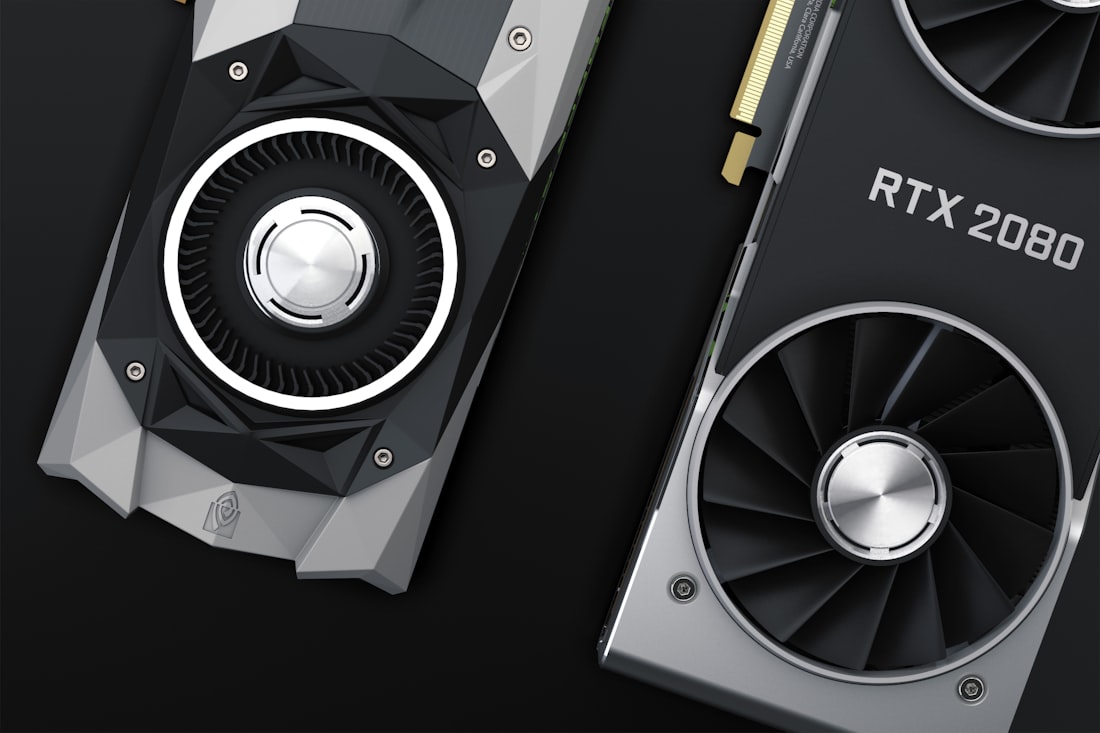
A graphics card with 24GB of memory is the entry ticket.
The vocabulary is jargon-heavy, but the idea is simple. A local language model does the thinking. An orchestrator splits your goal into steps and can hand pieces to sub-agents. The harness is the machinery that lets the model use tools, read files, and call apps. Together they form an agent you can leave a task with.
Scheduled tasks
The Windows release adds recurring tasks, so the agent can do something every morning without being asked again.
Local MCP servers
MCP is a common way to connect AI to tools. Local MCP servers let the agent reach desktop apps on your PC directly.
Connectors
NVIDIA lists connectors for Microsoft Word, Google Drive, Gmail, Slack, and GitHub, so local work can still reach the services you use.
One-click models
A dropdown downloads a local model for you. NVIDIA names Qwen 3.8 27B as an example.
In Perplexity’s demos on DGX Spark, the agent reviewed a folder of tax documents locally, and in another it analyzed a CSV file and posted the findings to Slack. That second example matters: even a local agent can reach out when you tell it to.
Is It Really Local, or Does It Still Use the Cloud?
It is local first, not local only. When a task needs more reasoning than the local model can deliver, Portable Computer can escalate to frontier cloud models. Perplexity says it does that only with explicit permission: the harness selects the relevant context, flags potentially sensitive information, shows you what would be sent from the machine, and asks for approval before making the call.
| Situation | Where the work happens | Credits |
|---|---|---|
| Task the local model can handle | Entirely on your PC | No Computer credits consumed |
| Task that needs a stronger model | Cloud, after you approve | Uses credits |
| Connector task, like posting to Slack | Local agent reaches the service you chose | Depends on the task |
That approval step is the design’s best idea. It puts a human checkpoint at the exact moment your data would leave the machine. We make the general case for that habit in can AI agents be trusted with your data. It also connects to the bigger question of where AI should run, covered in on-device versus cloud AI.
Which Windows PCs Can Run It?
Local processing keeps files on your machine unless you approve otherwise.
You need an NVIDIA GeForce RTX or RTX PRO GPU with at least 24GB of VRAM. On desktop cards that means the RTX 3090, 3090 Ti, 4090, or 5090, and RTX PRO cards with 24GB or more. Popular 16GB cards such as the RTX 5080, 5070 Ti, and 4080 fall short.
| GPU | VRAM | Qualifies? |
|---|---|---|
| RTX 3090 / 3090 Ti | 24GB | Yes |
| RTX 4090 | 24GB | Yes |
| RTX 5090 | 32GB | Yes |
| RTX 5080 / 4080 | 16GB | No |
| RTX 5070 Ti | 16GB | No |
| DGX Spark (Linux) | 128GB unified | Yes, and the only place the post-trained PPLX 27B runs |
On DGX Spark, Perplexity’s post-trained PPLX 27B and Qwen 3.8 27B both run locally. On Windows and Linux with RTX cards, Android Authority reports that you get Qwen 3.8, with support for NVIDIA’s Nemotron 3.5 Lightning model in the works. Before the Windows release you needed a DGX Spark, which costs around $5,000, so a gaming or workstation GPU is a cheaper way in.
What Does a Typical Portable Computer Session Look Like?
Perplexity has not published a step-by-step manual we can quote, so here is a general picture based on what the company and NVIDIA have shown. Treat it as an outline rather than instructions.
1. Install and sign in
You use the existing Perplexity app for Windows with a Pro or Max plan, on a PC with a qualifying NVIDIA GPU.
2. Pick a local model
A dropdown downloads a supported local model in one click, so you skip the usual model hunting.
3. Connect what you need
Optional connectors and local MCP servers let the agent reach apps like Word or Gmail, or desktop programs on your PC.
4. Give it a job
Ask for something multi-step, such as reviewing a folder of documents, then let the orchestrator plan the work.
5. Approve any escalation
If the task needs a stronger cloud model, the harness shows what would be sent and waits for your yes.
The scheduled tasks feature is the part that could change habits. A local agent that runs a routine every morning, at no per-task credit cost, is a different proposition from a chat window you open when you remember. That is also where mistakes can compound, so keep early automations narrow and review their output.
Who Should Use Portable Computer, and Who Should Wait?
- You already own an RTX 3090, 4090, 5090, or a 24GB workstation card
- You handle sensitive files and want them processed on your own machine
- You run recurring tasks and like predictable costs
- You want an agent that can still reach Word, Gmail, Slack, and GitHub
- Your GPU has 16GB or less, or you have no NVIDIA card
- You need the strongest reasoning for every task and do not mind the cloud
- You want it on a laptop without a high-VRAM GPU
- You are unsure you will pay for Pro or Max
One honest caveat: a 27-billion-parameter local model is capable, not frontier-level. For heavy reasoning, expect the harness to ask permission to escalate. That is the tradeoff of local AI in general, which we explain in what is local AI. If you are comparing Perplexity with other assistants, our Perplexity versus ChatGPT guide covers the cloud side.
What Does This Signal About Where AI Is Heading?
NVIDIA used its IFA 2026 announcements to push local agents mainstream, promising simplified local setup in Perplexity Portable Computer and two other agent apps, plus up to 1.9 times faster local inference through llama.cpp and vLLM improvements on cards like the RTX 5090. The idea is that “frontier intelligence is going local,” in NVIDIA’s words, at least for people with the right hardware.
Whether that turns into a mass-market shift depends on price and memory. A 24GB card is a real purchase, and rising GPU prices matter. But the direction is clear: more AI work will happen where your files already are. For the chip-level reasons, see our NPU guide, and for the wider device picture, dedicated AI devices versus smartphones.
What Are the Real Costs and Limits?
The subscription is the obvious cost, but the graphics card is the big one. A 24GB card is a serious purchase, and reports say GPU prices have climbed as AI workloads compete with gamers for the same silicon. Add electricity: a high-end GPU running a model for hours draws real power and produces real heat.
Then there are capability limits. A 27B local model handles many everyday tasks well but is not the strongest reasoning model available, which is why cloud escalation exists. The requirement also names NVIDIA GeForce RTX and RTX PRO cards only, so AMD, Intel, and most laptop GPUs are out. And the post-trained PPLX 27B model is currently exclusive to DGX Spark, so RTX owners use the open Qwen model for now.
None of this makes Portable Computer a bad idea. It makes it a specialist tool for people who value private, local, always-available agents and already own the hardware. Everyone else is better off with a cloud assistant, as we discuss in our devices guide.
Frequently Asked Questions
What is Perplexity Portable Computer?
It is the local edition of Perplexity Computer, an agent that plans and completes multi-step tasks. Its model, harness, orchestrator, and scheduler run on your own hardware rather than in the cloud.
What GPU do I need for Portable Computer on Windows?
An NVIDIA GeForce RTX or RTX PRO GPU with at least 24GB of VRAM, such as an RTX 3090, 4090, or 5090. 16GB cards like the RTX 5080 and 4080 do not qualify.
Does Portable Computer send my files to the cloud?
Not by default. Perplexity says work stays on the device, and that when a task needs a cloud model the harness shows what would be sent and asks for your approval first.
Is Portable Computer free?
It requires a Perplexity Pro or Max subscription. Work done locally does not use Computer credits, but tasks you approve for cloud escalation do.
More AI Tool Guides, Written Clearly
Browse our full library of AI explainers, updated as the tools and hardware change.
More from the creator
Explore two other projects from the same creator.