Why Some iPhones Get New Siri AI Features and Others Do Not
Updating to iOS 27 does not automatically give every iPhone the new Siri. Some phones get Siri AI and most Apple Intelligence tools, some get all of that plus Apple’s biggest on-device model, and some get neither. The reasons are a mix of hardware, software, and geography, and they are easier to understand than Apple’s footnotes suggest.

Age of the chip and amount of memory are the main reasons two similar-looking iPhones behave differently.
Which iPhones Get Siri AI?
Apple Intelligence in iOS 27 is available on iPhone 16 models or later, the iPhone 15 Pro, and the iPhone 15 Pro Max. Siri AI requires an Apple Intelligence-enabled device set to a supported language. The standard iPhone 15 and 15 Plus do not make the cut, and neither do older models, even though they can install iOS 27 itself.
That list is the floor. Apple also singles out a smaller group for its most advanced on-device model, and a few features, such as the new Watch audio tools, name additional device requirements. So the real answer to “does my iPhone get it?” has layers: does it get Apple Intelligence at all, does it get the biggest on-device model, and is your language and country supported? We take them in turn below.
If you want the feature tour first, read our Siri AI overview. This guide is about the “who gets what” part.
Three Levels of iPhone Support
| Tier | iPhones | What you get |
|---|---|---|
| No Apple Intelligence | iPhone 15, iPhone 15 Plus, and older | iOS 27 may install, but Siri AI and Apple Intelligence features do not run |
| Apple Intelligence and Siri AI | iPhone 15 Pro and 15 Pro Max, and iPhone 16 models or later | Siri AI, writing tools, Photos tools, Safari tools, and other Apple Intelligence features |
| Plus the most advanced on-device model | iPhone 17 Pro and Pro Max, iPhone 18 Pro and Pro Max, iPhone Air, and iPhone Duo | Everything above, plus expressive voices and improved systemwide dictation from AFM Core Advanced |
The third tier is easy to miss. Apple’s footnote says its most powerful on-device model, and the features it enables like expressive voices and more advanced dictation, are available on those specific iPhones. An iPhone 16 or a standard iPhone 17 is not on that list, so it will run Siri AI without those particular extras.
The takeaway: owning an eligible phone is not the same as getting every feature. If a specific capability matters to you, check Apple’s device footnote for that feature, not just the headline compatibility line.
How Can You Check Whether Your iPhone Qualifies?
You do not need to memorize the list. A two-minute check will tell you where you stand, and it works the same way on any iPhone.
1. Find your exact model
Open Settings, then General, then About, and read the model name. “iPhone 15” and “iPhone 15 Pro” sound similar and land on opposite sides of the line.
2. Compare it with the tiers
If you have a 15 Pro, a 15 Pro Max, or any iPhone 16 or later, you are in the Apple Intelligence tier. If you have a 17 Pro, 18 Pro, iPhone Air, or iPhone Duo, you are in the top tier.
3. Check language and region
Siri AI needs a supported language in both device and Siri settings. Make sure they match, and remember the EU and China exceptions.
4. Look for the settings
On a qualifying phone running iOS 27, Apple Intelligence and Siri options appear in Settings. If you do not see them, re-check language, region, and whether the update finished.
If something still looks off after those four steps, the cause is usually region or language, not hardware. Those two are easy to fix or to explain, and they are the most common reasons a qualifying phone appears to be missing features.
Why Does Apple Draw the Line at a Particular Chip and Memory?
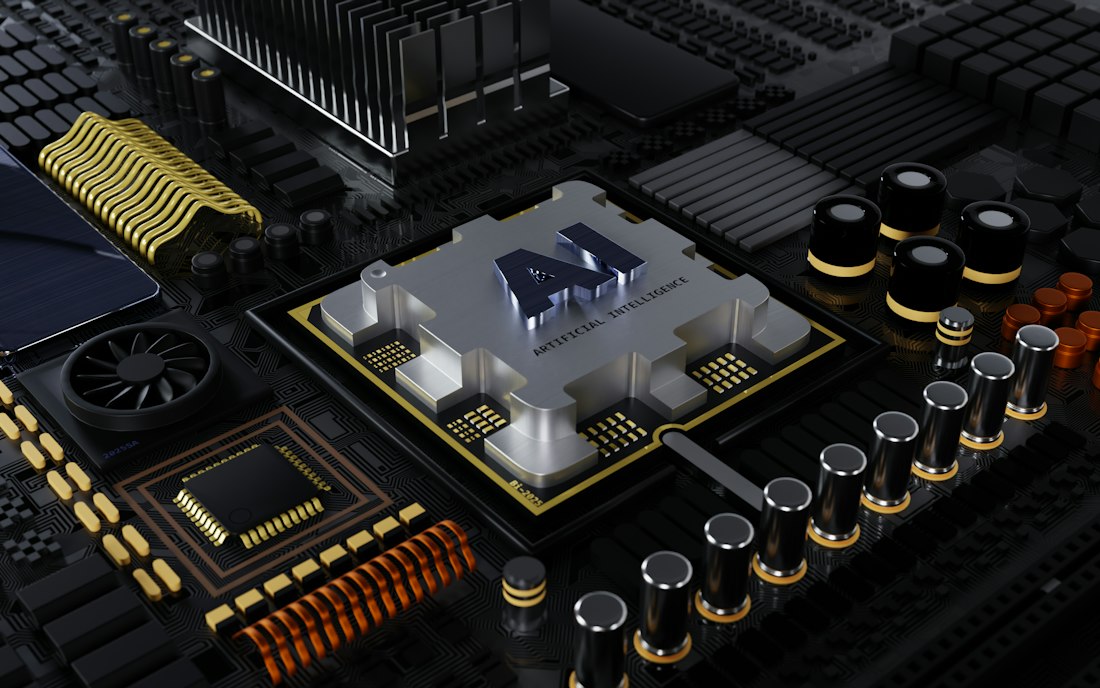
The on-device model has to fit in memory alongside everything else the phone is doing.
Running a language model locally is mostly a memory problem. The model’s weights have to sit in fast memory while the phone also runs the operating system, your apps, and the camera. A bigger and more capable on-device model needs more memory and a stronger neural engine to respond quickly without draining the battery.
Apple states the memory requirement for its top model on iPad and Mac: at least 12GB of unified memory, on iPad with an M4 or later and Mac with an M3 or later. It does not publish a RAM figure for the iPhone list, only the models that qualify, which is why we would not guess. What the pattern tells us is that Apple is drawing a line based on what a device can hold and compute, not on how old it feels.
This is the same reason PC makers have been advertising neural processing units for two years. If the terms are new to you, read our NPU explainer, and for why phones try to do this locally at all, see on-device versus cloud AI.
Language, Region, and Age Also Decide What You Get
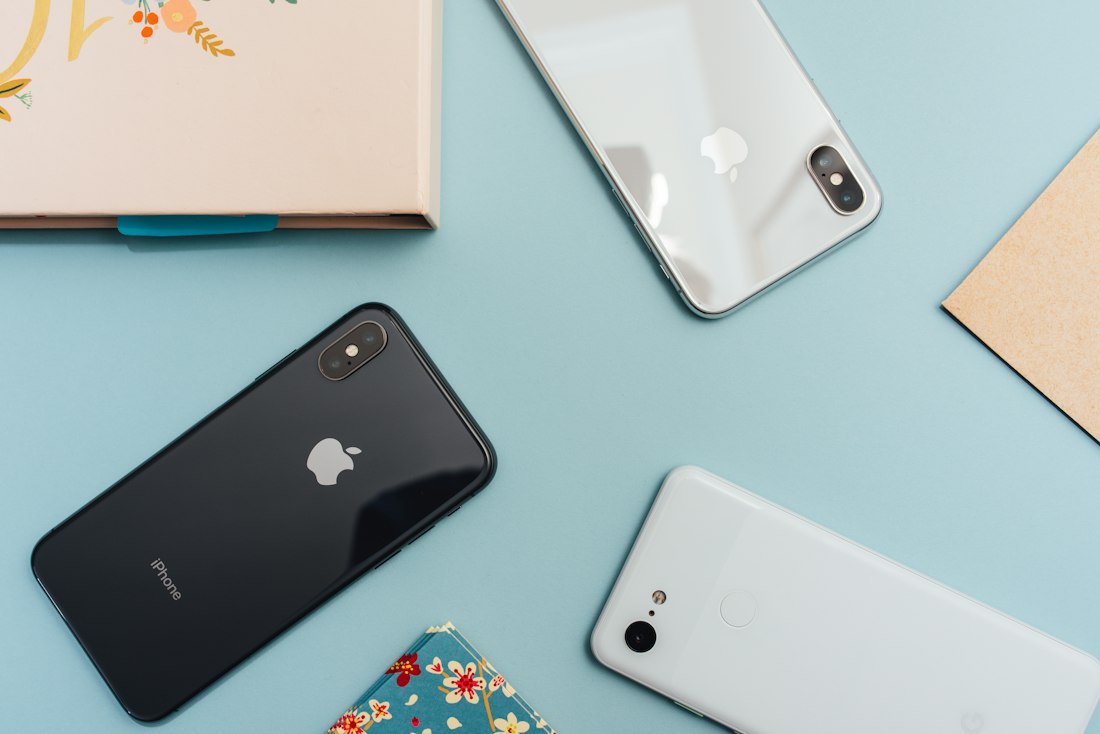
Region and language rules mean the same iPhone can behave differently in different countries.
Even on a fully qualified iPhone, three non-hardware rules apply. First, language: Siri AI launched in English as a beta, with French, Japanese, Korean, Portuguese, and Spanish due the following month. Apple Intelligence itself supports a longer list of languages, but Siri AI requires a supported language in both device and Siri settings.
Second, region. Apple says Siri AI, and features that rely on it, are not available initially in the EU on iOS, iPadOS, and watchOS. It also says Siri AI and the other new Apple Intelligence features are not available in China while it works through regulatory requirements. So the same phone can have Siri AI in one country and not in a neighboring one.
Third, age. The Siri app is not available for users under 13. Add the usage caps that apply to server-based features, described in our daily limits guide, and you can see why two people with the same phone may report different experiences.
What About Watch, iPad, and Mac?
The same pattern shows up across Apple’s devices. Apple Intelligence supports iPad mini with the A17 Pro and iPads with M1 or later, MacBook Neo with the A18 Pro and Macs with M1 or later, and Apple Vision Pro. Apple Watch Series 9 or later, Ultra 2 or later, and Watch SE 3 work with a nearby Apple Intelligence-enabled iPhone.
Then come feature-specific requirements. The new Watch Audio Intelligence tools, including Live Rewind and Siri Recap arriving later this year, need an Apple Watch Series 12 or Ultra 4 paired with an Apple Intelligence-enabled iPhone 16 or later, excluding the iPhone 16e. In other words, even an iPhone that supports Apple Intelligence can be too old for a specific feature.
What Happens on an iPhone That Does Not Qualify?
Apple’s availability notes describe what is added on supported devices; they do not describe features being taken away from others. In practice, an iPhone that is not on the list should be expected to keep the assistant it already has and simply not show the new Siri AI or the Apple Intelligence tools. Check Apple’s compatibility list for your exact model before assuming anything.
If you are on an older phone, that is not a reason to panic. Most of what people do on an iPhone every day does not touch these features, and the assistants you can reach through apps and the web keep working. The decision to upgrade is really a decision about whether the new assistant will change your day enough to be worth the price, a question our iOS 27 feature ranking can help with.
Should You Upgrade Just for Siri AI?
- You have an iPhone 15 or older and want Siri AI, since it will not run at all
- You want expressive voices and the most advanced dictation, which need the newest hardware
- You plan to use the Watch audio features that require an iPhone 16 or later
- You already have an iPhone 15 Pro or newer and care mostly about Siri AI itself
- Siri AI is still a beta and lands in your language only next month
- You live in the EU or China, where Siri AI is not available at launch
A software feature is rarely a good enough reason to buy a phone on its own. If your phone is eligible and you are in a supported region, try Siri AI first and see whether the missing extras bother you. If you are shopping anyway, our Android versus iPhone AI comparison gives useful context, and the iOS 27 feature ranking shows which tools you would actually use.
Will the Cutoff Keep Moving?
Almost certainly. Each generation of on-device AI raises the baseline, because better models want more memory and a faster neural engine. Apple’s 12GB requirement for its top on-device model on iPad and Mac is a preview: as models grow, the line between “supported” and “left behind” tends to move up.
The PC world shows the same pattern. Microsoft’s Copilot+ PC label demands a neural processing unit rated at 40 TOPS or more, which excluded most laptops sold before 2024. Hardware requirements are a permanent feature of the AI era, and shopping with them in mind saves regret. For the concept behind those numbers, read our NPU explainer.
Frequently Asked Questions
Does the iPhone 15 get Siri AI?
No. Apple Intelligence supports the iPhone 15 Pro and 15 Pro Max, and iPhone 16 models or later. The standard iPhone 15 and 15 Plus are not on the list.
Which iPhones get the most advanced on-device model?
Apple lists the iPhone 17 Pro, 17 Pro Max, 18 Pro, 18 Pro Max, iPhone Air, and iPhone Duo for its most advanced on-device model and the features it enables, like expressive voices and improved dictation.
Can I install iOS 27 without getting Siri AI?
Yes. Installing iOS 27 and getting Apple Intelligence are separate: the features require a supported device, a supported language, and, for Siri AI, a supported region.
Why does Siri AI not work in my country?
Siri AI is not available initially in the EU on iOS, and not in China while Apple works through regulatory requirements. It also requires a supported language, and launched in English first.
More AI Tool Guides, Written Clearly
Browse our full library of AI explainers, updated as the tools and hardware change.
More from the creator
Explore two other projects from the same creator.