On-Device AI vs Cloud AI Explained for Privacy, Speed, and Battery
When you ask an AI assistant a question, the work happens either on the device in your hand or on a server somewhere else. That single fact shapes how private the request is, how fast the answer arrives, how much battery you spend, and how smart the answer can be. In 2026 most products do both. This guide explains what each side is good at and how to think about the tradeoffs.
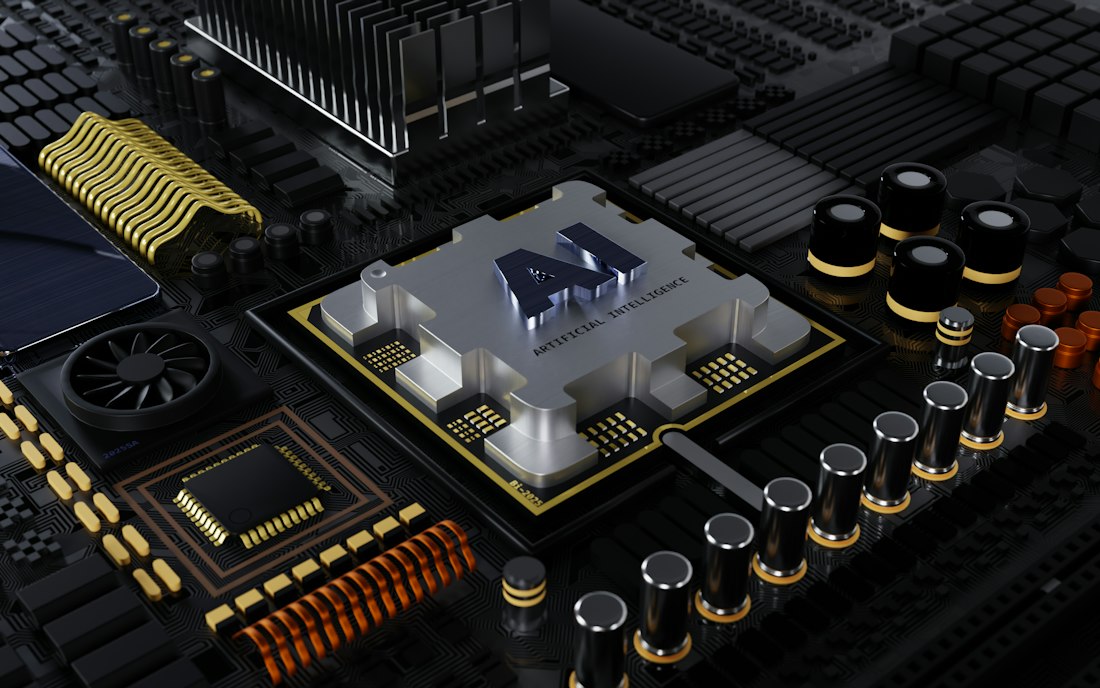
On-device AI runs on the chip in your phone or laptop, with no round trip to a server.
What Is the Difference Between On-Device and Cloud AI?
On-device AI runs a model directly on your phone, laptop, or wearable, using its own processor and memory. Cloud AI sends your request over the internet to a data center, runs a much larger model there, and returns the answer. On-device is private, quick to start, and works offline but is limited in size. Cloud is more capable but depends on a connection and involves sending data out.
Almost every major assistant now combines the two. Apple describes Siri AI as running on the device and on Private Cloud Compute, and says the system decides what needs the bigger model. Perplexity’s Portable Computer runs locally but can ask permission to use a cloud model. The interesting question is not which is better, but which work belongs where. We walk through that below.
Which Is More Private?
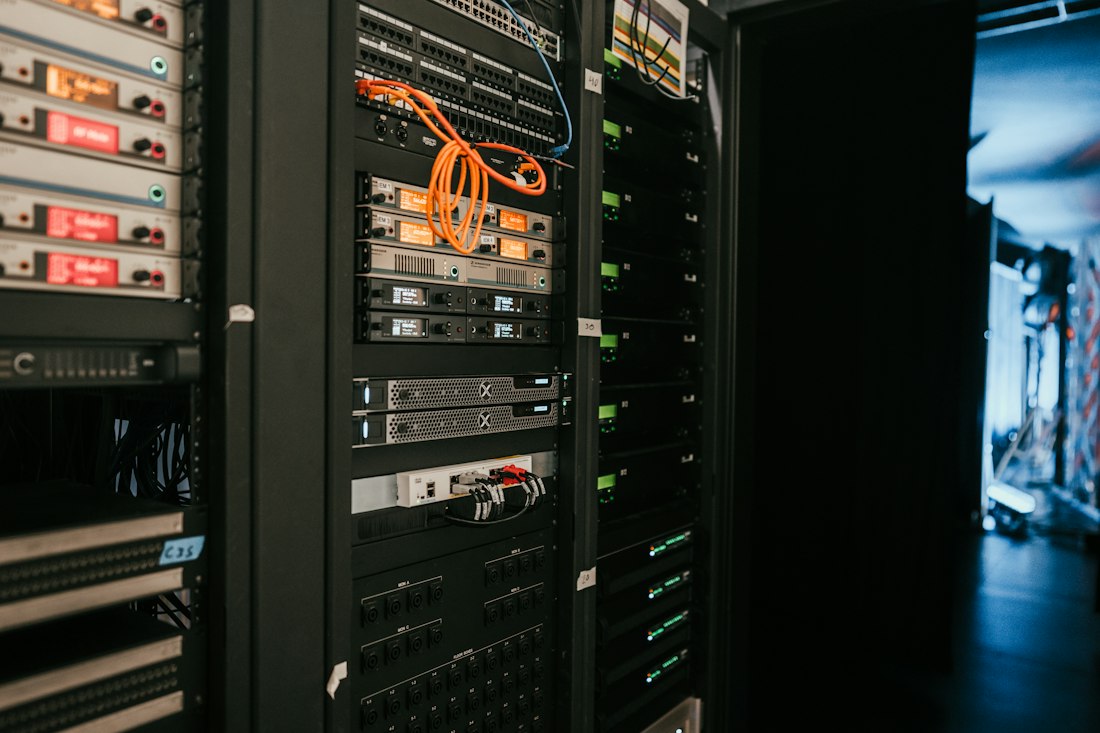
Cloud AI runs on shared server hardware that is far more powerful than any phone.
On-device processing has a natural privacy edge: if data never leaves the device, there is nothing to intercept or store elsewhere. That matters most for personal information, such as messages, photos, and health data. Apple’s Siri AI leans on this, saying the Spotlight index and App Toolbox it uses to find your content work entirely on the device.
Cloud processing is not automatically unsafe, but it requires trust in the provider’s controls. Apple’s answer is Private Cloud Compute, which it says extends iPhone-level security to servers and does not store personal data or make it accessible to Apple. That is Apple’s claim, and independent verification is part of the pitch. A caution is worth adding: on-device does not guarantee privacy either. An app can process data locally and still upload results. What matters is the whole data path, a subject we explore in our personal context guide.
Which Is Faster?
It depends on the size of the task. On-device models start responding immediately, with no network round trip, so short tasks like dictation, autocomplete, and quick lookups feel instant. Cloud models can generate answers faster once they get going because they run on far stronger hardware, but you pay the latency of the trip and depend on signal quality.
| Task | Faster on device | Faster in cloud |
|---|---|---|
| Dictation and autocomplete | Yes, no round trip | |
| Searching your own messages | Yes, local index | |
| Long, complex reasoning | Yes, larger models | |
| Generating detailed images | Yes, heavy compute | |
| Working with no signal | Yes, only option |
Speed is also affected by caps and demand. Server-based features can slow or throttle when many people use them, and Apple says its cloud-backed features have daily usage limits. We explain that in our daily limits guide.
How Do Real Products Split the Work?
| Product | What runs locally | What uses the cloud |
|---|---|---|
| Apple Siri AI | Spotlight index, App Toolbox, dictation and voices on supported hardware | Heavier requests on Private Cloud Compute, Image Playground |
| Perplexity Portable Computer | Model, harness, orchestrator, scheduler on your GPU | Frontier models, only with your approval |
| Even Realities G2 glasses | Audio processing, noise reduction, and display management | Translation and AI answers, handled by the phone |
| XPeng IRON humanoid robot | Physical AI model on onboard Turing chips, per XPeng | Not required for tasks, per the company |
The XPeng example is a useful reminder that the split is not only about privacy. A robot that has to react in real time cannot wait on a network round trip, so XPeng says it runs its model directly on the robot to cut latency and improve data security. We look at that in our humanoid robot brains guide.
The glasses example points the other way: a tiny device with tight weight and battery limits offloads the hard part to the phone in your pocket. Each design is the same tradeoff resolved differently, depending on power, weight, and how fast the answer has to come back.
Which Uses More Battery?
Battery drain depends on where the work happens and how often the radio is used.
Neither is free. On-device AI costs battery because the phone’s processor does the work, but purpose-built chips called neural processing units are designed to do it efficiently, using a fraction of the power of a general-purpose processor. Cloud AI shifts the compute off your device but keeps the radio active, sending and receiving data, which also drains the battery, especially on a weak connection.
In practice, short, frequent tasks are usually cheaper on an efficient on-device chip, while long, heavy tasks are better sent to a server. Running a large model on your own GPU is the extreme case: it can draw a lot of power and generate heat. Our NPU explainer covers why dedicated AI silicon matters for battery, and our high-VRAM guide covers the opposite end, the power-hungry desktop.
Which Is Smarter?
Cloud, by a wide margin, for the hardest tasks. The largest models need memory and compute that no phone has. On-device models are getting better, and Apple describes its newest as its most advanced on-device model ever, but they are smaller by design and need enough memory to run. Apple ties its top on-device model to specific hardware, which is why some iPhones get expressive voices and advanced dictation and others do not. See which iPhones get what.
A sensible mental model is a tiered system. The device handles what it can do fast and privately. Heavier requests go to the cloud, ideally with your permission. The best products make that split invisible, and the worst make it confusing or surprising. When an app tells you clearly which mode it is using, that is a good sign.
Which One Should You Prefer for What?
- Sensitive personal data like messages, photos, and health information
- Offline use, travel, and poor signal
- Quick, frequent tasks like dictation and autocomplete
- Avoiding usage caps and subscriptions
- Complex reasoning, research, and long documents
- Heavy image and video generation
- Tasks where you want the newest, largest model
- Devices too small or old to run a good local model
If you are unsure which side an app is using, look for three signals: a clear statement of where processing happens, an offline mode that actually works, and an approval prompt before data leaves the device. Products with all three respect the tradeoff. Products with none of them leave you guessing. To see how this plays out for a whole category of devices, read dedicated AI devices versus smartphones, and for a fully local example, Perplexity’s Portable Computer.
Which Common Assumptions Are Wrong?
“On-device means smarter”
No. On-device models are smaller. They win on speed and privacy for the tasks they handle, not on raw intelligence.
“Cloud always means less private”
Not necessarily. A well-designed cloud system with strict controls can protect data well, though you are trusting the provider.
“Offline means it never updates”
A local model can still get updates. The difference is that the work does not need a connection to run.
“AI chips make everything faster”
They speed up specific AI workloads efficiently. Memory and bandwidth often matter more for large models, as our NPU guide explains.
Watching for these myths saves you from marketing that leans on a single word. “Private,” “local,” and “AI-powered” are labels, not guarantees, so look for concrete statements about where the work happens and who can see the data.
How Can You Tell Which Mode an App Is Using?
You do not have to guess. A few simple checks tell you a lot about where an AI feature does its work.
The airplane mode test
Turn on airplane mode and try the feature. If it still works, at least part of it is local. If it fails, it needs a server.
Read the availability notes
Apple, for example, labels certain features as relying on server-side models and subject to daily limits. Similar notes exist for other products.
Watch for delays
Instant responses to short requests suggest local processing. A pause before a long answer suggests a server round trip.
Check the settings
Look for options to keep processing on the device or to approve cloud escalation, as Perplexity’s Portable Computer offers.
None of these is perfect, since many features are hybrids. Together they give you a working picture, which is usually all you need to choose sensibly about what to trust with sensitive information.
Frequently Asked Questions
Is on-device AI always more private than cloud AI?
Not always. On-device processing keeps data on your device, which helps, but an app can still upload results. What matters is the whole data path and the provider’s stated controls.
Does on-device AI work offline?
Yes, if the model and the task run locally. Features that rely on server models, such as heavier image generation or long reasoning, need an internet connection.
Which uses more battery, on-device or cloud AI?
Both use battery. Efficient neural processing units make short on-device tasks cheap, while cloud tasks keep the radio active. Heavy local models on a big GPU can use a lot of power.
What is Private Cloud Compute?
It is Apple’s server-side system for requests that need a larger model. Apple says that when it handles a request, your personal data is not stored or accessible to Apple or anyone else.
More AI Tool Guides, Written Clearly
Browse our full library of AI explainers, updated as the tools and hardware change.
More from the creator
Explore two other projects from the same creator.