iOS 27 AI Features Explained: Which New Intelligence Tools Matter Most
Apple’s iOS 27 announcement reads like a catalog: a new Siri, smarter Photos, a new Image Playground, tab organization in Safari, automations you describe in a sentence. Not all of it deserves equal attention. This guide sorts the new intelligence tools by how much they change a normal day, and says plainly where the payoff is smaller than the marketing.
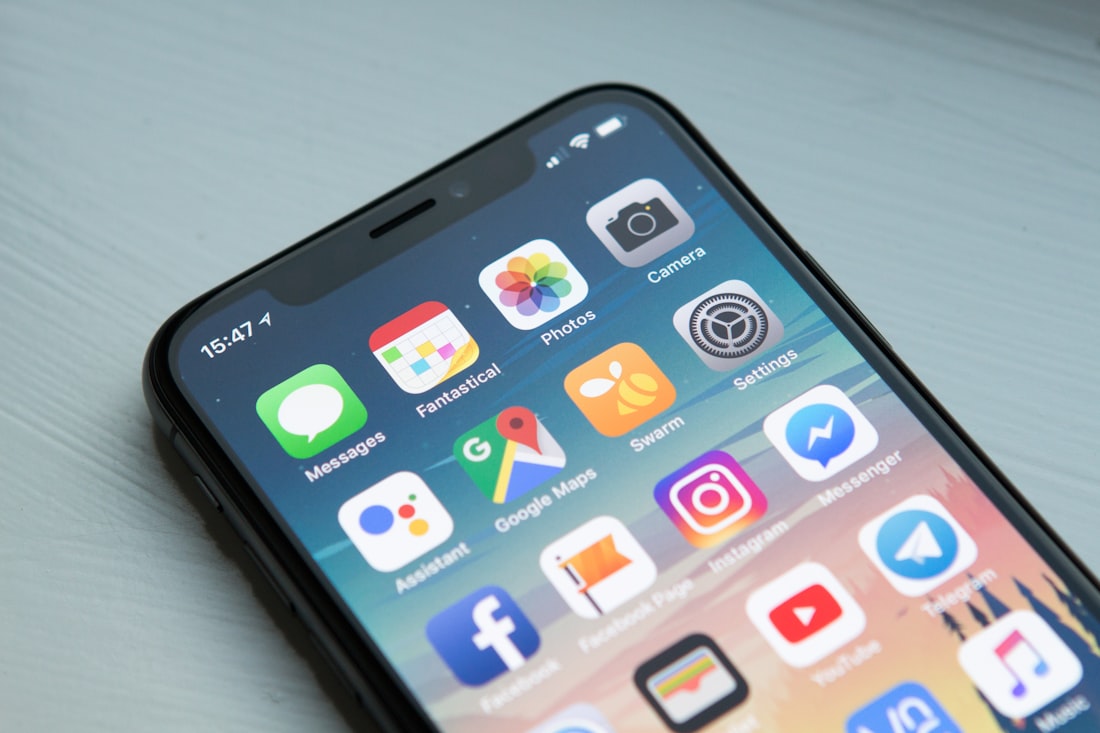
iOS 27 spreads intelligence across dozens of small moments rather than one big feature.
Which iOS 27 AI Features Matter Most?
Three changes matter most: Siri AI itself, the new Siri mode in the Camera app, and writing help that now works almost everywhere you type. Everything else is genuinely nice but smaller. Our ranking is a judgment call based on how often a feature will touch a normal week, not on how impressive it looks in a keynote.
A quick framing before the list. Apple says the new capabilities run on the next generation of Apple Foundation Models, on the device and on Private Cloud Compute. Some features that use server models come with daily usage limits, which we explain in our limits guide. Keep that in mind as you read: a feature can be great and still be capped.
The Three That Change Your Day

Camera, Photos, and Visual Intelligence changes are among the most visible additions.
First, Siri AI. It searches your messages, mail, and photos, reads your screen, and takes actions in apps, and a dedicated Siri app keeps your conversations. It is the single feature that changes how you use the phone, and we cover it end to end in the Siri AI explainer.
Second, Siri mode in Camera. On iPhone, Siri’s multimodal features are built right into the Camera app. Point at a poster, a menu board, or a plant and ask a question, then act on the answer. Visual Intelligence also lands on iPad through the screenshot experience, on Mac through a keyboard shortcut, and on Vision Pro, so the idea travels. See our Camera guide for the details.
Third, writing help everywhere. You can describe what you need and let Siri draft it, or describe a change to something you wrote. In Mail and Messages Siri can reflect how you usually write to each person, and Apple Intelligence proofreads as you type across the system, including most third-party apps. Nobody writes a headline about proofreading, but it touches every message you send.
What Changed Behind the Features?
It helps to know what powers all of this, because it explains both the capabilities and the limits. Apple says the new features run on the next generation of Apple Foundation Models, custom built in collaboration with Google and its Gemini models, and that these models run on the device and on Private Cloud Compute servers.
The on-device piece is called AFM Core Advanced, which Apple describes as its most advanced on-device model ever. It powers expressive Siri voices and the improved systemwide dictation, but only on hardware with enough memory: the iPhone 17 Pro and Pro Max, iPhone 18 Pro and Pro Max, iPhone Air, and iPhone Duo on the phone side, and iPad or Mac models with at least 12GB of unified memory. If your iPhone is a 15 Pro or a 16, you still get Apple Intelligence, just not every on-device extra.
Then there is Private Cloud Compute, where the heavier work happens. Image Playground’s new generative model runs there, and features that rely on server-side models are the ones Apple says carry daily usage limits. Understanding this split makes the whole list easier to read: on-device features are fast, private, and uncapped; server features are more powerful and may run into a ceiling. We explain the tradeoff in on-device versus cloud AI.
Useful, Just Smaller
Safari tab organization and Notify Me
Safari can group tabs into topics, notify you of restocks or price drops, and build custom extensions from a description. Our breakdown is in the Safari guide.
Describe-a-shortcut automations
In Shortcuts you can create complex automations by describing what you want. Calendar also accepts simple descriptions to add or change events.
Smarter Photos editing
Spatial Reframing adjusts perspective after the shot, Extend adds breathing room around a subject, and Clean Up removes distractions with better infill.
Call Context in Phone
When you call a business, relevant details such as a confirmation code or reservation number can surface proactively.
If you only try two of these, try the shortcut and calendar descriptions. They turn a task that used to need patience with a tricky editor into one sentence, and they are the easiest way to feel what “describe it and it happens” is like without any risk.
Fun, But Not Essential

Writing help and automations are quieter but touch more of your day.
Image Playground now runs on a new generative model on Private Cloud Compute, can produce photorealistic images, and is available from the Siri app too. Apple says support for the SynthID standard is coming so AI-made or AI-edited images can be identified. It is a legitimate step, but for most people image generation is an occasional treat, and it is one of the features that carries daily limits.
The Home app gains video descriptions, cross-camera clip search, and grouped notifications, but Apple notes it requires a home hub and an eligible iCloud+ plan. That is real value for a specific kind of household, and irrelevant to everyone else.
Coming later this year are Audio Intelligence features on Apple Watch Series 12 and Ultra 4, such as Live Rewind and Siri Recap, plus a redesigned Health app with an Insights tab. We will cover them separately once they ship, and the always-on microphone questions they raise are part of our wearables privacy piece.
How to Spend Your First Hour With iOS 27 AI
If you update this weekend, you do not need to test everything. A short, deliberate hour will tell you more than a scattered week.
Minute 1 to 15: Siri AI
Ask three questions that need your own data, like something buried in old messages or a photo you cannot find. Note which answers were right.
Minute 15 to 30: Camera
Open Siri mode in Camera, point at something with text or a place, and ask a real question. See whether the follow-up action works.
Minute 30 to 45: Writing
Draft a reply with Siri, then edit it. Notice whether the tone matches how you usually write to that person.
Minute 45 to 60: Safari and Shortcuts
Let Safari organize your tabs, set one Notify Me on a product you care about, and try describing a simple shortcut.
Keep a scorecard: which feature saved you time, which annoyed you, which you would never open again. That tells you where to invest attention. And if a feature is missing entirely, check the availability notes in our device guide before assuming something is broken.
iOS 27 AI Features Compared
| Feature | Where it lives | Worth your time? |
|---|---|---|
| Siri AI | System-wide, plus the Siri app | Yes, the main event |
| Siri mode in Camera | Camera app on iPhone | Yes, if you use Camera for lookups |
| Writing help and proofreading | Anywhere you type | Yes, it is constant |
| Safari tab topics and Notify Me | Safari | Yes for heavy browsers |
| Describe-a-shortcut and Calendar | Shortcuts, Calendar | Yes, quick wins |
| Photos editing tools | Photos | Sometimes |
| Image Playground | Standalone and Siri app | Occasional fun |
| Home video descriptions | Home app | Only with the right hub and plan |
If you are choosing between platforms, remember that Apple is not alone here. Google and Samsung are pushing similar ideas on Android, which we compare in Android vs iPhone AI features. And some of these features only work on newer phones, a point covered in why some iPhones get Siri AI and others do not.
Which Features Matter for Which Kind of User?
The “most important” feature depends on how you use your phone. A few honest profiles help more than a single ranking.
The inbox-heavy worker
Writing help and Smart Reply in your own style will pay off daily, and Siri’s ability to draft an email or find a detail in old mail saves the most time.
The frequent traveler
Siri mode in Camera and onscreen awareness are handy for posters, signs, and itineraries, and Notify Me in Safari can watch a fare or a restock for you.
The photo taker
The Photos tools, Spatial Reframing, Extend, and Clean Up, are the ones you will actually notice, along with SynthID labeling when it arrives.
The smart-home household
Home app video descriptions and cross-camera clip search help, but only with a home hub and an eligible iCloud+ plan.
The tinkerer
Describing shortcuts in plain language lowers the barrier to automation, and custom Safari extensions built from a description are worth an evening.
If you do not see yourself in any of these, that is fine. Siri AI is the one feature nearly everyone will touch, so start there and add the rest as you find a need.
Frequently Asked Questions
What is the most important AI feature in iOS 27?
Siri AI is the most important because it searches your messages, mail, and photos, reads your screen, and acts inside apps. It changes how you use the phone more than any single tool.
Do all iOS 27 AI features work on every iPhone?
No. Apple Intelligence requires an iPhone 15 Pro or newer, and some features, like the most advanced on-device model, need even more recent hardware.
Are the new iOS 27 AI features free?
Apple says certain server-side features have daily usage limits and that expanded access will be available for a fee in the future. Apple has not published pricing yet.
Which iOS 27 AI features are not available yet?
Audio Intelligence on Apple Watch Series 12 and Ultra 4 and the redesigned Health features arrive later in 2026. Some third-party Siri integrations are also listed as coming soon.
More AI Tool Guides, Written Clearly
Browse our full library of AI explainers, updated as the tools and hardware change.
More from the creator
Explore two other projects from the same creator.