Siri AI Explained: What Apple’s New Assistant Can Actually Do on iOS 27
For a decade Siri was the assistant people used for timers and then gave up on. With iOS 27 Apple has rebuilt it from the ground up and called the result Siri AI. It went live on September 14 as a beta, so the honest question is not whether it is impressive in a demo, but what it does on an ordinary Tuesday and where it still runs out of road.
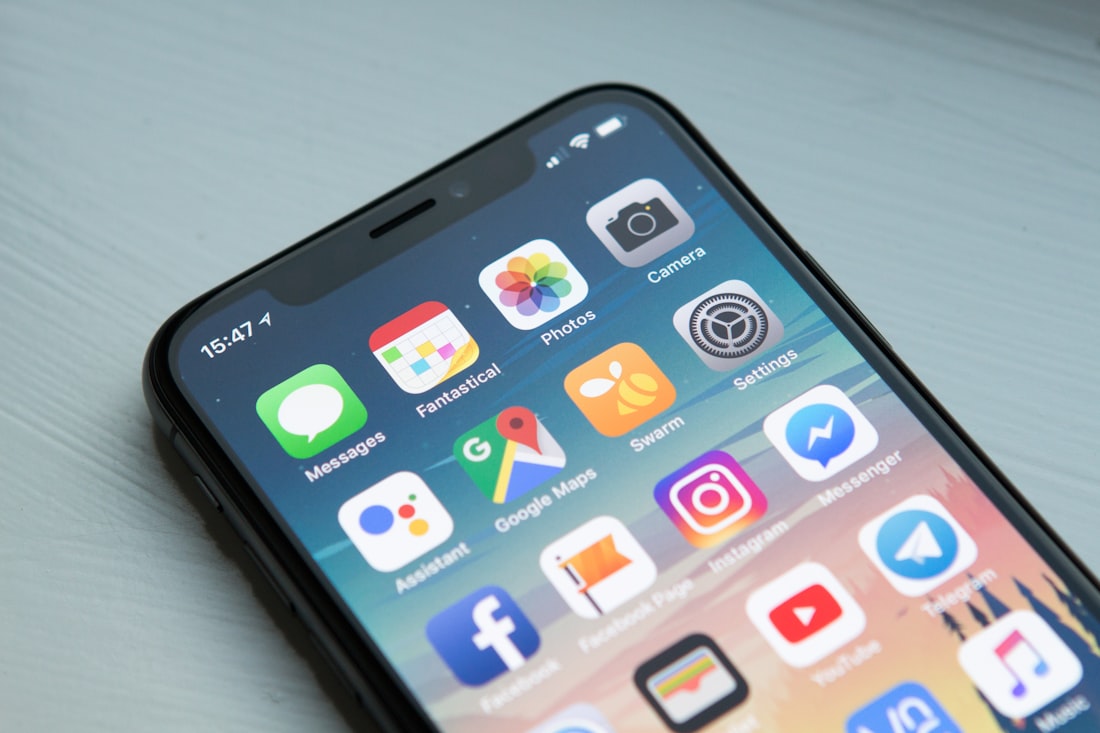
Siri AI can be summoned by voice, the side button, or a swipe down from the Dynamic Island.
What Is Siri AI, in Plain Terms?
Siri AI is Apple’s new assistant, built on the next generation of Apple Intelligence. Apple describes it as conversational, aware of your personal context, aware of what is on your screen, and able to take actions inside apps. In practice that means you can ask a messy, human question, get a real answer, and then keep talking about it instead of starting over.
It rolled out on September 14 alongside iOS 27, iPadOS 27, macOS 27, watchOS 27, and visionOS 27. It starts in English as a beta. French, Japanese, Korean, Portuguese, and Spanish are due next month, which matters if English is not the language you talk to your phone in.
Under the hood, Apple says the new Apple Foundation Models were built in collaboration with Google and its Gemini models, and that they run both on the device and on Apple’s Private Cloud Compute servers. You do not choose between the two. The system decides what stays local and what needs the bigger model. We unpack that split in our on-device versus cloud explainer.
How Is Siri AI Different From the Old Siri?
The old Siri mapped a phrase to a fixed command: set a timer, call a contact, read the weather. If your request did not fit a template, you got a web search or an apology. Siri AI is built on a language model, so it interprets what you mean, holds context across turns, and can chain steps together. That is a change in kind, not a facelift.
| Ability | Old Siri | Siri AI |
|---|---|---|
| Conversation | One request at a time | Follow-up questions and rich, natural conversation |
| Your personal data | Narrow, command-specific lookups | Personal context across messages, mail, and photos |
| What is on screen | Mostly blind to it | Onscreen awareness for questions and actions |
| Knowledge | Often handed off to a search | Broad world knowledge with up-to-date answers |
| History | None to speak of | A dedicated Siri app that syncs past conversations |
| Voice | Fixed voice | More expressive voices with adjustable pace and expressiveness |
None of this means every request will work. A language-model assistant fails differently from a rules-based one: instead of a flat “I can’t do that,” it can misread a request and confidently do the wrong thing. That is the price of flexibility, and it is why we would check anything Siri drafts before it goes out.
Six Things Siri AI Actually Does Now
The headline change is that Siri now works across your own messages, mail, and photos.
Finds things across your data
Ask what a relative suggested for an upcoming visit and Siri can search your Messages, pull a recipe from an email, and add the ingredients to Reminders. Apple used exactly this example at launch.
Reads your screen
With onscreen awareness you can ask about whatever is open. Apple’s example is a team’s website: “find all upcoming home games” and they land in your calendar.
Answers from the web
Broad world knowledge covers scores, travel tips, and local recommendations, so it no longer bounces you to a list of search links.
Acts inside apps
Systemwide app actions let Siri draft an email or edit and share a set of photos. It already works with apps like WhatsApp and Audible.
Keeps a conversation history
A new dedicated Siri app stores past chats and syncs them through iCloud across iPhone, iPad, Mac, Apple Watch, and Vision Pro.
Writes and proofreads
Describe what you need and Siri drafts it, or tell it how to change what you wrote. Apple Intelligence also proofreads as you type across most apps.
The Wall Street Journal’s hands-on is a good reality check. Its reviewer stood at a parking machine, asked Siri for her license plate number, and Siri pulled it from a photo of a registration renewal notice. That is a small, boring, useful thing, and it is the kind of task the old Siri could never do. See our deeper look at how that works in the personal context breakdown.
How Do You Actually Talk to Siri AI?
You can say “Hey Siri,” press the side button, or swipe down from the Dynamic Island to start a conversation. On iPad and Mac, Siri AI sits inside Spotlight, and Control-click on a file, image, or text opens a systemwide context menu that lets you ask about it. On Apple Vision Pro you look at Siri and start talking.
On iPhone there is one more entrance that deserves attention: a new Siri mode in the Camera app, so you can point at something and ask about it. Apple’s example is a music festival poster. Ask for the set times of your favorite artists, then have Siri create calendar events for the weekend. We cover that separately in our Camera guide.
Voices are a quiet upgrade too. Siri AI has more expressive voices you can tune for pace and expressiveness, and dictation is meant to handle punctuation and capitalization as you speak. Those particular features lean on Apple’s most advanced on-device model, which only some hardware supports, a limit we walk through in which iPhones get what.
What Does a Day With Siri AI Look Like?
Abstract feature lists are hard to picture, so here is a realistic run through the scenarios Apple and early reviewers describe. None of these needs a new habit, just a different first move than opening an app and hunting.
Standing at a parking meter
Ask for your license plate and Siri can find it in a photo of your registration paperwork. This is the Wall Street Journal’s example, and it works because Siri can search your photos, not just your messages.
Reading a team’s schedule
While the website is open, ask Siri to find every upcoming home game and add them to your calendar. Onscreen awareness turns a page you are already reading into a list of events.
Walking past a festival poster
Open the Camera app’s Siri mode, ask for your favorite artists’ set times, and have calendar events created for the weekend.
Answering a long email
Describe the reply you want and let Siri write the first draft in your usual tone. Edit it, then send it yourself.
Editing vacation photos
Ask Siri to edit a set of photos and share them. The systemwide app actions mean it can finish the job, not just suggest one.
Dictating on the go
On supported iPhones, dictation aims to produce polished text with capitalization and punctuation handled for you.
The pattern is worth noticing: every scenario shortens a chain of taps. The gain is not that Siri is clever, it is that the phone finally connects steps you used to connect by hand. That is also why the limits in the daily limits guide matter, since a phone that does more for you gets used more.
Where Siri AI Still Falls Short

Siri AI is a beta, and availability varies by language and region.
Start with the word beta. Apple has labeled it that way on purpose, and early behavior will be uneven. Several third-party integrations are also still “soon” rather than “now”: drafting an email in Microsoft Outlook, searching for homework in Notability, or adding a restaurant to Tripsy are all on Apple’s coming-soon list.
| Limit | What Apple has said |
|---|---|
| Region | Siri AI is not available initially in the EU on iOS, iPadOS, or watchOS, and not in China while Apple works through regulatory requirements |
| Age | The Siri app is not available for users under 13 |
| Usage | Server-side features, including Siri AI, are subject to daily usage limits that vary by feature, request complexity, and demand |
| Hardware | Apple Intelligence needs iPhone 15 Pro or newer; the most advanced on-device model needs more recent hardware |
| Cost | Apple says expanded access to limited features will be available for a fee in the future |
That daily-limit line is the one most likely to surprise people, so it has its own explainer: why some AI features have usage caps. Apple has not published the actual numbers.
Turn It On or Wait a Month?
- You live in a supported region and speak English
- You have an iPhone 15 Pro or newer and a lot of messages, mail, and photos to search
- You want to see where Apple’s assistant is headed and can live with beta rough edges
- You need French, Japanese, Korean, Portuguese, or Spanish and would rather wait for stable support
- You rely on a third-party app whose Siri integration is still marked “soon”
- You live in the EU or China, where it is not available yet
For most people with a supported iPhone, the sensible move is to try it now. Nothing about a beta assistant stops you from also using the apps you already know. If you want a broader map of everything Apple shipped, start with our iOS 27 feature ranking, and if you are weighing platforms, Android versus iPhone is worth ten minutes.
Frequently Asked Questions
Is Siri AI free?
Apple has not announced a price. It says certain server-side features carry daily usage limits and that expanded access will be available for a fee in the future, so treat the current experience as free but capped.
What languages does Siri AI support?
It launched in English on September 14 as a beta. Apple says French, Japanese, Korean, Portuguese, and Spanish arrive the following month.
Does Siri AI work on iPhone 15 Pro?
Yes, Apple Intelligence supports the iPhone 15 Pro and 15 Pro Max, along with iPhone 16 models and later. Some features, such as expressive voices and the most advanced dictation, need newer hardware.
Is Siri AI available in the EU?
Not initially. Apple says Siri AI and the features that rely on it are unavailable in the EU on iOS, iPadOS, and watchOS, and that it is working on a path forward.
More AI Tool Guides, Written Clearly
Browse our full library of AI explainers, updated as the tools and hardware change.
More from the creator
Explore two other projects from the same creator.